

If you’re using Android, the Resume feature in Windows 11 could prove beneficial.
Windows 11 includes a feature called Windows 11 Resume, which has largely gone unnoticed. The concept is straightforward: perform a task on your Android phone, and your PC suggests where to continue from.
This concept resembles the seamless transition between an iPhone and a Mac. However, on Windows, the number of supported apps has been so limited that many users have only seen this feature activate with a few well-known names.
Microsoft is now indicating that the Resume feature should support more third-party Android apps, provided there is a corresponding app on Windows. If this occurs on a larger scale, Resume could shift from an obscure option to something more prevalent.
More apps for Resume
The most significant change is that Microsoft is outlining a broader method for apps to activate Resume. The fundamental requirement remains straightforward: there must be both an Android app and a Windows app for the same service; otherwise, there wouldn’t be a practical way to continue.
It also appears to be less reliant on a single connection method. In addition to the Link to Windows option, there is now a second alternative that utilizes the Windows Notification System to display a continuation prompt through standard Windows notifications.
However, this does not imply that every app will suddenly support it. Developers need to integrate this functionality, and access is not automatically granted.
It still won’t have Apple’s finesse
Even with increased support, Resume is unlikely to immediately match the refinement of Apple’s feature. Apple manages both hardware and software for its platforms, while Windows relies on developers to opt in.
Additionally, it is not a complete session transfer. Don’t expect the exact screen you left open on your phone to appear on your PC. Instead, consider it a quick way to return to the same app or service, which is more convenient than sifting through recent apps, tabs, or notifications.
A selective approach might also be beneficial. If Resume becomes inundated with low-value prompts, users may disable it and forget about it.
What’s next for you on your PC
To see if Resume is functioning for you, ensure it’s activated in your app settings, and then watch for any suggestions after you use the same service on your phone. You will only notice it when a compatible Android app coincides with its Windows counterpart.
The real test will be which apps are the first to embrace this feature. If common applications like messaging, email, documents, and music get on board, Resume could become a minor feature that users miss when absent. If not, it will remain an interesting curiosity that can easily be ignored.
Other articles
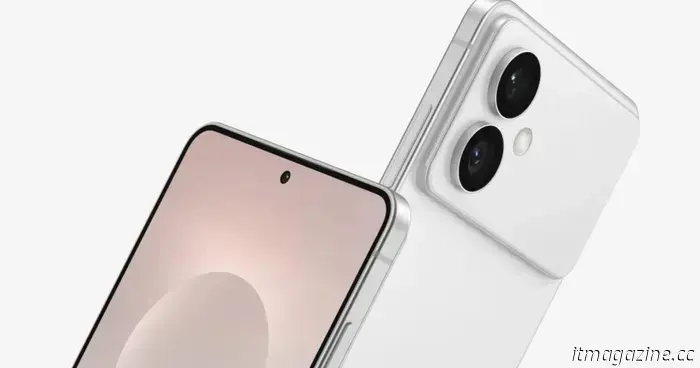 Samsung may introduce advanced privacy screens across the entire Galaxy S26 lineup.
The Galaxy S26 series from Samsung might feature a privacy display powered by AI that prevents side viewing, thereby safeguarding sensitive information in public areas.
Samsung may introduce advanced privacy screens across the entire Galaxy S26 lineup.
The Galaxy S26 series from Samsung might feature a privacy display powered by AI that prevents side viewing, thereby safeguarding sensitive information in public areas.
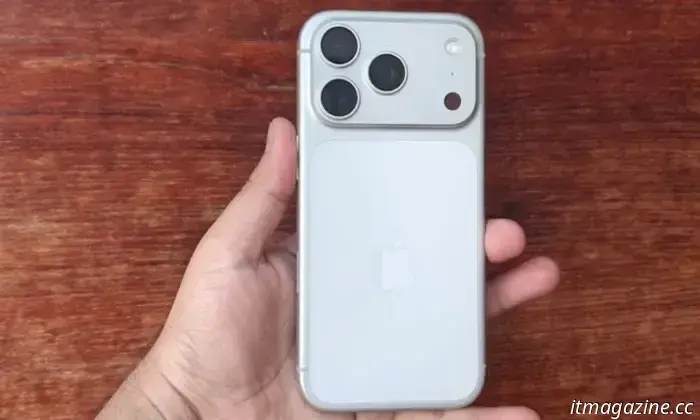 A new leak regarding the Galaxy S27 Ultra suggests possible enhancements to its camera features.
A recent leak has disclosed the possible camera enhancements Samsung might introduce with the Galaxy S27 Ultra next year.
A new leak regarding the Galaxy S27 Ultra suggests possible enhancements to its camera features.
A recent leak has disclosed the possible camera enhancements Samsung might introduce with the Galaxy S27 Ultra next year.
 The new UK guidelines on screen time for children under 5 focus on reducing passive screen use. Here’s what it means for you.
In April, the UK will release its initial guidance on screen time for children under the age of five. This guidance focuses on passive viewing, following studies that have associated excessive daily screen time in two-year-olds with poorer vocabulary and other issues.
The new UK guidelines on screen time for children under 5 focus on reducing passive screen use. Here’s what it means for you.
In April, the UK will release its initial guidance on screen time for children under the age of five. This guidance focuses on passive viewing, following studies that have associated excessive daily screen time in two-year-olds with poorer vocabulary and other issues.
 Snapdragon X2 Plus laptops are on the way; here's what the benchmarks indicate.
Benchmarks for the Snapdragon X2 Plus suggest that Qualcomm's upcoming chip for Windows laptops still falls behind Apple's M4 in most CPU and GPU evaluations. If you're planning to make a purchase soon, it’s advisable to wait for reviews of actual retail laptops.
Snapdragon X2 Plus laptops are on the way; here's what the benchmarks indicate.
Benchmarks for the Snapdragon X2 Plus suggest that Qualcomm's upcoming chip for Windows laptops still falls behind Apple's M4 in most CPU and GPU evaluations. If you're planning to make a purchase soon, it’s advisable to wait for reviews of actual retail laptops.
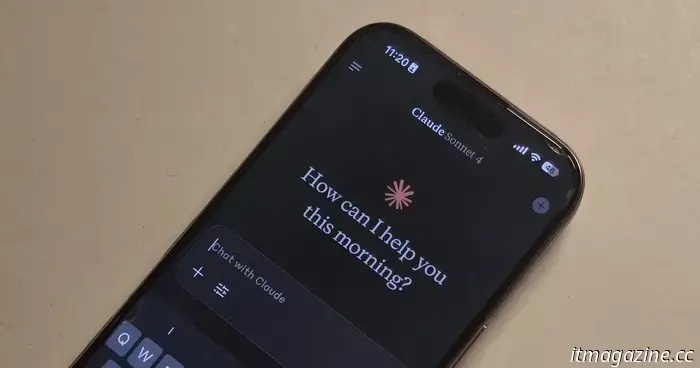 Anthropic's Claude will soon assist you in understanding your Apple Watch health information.
Anthropic's new Claude for Healthcare is designed to assist you in interpreting health and fitness data from wearables such as the Apple Watch.
Anthropic's Claude will soon assist you in understanding your Apple Watch health information.
Anthropic's new Claude for Healthcare is designed to assist you in interpreting health and fitness data from wearables such as the Apple Watch.
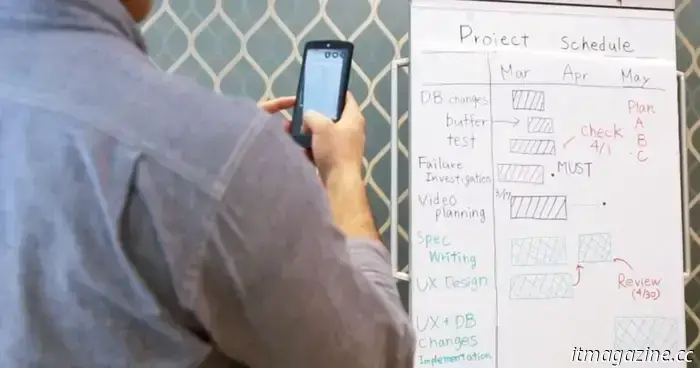 Microsoft Lens is fading into obscurity, if you even recall using it.
Microsoft Lens is closing down on iOS and Android with two important dates. It will be removed from app stores on February 9, 2026, and new scans will cease on March 9, 2026. Here’s how to get ready.
Microsoft Lens is fading into obscurity, if you even recall using it.
Microsoft Lens is closing down on iOS and Android with two important dates. It will be removed from app stores on February 9, 2026, and new scans will cease on March 9, 2026. Here’s how to get ready.
If you’re using Android, the Resume feature in Windows 11 could prove beneficial.
The Resume feature in Windows 11 may become significant for Android users. Microsoft is expanding support for third-party applications, potentially allowing for smoother task continuation on your PC with fewer obstacles.