
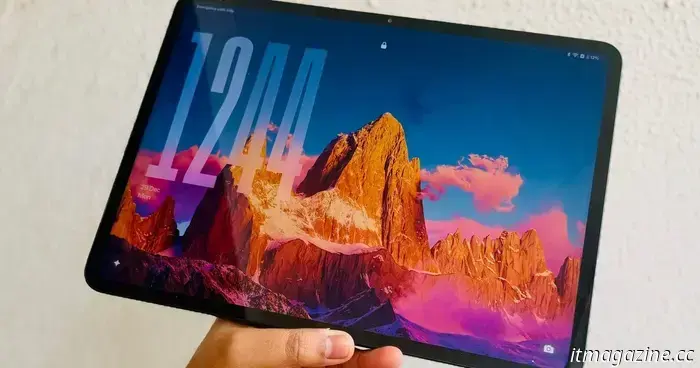
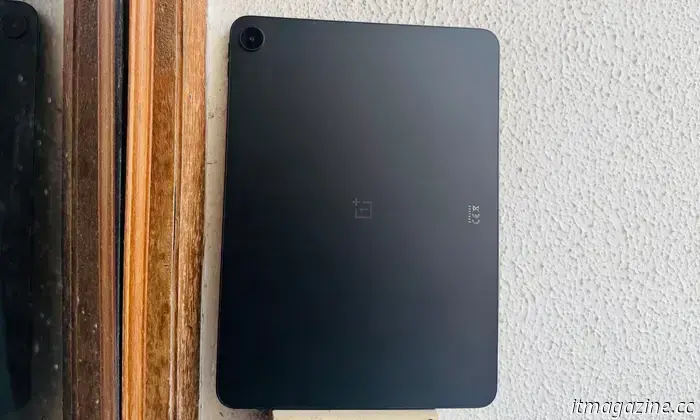
I used to believe the iPad was unbeatable, but the $399 OnePlus Pad Go 2 changed my perspective.
The standard iPad is an incredibly effective tablet, and its offerings at $349 are hard to beat. It excels in nearly all areas—from a sturdy design and seamless performance to dependable, feature-rich software and long-lasting updates. It's ideal for children, educational institutions, and entertainment.
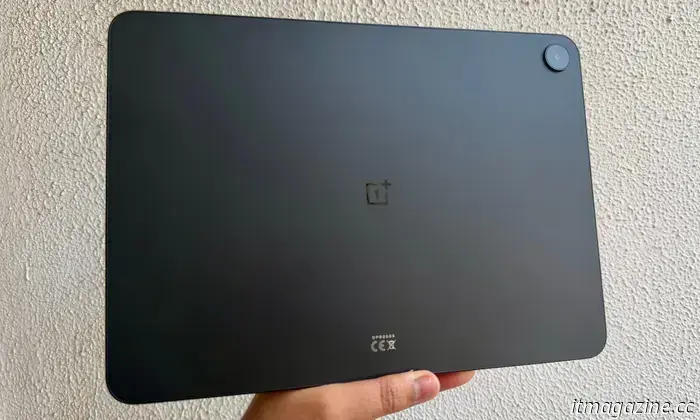
For years, it has set the standard for competitors in the Android market, but none have quite managed to surpass it. Enter OnePlus with the Pad Go 2, a budget-friendly Android option that takes a slightly different approach to challenge the iPad and nearly succeeds.
While it can't definitively outperform the iPad, it still includes plenty of features at $399 that make it one of the most well-rounded Android tablets available. I would even consider it the best Android tablet in terms of value after using it as a secondary device for a couple of weeks.
A screen designed for both work and play
Finding a decent screen on a budget can be challenging. Cost limitations often compromise pixel density, size, brightness, or overall fluidity. The OnePlus Pad Go 2 achieves a commendable balance—arguably, the best balance—among all these critical aspects.
In comparison to the standard iPad, it boasts a larger (12.1-inch vs. 11-inch) display with a resolution of 2800 x 1980 pixels. The pixel density on the OnePlus tablet is even higher (284 vs. 264 PPI), and it also provides a brighter display at 600 nits (900 nits in high brightness mode), while the iPad caps at 500 nits.
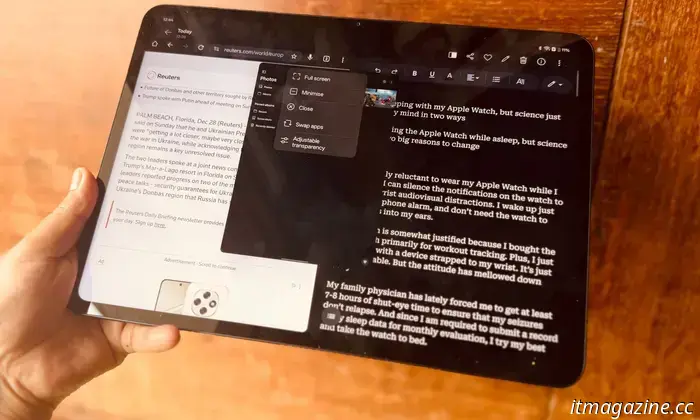
Although the difference isn't drastic, you'll notice improved readability outdoors. Another often-overlooked advantage is the aspect ratio; the 7:5 format is better suited for multitasking in split-screen than the square-like layout of the iPad. Additionally, the display area is more spacious.
If you're purchasing this tablet mainly for streaming content, it won't let you down. It supports Dolby Vision content, and its aspect ratio is a suitable choice compared to the 16:9 format found on many Android tablets and Apple's 4:3-like design.
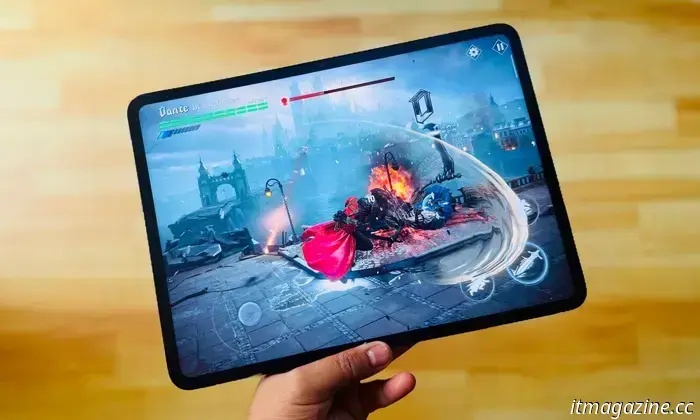
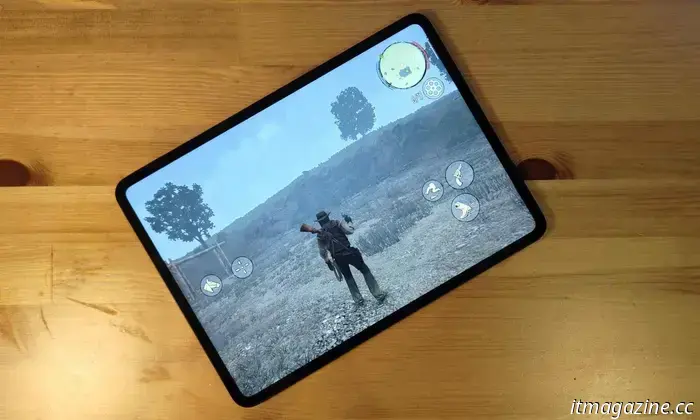
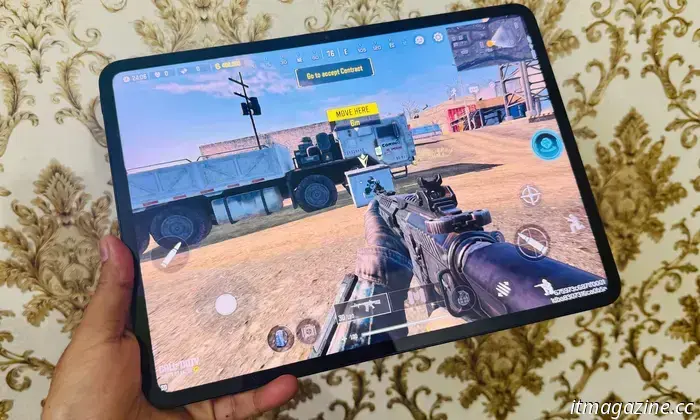
If you intend to play numerous games or stream titles from the cloud, this display is well-suited for those activities. You’ll experience fewer pillarboxing issues or unusual vertical cropping on the OnePlus Pad Go 2 compared to the iPad.
The screen offers decent saturation and acceptable viewing angles. However, what really distinguishes this tablet is its 120Hz refresh rate. Most tablets in this price range—including the iPad—use a standard display, but the OnePlus Pad Go 2 includes a 120Hz screen.
The added fluidity is immediately noticeable. Whether you're navigating Oxygen OS 16, taking notes with the stylus, or watching games, the 120Hz panel provides a smoother experience. It can drop as low as 30Hz in auto mode, but I would recommend sticking with the peak rate, even if it impacts battery life.
While you can't fully enjoy the thrill of 60FPS+ gaming due to limited system resources, in the few games where it can be achieved with some graphical optimization, the experience is enjoyable. I found the 60fps mode to be the sweet spot for the 120Hz LCD panel on the OnePlus Pad Go 2, making it quite enjoyable.
The software differentiation
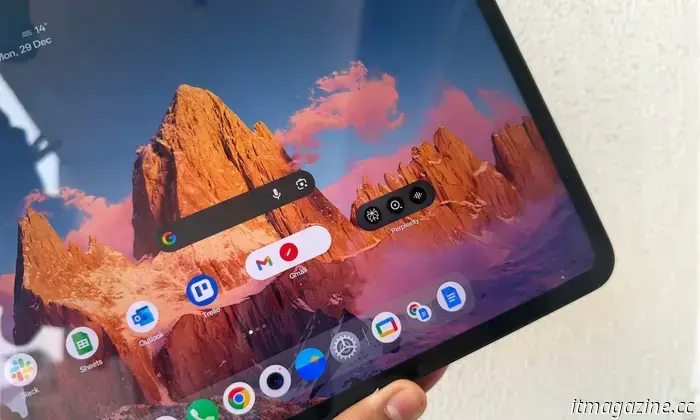
OnePlus has made significant advancements towards an AI-driven software experience with OxygenOS 16, but they haven't gone overboard. Instead, the Android 16-based software on the tablet retains its unique appeal with a variety of distinctive features.
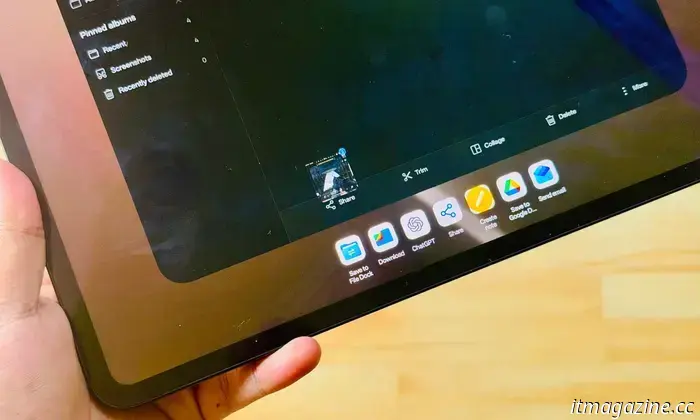
One of my favorites is the sidebar. A simple inward swipe grants quick access to frequently used apps and utilities without rearranging across multiple apps. This sidebar also includes a file dock that functions like a synced universal file container—essentially a sophisticated clipboard.
For frequently used items, you can easily store them here for quick access without searching through local storage. Additionally, if you have a OnePlus phone, you can sync this file dock across both devices. Similarly, there's an efficient screen mirroring system that operates like the iPhone-Mac connection.
OnePlay has even introduced an app relay feature that allows you to display phone content on the tablet screen. I particularly appreciate the off-screen note-taking function, which enables you to start writing on the lock screen without needing to unlock and launch an app.
There are also some AI-based features that assist with tasks like translation, summarizing, and image editing, though they could use improvement. For instance, the AI writing tool didn't function in the pre-installed notes app and wouldn’t operate on web pages in Chrome, either.
OnePlus’ app window management is quite intuitive, particularly the gestures. It outperforms what’s available with iPadOS 26 on the iPad. The drag-and-drop gestures, window swapping, and transparency controls in OxygenOS 16 enhance the user experience.
However, one notable absence is the Open
Other articles
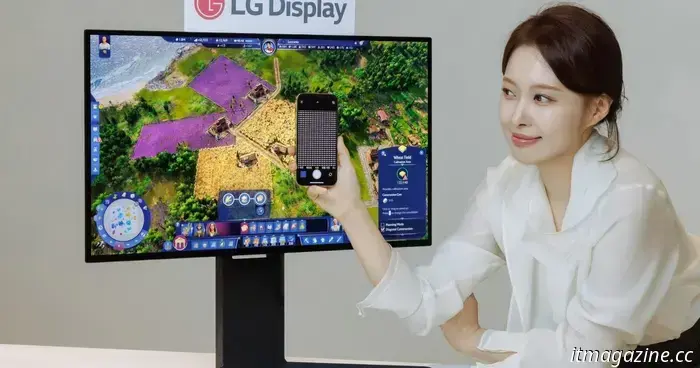 LG Display is ready to unveil its 27-inch 4K OLED RGB stripe panel at CES 2026.
LG Display is introducing the first-ever 27-inch 4K OLED RGB stripe panel with a refresh rate of 240Hz, aimed at high-end gaming and professional displays, offering enhanced clarity, speed, and versatility.
LG Display is ready to unveil its 27-inch 4K OLED RGB stripe panel at CES 2026.
LG Display is introducing the first-ever 27-inch 4K OLED RGB stripe panel with a refresh rate of 240Hz, aimed at high-end gaming and professional displays, offering enhanced clarity, speed, and versatility.
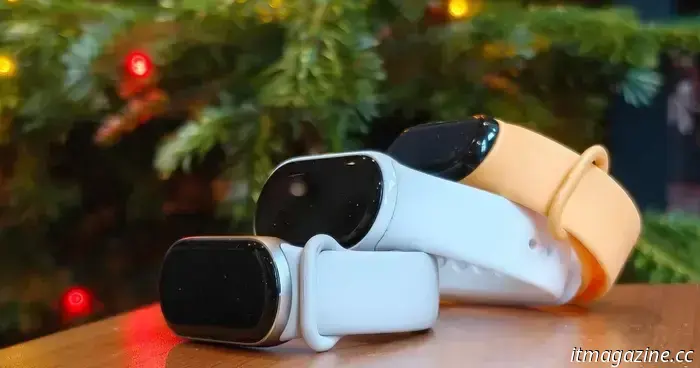 How to utilize your fitness tracker to achieve your best fitness in 2026.
We will guide you through five key tips to help you maximize the use of a fitness tracker and enhance your health.
How to utilize your fitness tracker to achieve your best fitness in 2026.
We will guide you through five key tips to help you maximize the use of a fitness tracker and enhance your health.
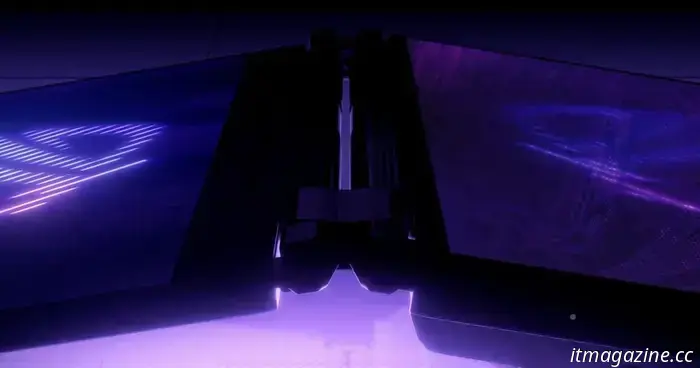 Asus aims for your gaming laptop to serve a dual purpose at CES 2026.
Asus has hinted at a new dual-screen gaming laptop from its ROG line, set to be unveiled at CES 2026 on January 5 at 3 pm PT. Here's what the brief video indicates and what to look out for.
Asus aims for your gaming laptop to serve a dual purpose at CES 2026.
Asus has hinted at a new dual-screen gaming laptop from its ROG line, set to be unveiled at CES 2026 on January 5 at 3 pm PT. Here's what the brief video indicates and what to look out for.
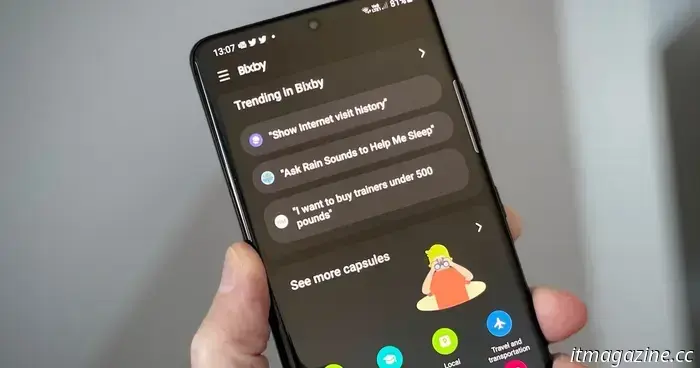 Bixby on Galaxy smartphones might soon be able to compete with Gemini by providing more intelligent responses.
Samsung may introduce a more intelligent Bixby powered by Perplexity in the upcoming One UI 8.5.
Bixby on Galaxy smartphones might soon be able to compete with Gemini by providing more intelligent responses.
Samsung may introduce a more intelligent Bixby powered by Perplexity in the upcoming One UI 8.5.
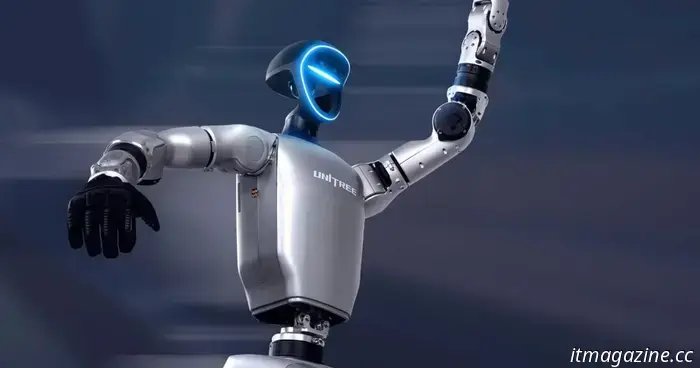 A humanoid robot teleoperator accidentally kicks itself in a painful spot.
Humanoid robots have made significant progress lately, and there are high expectations for these sophisticated machines in the upcoming year. Training humanoid robots can occur in several ways. For instance, Unitree's G1 robot undergoes training in part through teleoperation, where a human operator uses a motion-capture suit or controllers to […]
A humanoid robot teleoperator accidentally kicks itself in a painful spot.
Humanoid robots have made significant progress lately, and there are high expectations for these sophisticated machines in the upcoming year. Training humanoid robots can occur in several ways. For instance, Unitree's G1 robot undergoes training in part through teleoperation, where a human operator uses a motion-capture suit or controllers to […]
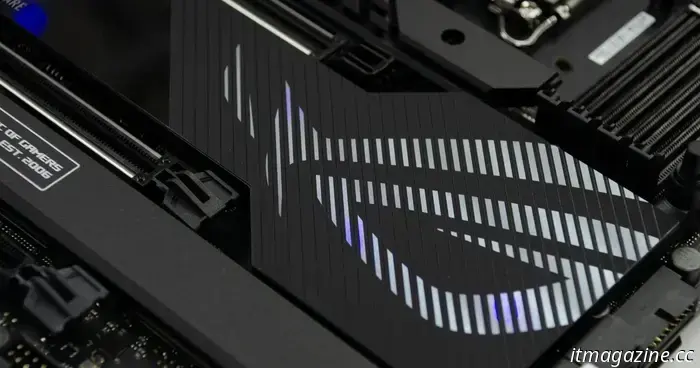 Asus may develop its own RAM since other companies are preoccupied.
Due to a worldwide memory shortage, Asus might explore DRAM manufacturing or seek alternative suppliers to mitigate price increases as costs for DDR4 and DDR5 continue to climb.
Asus may develop its own RAM since other companies are preoccupied.
Due to a worldwide memory shortage, Asus might explore DRAM manufacturing or seek alternative suppliers to mitigate price increases as costs for DDR4 and DDR5 continue to climb.