
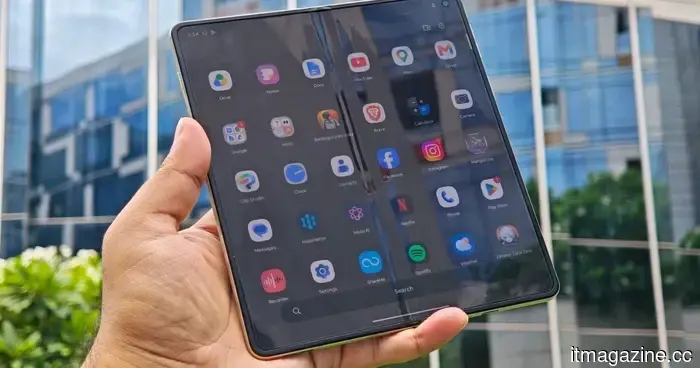
I adored the Motorola Razr Fold, but Android 17 could significantly enhance its most vulnerable feature.
Not every significant Android update introduces a complete visual or feature transformation. Therefore, even after a large download, you may not see a significant change in the way you interact with your phone. However, a well-released update can resolve numerous minor annoyances, and Motorola’s Android 17 update appears to be that kind of enhancement.
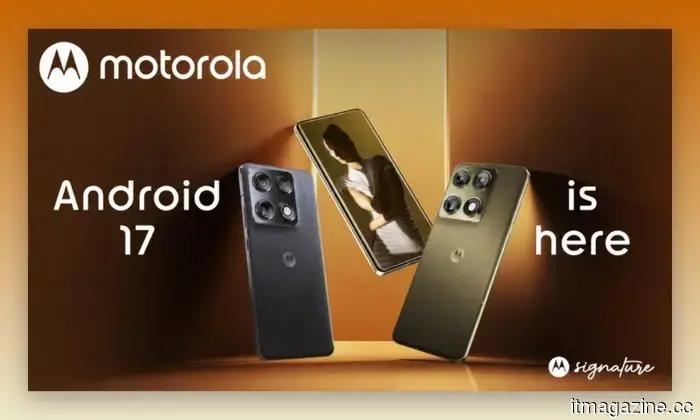
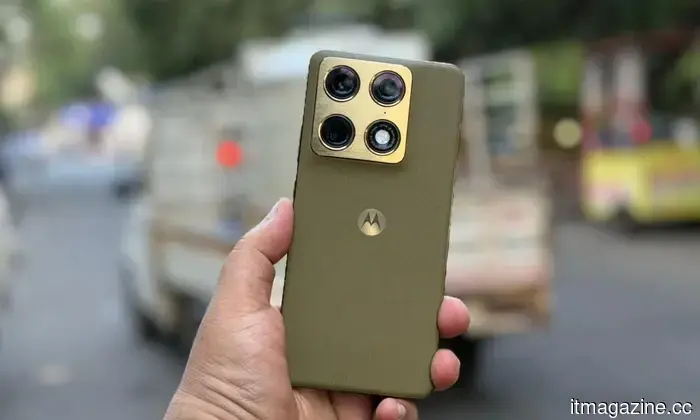
The company has initiated a phased rollout in India, starting with the Motorola Signature and followed by other eligible models like the Razr Fold in subsequent batches. The update incorporates the broader enhancements of Android 17 alongside modifications to Motorola’s own interface. This includes a revamped Quick Settings panel, smarter notifications, useful personalization features, and improved scam protection.
Your Motorola is receiving a visual upgrade
The first noticeable changes will likely occur on the home screen and within Quick Settings. Motorola is revamping parts of the system interface with larger touch targets and more streamlined menus, while Quick Settings also receives an update. If you prefer the Classic Quick Settings layout, Android 17 allows you to hide the text labels beneath individual tiles, thereby creating more space.
The home screen will also feature stackable widgets, enabling you to consolidate weather, music, calendar, battery, and other widgets in one area and swipe between them instead of having multiple rows. Additionally, Motorola is introducing themed icons and snap-scrolling for interactive widgets. Minor adjustments are also being made to brightness settings. Currently, Android phones can maximize display brightness for HDR photos and videos, but Android 17 introduces an Enhanced HDR brightness control, allowing you to lower or completely turn off the extra brightness.
Notifications are becoming much smarter
Android 17 focuses on making interactions smoother and more intuitive, which includes the new Live Updates feature. This allows supported apps to continuously update information within a single notification instead of sending repeated alerts. This is useful for deliveries, rides, navigation, or other dynamically changing information. Furthermore, Motorola phones can generate one-sentence summaries of lengthy messaging threads, and machine learning helps prioritize personal messages while grouping lower-priority automated alerts into quieter sections.
Motorola's notes on the rollout also highlight improved notification grouping and contextual sharing suggestions for newly captured media, helping reduce the influx of notifications that can occur after leaving your phone unattended for a few hours.
Sharing becomes less confined to just Android
Motorola is enhancing the communication between its devices and those outside the Android ecosystem. Quick Share QR codes enable users on other platforms, including iOS, to access shared files via a web interface, providing an option when someone nearby does not own an Android device. Android 17 also includes Instant Hotspot for easier tethering and Nearby Audio Streams for audio broadcasting to compatible devices in the vicinity.
Additionally, Motorola’s support page mentions Tap to Share, allowing compatible phones to be placed together for file transfers, and Quick Drop, which enables the creation of reusable groups for sharing photos and files with multiple people at once.
Android 17 steps up protection against scams
Spam messages are universally unwanted, and many of these can be genuinely harmful. Motorola’s rollout features automated scam detection for SMS, MMS, and RCS messages, designed to alert users when an incoming message appears to be a phishing attempt. You will also benefit from Failed Authentication Lock, enhanced PIN security, and stricter controls over sensitive information in lock-screen notifications.
Circle to Search is being expanded to include real-time on-screen translation, providing compatible Motorola devices with another method to translate whatever is currently displayed without switching between apps. While these features may not seem monumental, their addition could significantly improve usability.
Which Motorola models will receive Android 17?
Motorola has currently published a list covering over 50 device names, including:
**Motorola Signature**
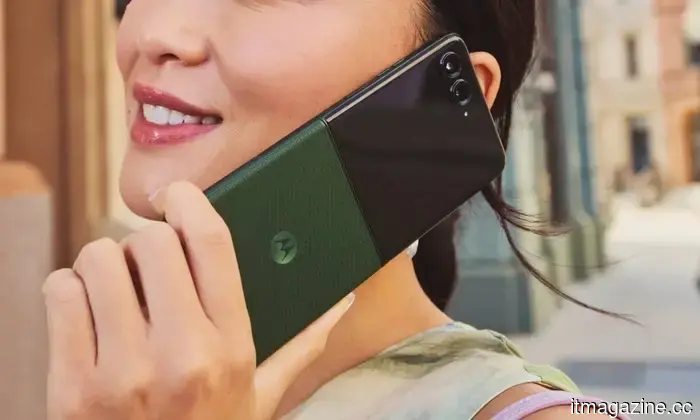
**Razr family:** Razr 70 Ultra / Razr Ultra 2026, Razr 70 Plus / Razr+ 2026, Razr 70 / Razr 2026, Razr Fold 2026, Razr Fold 2025, Razr 60 Ultra / Razr Ultra 2025, Razr 60s, Razr 60d, Razr 60 / Razr 2025, and Razr 50 Ultra / Razr+ 2024
**Edge family:** Edge 2026, Edge 70 Pro+, Edge 70 Pro, Edge 70 Max, Edge 70 Neo, Edge 70 Plus, Edge 70 Fusion+, Edge 70 Fusion, Edge 70, Edge 2025, Edge 60 Stylus, Edge 60 Pro, Edge 60 Fusion, Edge 60, Edge 50 Ultra.
**Moto G family:** Moto G Stylus 2026, Moto G Power 2026, Moto G Play 2026, Moto G 2026, Moto G 2025, Moto G Power 2025, Moto G Stylus 2025, Moto G Max, Moto G87, Moto G86, Moto G86 Power, Moto G77, Moto G77 Power, Moto G67
Other articles
 Forget the leaks; Grand Theft Auto VI is elevating Red Dead Redemption 2's commitment to realism to a new level.
New details about GTA 6 disclose dynamic body transformations, noticeable fatigue, responsive NPCs, more profound relationships, and a Leonida that is designed to recall your lifestyle within it.
Forget the leaks; Grand Theft Auto VI is elevating Red Dead Redemption 2's commitment to realism to a new level.
New details about GTA 6 disclose dynamic body transformations, noticeable fatigue, responsive NPCs, more profound relationships, and a Leonida that is designed to recall your lifestyle within it.
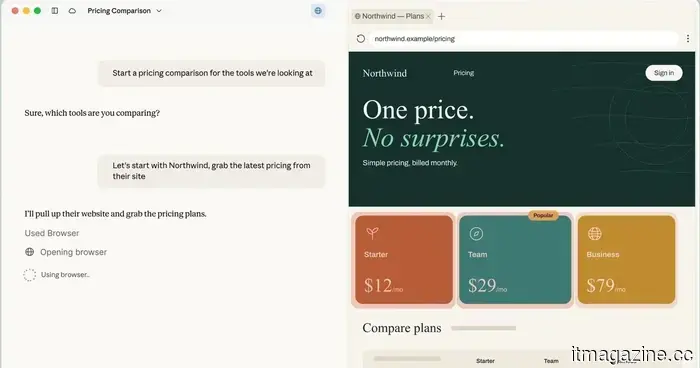 Claude Cowork has introduced its own browser that doesn’t interfere with your tabs, bookmarks, or saved passwords.
Claude Cowork now features an integrated browser that is distinct from your personal Chrome tabs, bookmarks, and passwords. This new built-in browser does not access your logins unless you explicitly decide to share them.
Claude Cowork has introduced its own browser that doesn’t interfere with your tabs, bookmarks, or saved passwords.
Claude Cowork now features an integrated browser that is distinct from your personal Chrome tabs, bookmarks, and passwords. This new built-in browser does not access your logins unless you explicitly decide to share them.
 Perion has acquired PRN for as much as $12 million, enhancing its in-store retail media presence throughout North America.
Perion has purchased the in-store retail media firm PRN for up to $12 million, securing exclusive inventory across more than 7,450 retail and healthcare sites. This agreement connects digital advertising efforts with physical points of sale.
Perion has acquired PRN for as much as $12 million, enhancing its in-store retail media presence throughout North America.
Perion has purchased the in-store retail media firm PRN for up to $12 million, securing exclusive inventory across more than 7,450 retail and healthcare sites. This agreement connects digital advertising efforts with physical points of sale.
 The upcoming challenge in fintech is gaining insight into the individual behind the data.
Amr Mohamed, the founder of Neumetria, contends that fintech requires a layer focused on behavioral understanding to explain the reasons behind transactions, rather than merely identifying them. As AI agents integrate into financial systems, context transforms into a fundamental component.
The upcoming challenge in fintech is gaining insight into the individual behind the data.
Amr Mohamed, the founder of Neumetria, contends that fintech requires a layer focused on behavioral understanding to explain the reasons behind transactions, rather than merely identifying them. As AI agents integrate into financial systems, context transforms into a fundamental component.
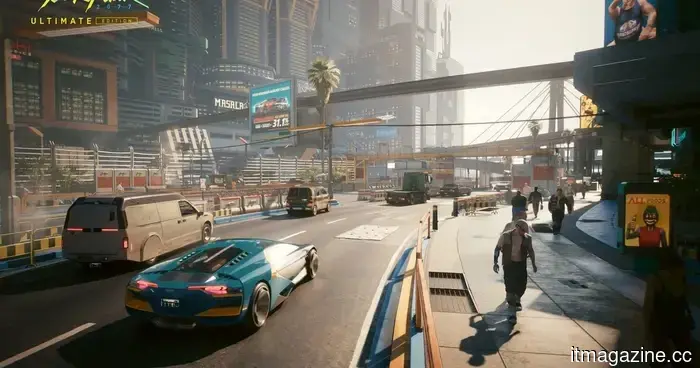 Cyberpunk 2077 is providing a significant enhancement to Samsung's glasses-free 3D gaming monitor.
Cyberpunk 2077 is set to receive exclusive support for Samsung’s Odyssey 3D monitor, providing the company with a significant platform to demonstrate that glasses-free 3D gaming can transcend being a mere novelty.
Cyberpunk 2077 is providing a significant enhancement to Samsung's glasses-free 3D gaming monitor.
Cyberpunk 2077 is set to receive exclusive support for Samsung’s Odyssey 3D monitor, providing the company with a significant platform to demonstrate that glasses-free 3D gaming can transcend being a mere novelty.
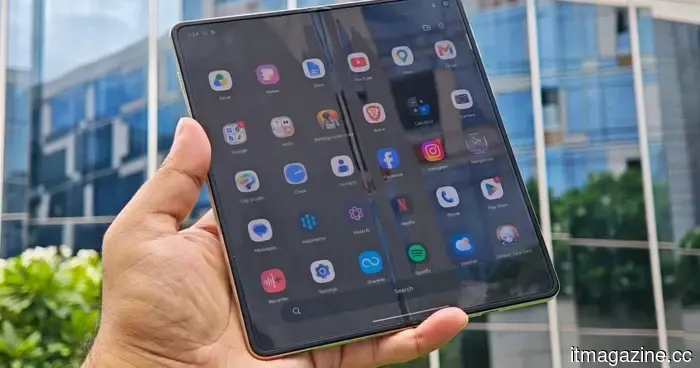 I really liked the Motorola Razr Fold, but Android 17 could significantly improve its most vulnerable aspect.
Motorola has outlined the features of its Android 17 update, which includes an updated interface, enhanced notifications, new sharing options, improved security, and compatibility with numerous devices.
I really liked the Motorola Razr Fold, but Android 17 could significantly improve its most vulnerable aspect.
Motorola has outlined the features of its Android 17 update, which includes an updated interface, enhanced notifications, new sharing options, improved security, and compatibility with numerous devices.
I adored the Motorola Razr Fold, but Android 17 could significantly enhance its most vulnerable feature.
Motorola has outlined its Android 17 update, which features a redesigned interface, enhanced notifications, improved sharing options, increased security, and compatibility with numerous devices.