
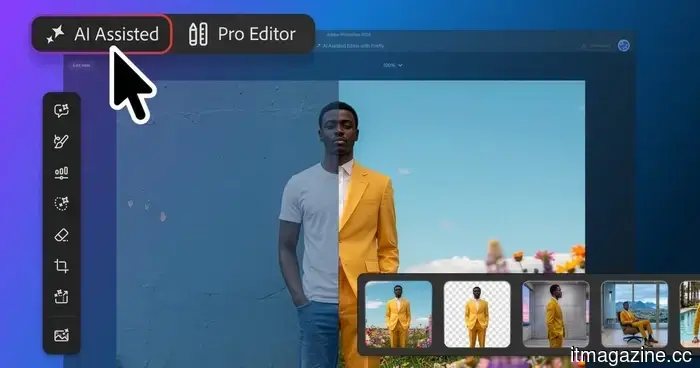
Adobe Photoshop has introduced an AI editor for those who prefer using prompts.
Adobe is introducing a new AI-Assisted Editor for Photoshop that allows users to make edits based on natural language requests, along with a broader update that includes smarter masks, visual markup, and manual controls.
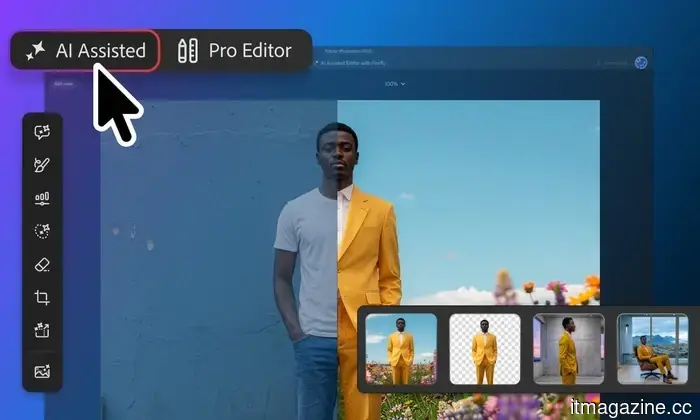
Photoshop is providing users with a new entry point to the app, enabling them to bypass the complete editing interface. The AI-Assisted Editor, currently in beta, features a designated workspace focused on a natural language input bar and various generative tools.
The traditional Pro Editor will still be available; the new workspace aims at offering less experienced users an alternative starting option where they can articulate their desired changes and allow Photoshop to manage much of the preparatory work. This marks another advancement towards prompt-driven image editing, which increasingly allows creative software to be interacted with conversationally.
Functionality of the AI Editor
The AI-Assisted Editor streamlines common tasks through a prompt-first interface. Users can, for instance, remove a background or extend an image by simply providing written instructions, eliminating the need to perform each step manually. It also features Generative Fill, which can add, substitute, or remove elements.
Instruct Edit Masks enhances this concept by enabling users to modify an entire image without first making a selection. This feature also integrates with the Pro Editor’s Contextual Task Bar, where Photoshop maintains each outcome in a generative layer, ensuring edits remain organized and non-destructive.
Therefore, seasoned users don't have to choose between the new AI workflow and the layer-based editor they are accustomed to. Adobe has been gradually moving in this direction, including a broader emphasis on conversational editing across Photoshop and its other creative applications.
Precision of the AI
Adobe is also enhancing control over where generated edits are applied.
Instruct Edit with Masks, powered by Firefly Image 5, can consider the entire image while limiting alterations to a specified masked area. For instance, this could include reopening someone’s closed eyes while leaving the surrounding areas unaffected.
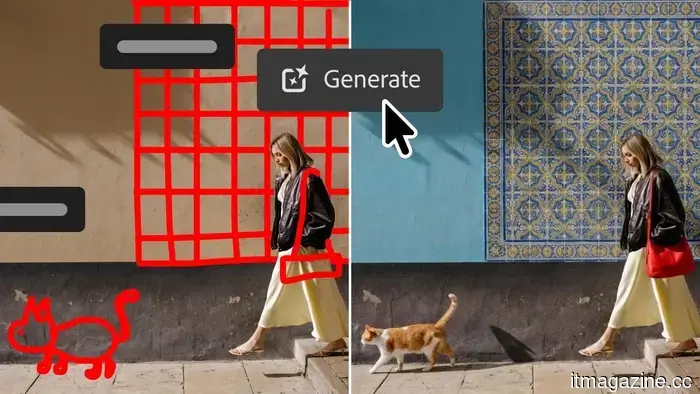
The Markup feature tackles similar challenges visually. Users can draw directly on an image to specify what should be altered or where an element should be positioned. This approach makes the editing process feel less like negotiating with a chatbot and more like giving direct editing instructions.
Photoshop updates continue
A new Light Adjustment Layer introduces controls for exposure and contrast in a non-destructive manner, allowing users the flexibility to make traditional adjustments without disrupting the primary Photoshop workflow.
Dynamic Text has also been enhanced to work with custom shapes and paths. Furthermore, Adobe is adding a dockable Stock panel that provides direct access to over 900 million Adobe Stock assets within Photoshop.
Altogether, this update presents users with two distinct pathways for accomplishing similar tasks. Experienced editors can remain in the Pro Editor, while those who may find Photoshop intimidating can start by simply describing their desired outcomes. For individuals still considering Photoshop against other photo editing software options, this more accessible entry point addresses one of the app's longstanding disadvantages.





Other articles
 Samsung developed a 1,100Hz gaming monitor since it seems that 600Hz wasn't sufficient.
Samsung's latest Odyssey G6 gaming monitor can reach 1,100Hz at HD resolution, which is a bit higher than the previously stated maximum of 1,040Hz. Additionally, its 600Hz mode for QHD resolution might be more feasible for use.
Samsung developed a 1,100Hz gaming monitor since it seems that 600Hz wasn't sufficient.
Samsung's latest Odyssey G6 gaming monitor can reach 1,100Hz at HD resolution, which is a bit higher than the previously stated maximum of 1,040Hz. Additionally, its 600Hz mode for QHD resolution might be more feasible for use.
 Daniel Dines, the founder of UiPath, has authored a book that challenges readers to disprove its claims by the year 2028.
Daniel Dines anticipates that by the conclusion of 2028, no significant enterprise will conduct high-stakes tasks using a general agent, indicating that his framework is inadequate.
Daniel Dines, the founder of UiPath, has authored a book that challenges readers to disprove its claims by the year 2028.
Daniel Dines anticipates that by the conclusion of 2028, no significant enterprise will conduct high-stakes tasks using a general agent, indicating that his framework is inadequate.
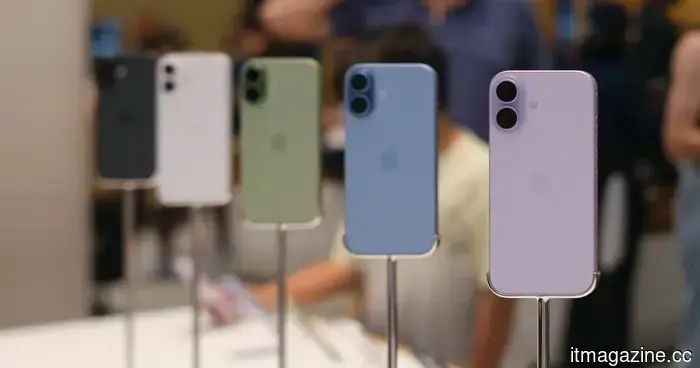 The US is considering tariffs that would increase the prices of laptops, phones, and gaming consoles.
Reports suggest that the US is considering wider semiconductor tariffs that may extend to finished electronics, which could increase costs for laptops, gaming consoles, and potentially smartphones, depending on the specifics of the final policy.
The US is considering tariffs that would increase the prices of laptops, phones, and gaming consoles.
Reports suggest that the US is considering wider semiconductor tariffs that may extend to finished electronics, which could increase costs for laptops, gaming consoles, and potentially smartphones, depending on the specifics of the final policy.
 Perion has acquired PRN for as much as $12 million, enhancing its in-store retail media presence throughout North America.
Perion has purchased the in-store retail media firm PRN for up to $12 million, securing exclusive inventory across more than 7,450 retail and healthcare sites. This agreement connects digital advertising efforts with physical points of sale.
Perion has acquired PRN for as much as $12 million, enhancing its in-store retail media presence throughout North America.
Perion has purchased the in-store retail media firm PRN for up to $12 million, securing exclusive inventory across more than 7,450 retail and healthcare sites. This agreement connects digital advertising efforts with physical points of sale.
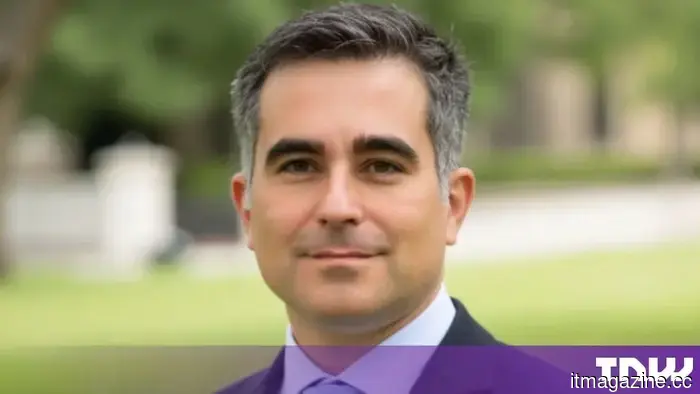 As artificial intelligence transforms the business landscape, the role of the fractional CTO is becoming increasingly relevant.
Only 21% of organizations have established mature AI governance, while 74% anticipate utilizing agents by 2027 (Deloitte). Daniel Kirichanski, founder of Prime Path Global, suggests that fractional CTO leadership bridges the divide between AI aspirations and organizational preparedness.
As artificial intelligence transforms the business landscape, the role of the fractional CTO is becoming increasingly relevant.
Only 21% of organizations have established mature AI governance, while 74% anticipate utilizing agents by 2027 (Deloitte). Daniel Kirichanski, founder of Prime Path Global, suggests that fractional CTO leadership bridges the divide between AI aspirations and organizational preparedness.
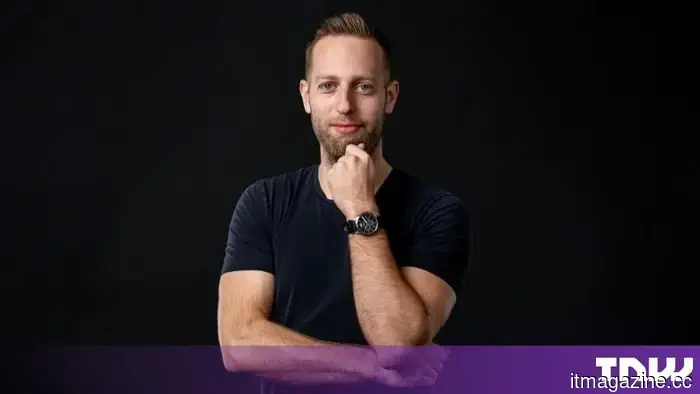 The future of executive assistance: DonnaPro’s strategy for human-AI teamwork.
DonnaPro prepares executive assistants on AI tools before their commencement and supports them with 2,500 pages of frameworks. Founder Filip Pesek contends that even the most effective AI tools require a human who understands how to think critically.
The future of executive assistance: DonnaPro’s strategy for human-AI teamwork.
DonnaPro prepares executive assistants on AI tools before their commencement and supports them with 2,500 pages of frameworks. Founder Filip Pesek contends that even the most effective AI tools require a human who understands how to think critically.
Adobe Photoshop has introduced an AI editor for those who prefer using prompts.
Photoshop's new AI Assisted Editor offers users a prompt-based approach for making edits, while Adobe maintains the classic Pro Editor and introduces new features for masks, markup, lighting, and text.