
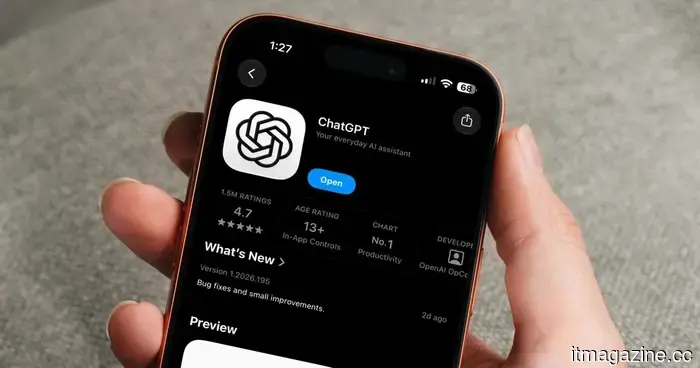
I discovered three ChatGPT features that ended up being far more helpful than I anticipated.
I use ChatGPT nearly every day, but along the way, I've also developed a habit of exploring features I haven't yet tried. Some of these discoveries are truly useful, while others I might recall only every six months.
Occasionally, I come across something that genuinely alters how I use ChatGPT. This recently happened with three features that I had been neglecting. I've started using all three of them regularly now, and if you’re also someone who spends a significant amount of time in ChatGPT, I think you’re missing out by not trying them.
I let ChatGPT organize my mornings
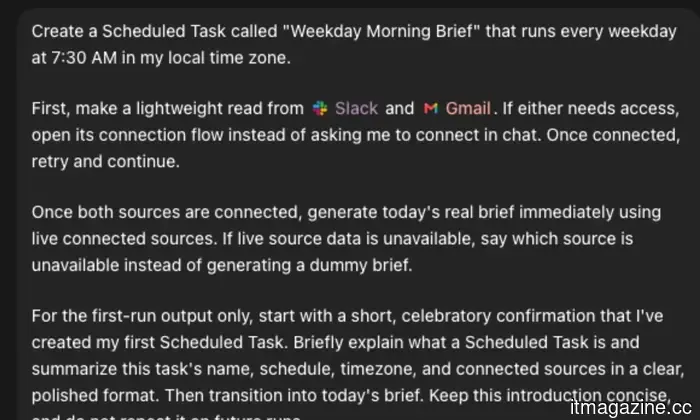
One feature I’ve come to rely on is the scheduled tasks. ChatGPT can now handle these automatically for me each day in my local time zone, which means I no longer have to remember to ask it the same thing each morning. I’ve configured mine to deliver a daily work brief. Since much of my work involves Slack and Gmail, I connected both and instructed ChatGPT to compile the items that genuinely require my attention. Once everything is linked, it can scan those sources and create a brief based on what’s currently happening. This is where it truly proves useful for me. Each morning, I receive a concise list of about three to five items that are most likely to need my attention that day. ChatGPT provides details on what each item is, its significance, its urgency, and my next steps, along with a link or citation to the original message.
Instead of logging into Slack and Gmail separately to figure out what to prioritize, I now have a good grasp of how my day looks right from the start. I can address any urgent matters first and organize the rest of my day around them. I’ve even asked ChatGPT to send the brief even when there aren’t any pressing issues waiting for me. On those delightful mornings, I simply receive a message stating, “No urgent items found.” Honestly, that might just be my favorite version of the brief. ChatGPT utilizes Codex to set up this workflow, so you will need a Pro subscription to access this feature in this manner. The Pro subscription offers various other advantages, and given how much I rely on ChatGPT during my work hours, I find the subscription easy to justify. The whole concept reminds me of the Daily Brief experience offered with Gemini. The outcome isn’t drastically different; both aim to save you the trouble of sifting through everything before your day begins. However, I naturally turn to ChatGPT first, making it a better fit for my routine.
I moved in without unpacking everything again
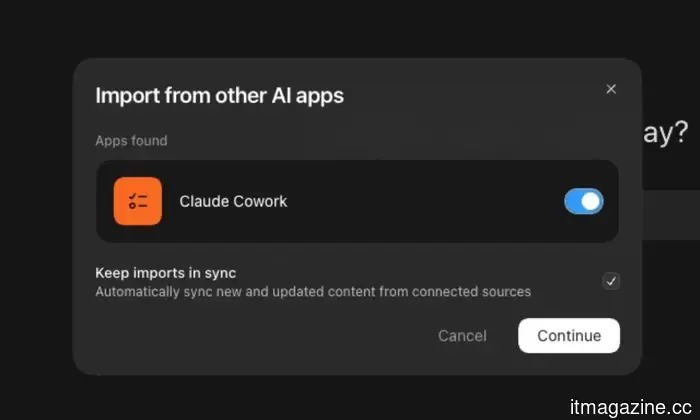
I wouldn’t be truthful if I claimed I’ve always been a ChatGPT user. Before switching, I heavily relied on Claude, which aligned better with my working style for a long time. Therefore, Claude was quite familiar with my preferences and how I preferred to complete tasks. This created my biggest concern when I opted to transition to ChatGPT. I wasn’t anxious about learning a new interface or figuring out where everything was; my worry was about starting from scratch. Thankfully, ChatGPT now offers an Import from Claude feature, which made this transition much less cumbersome for me. Instead of reconstructing all that context conversation by conversation, I could transfer my existing data from Claude and provide ChatGPT with a much smoother starting point.
For instance, if Claude already recognized how I preferred my research to be handled, the type of work I commonly do, or other information I’d previously requested it to retain, I didn’t have to take the time to feed all that information back into ChatGPT. It may seem like a minor convenience, but anyone who has spent months developing context with another AI assistant understands how frustrating it can be to start with a completely blank slate. ChatGPT can also keep connected sources updated by syncing new or altered content, so the information it can access doesn’t remain static at the moment of connection. For me, it meant transitioning between AI tools without having to reintroduce myself entirely.
I can finally take my work with me
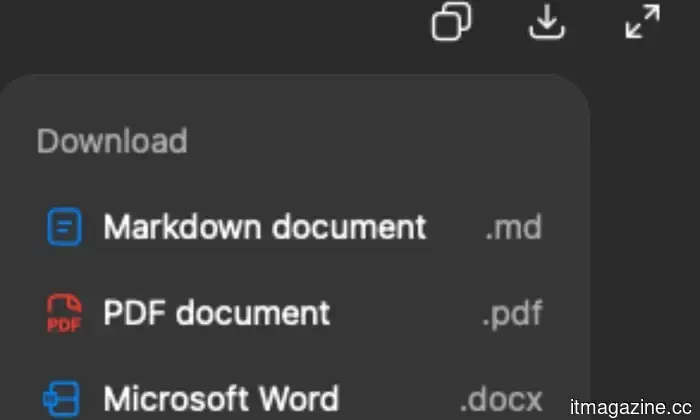
It gets even better because ChatGPT also allows me to download the work I create within it. This seems like such a basic feature until you actually need to transfer something out of ChatGPT, at which point you realize how valuable it is. I often face this with my study projects. For example, if I’m working on a psychology thesis, I may spend considerable time in ChatGPT brainstorming ideas, organizing my research, refining notes, or transforming a chaotic collection of thoughts into a usable format. Once I’m satisfied with the result, I can download it as a Markdown file, PDF, or Microsoft Word document and continue my work wherever I choose.
This is a much smoother experience compared to what I did in the past. I'd finish something in ChatGPT, open Word or another application, copy everything over, fix any misplaced formatting that had inevitably occurred, and then proceed. It wasn’t a difficult task, but doing it repeatedly became tedious and time-consuming. Now,
Other articles
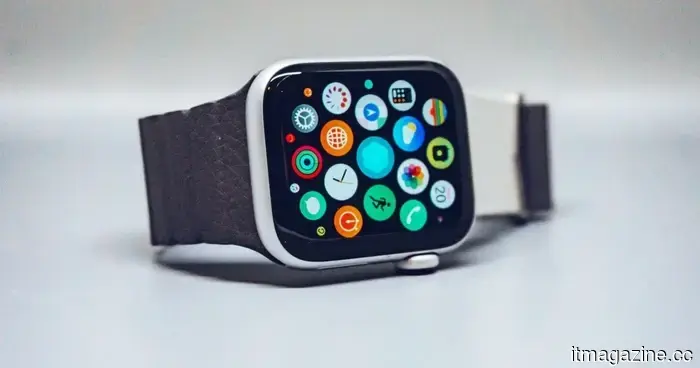 Apple is already preparing for a third-generation model set for release in 2027.
Apple is considering a significant redesign of the Apple Watch for 2027, which may feature new screen sizes, different display types, and possibly models that don't have screens at all.
Apple is already preparing for a third-generation model set for release in 2027.
Apple is considering a significant redesign of the Apple Watch for 2027, which may feature new screen sizes, different display types, and possibly models that don't have screens at all.
 Apple may finally reintroduce the ceramic Apple Watch, and I've been looking forward to it.
Apple's ceramic Watch was its highest-end choice, and its anticipated return along with enhancements in Series 12 performance has been long awaited.
Apple may finally reintroduce the ceramic Apple Watch, and I've been looking forward to it.
Apple's ceramic Watch was its highest-end choice, and its anticipated return along with enhancements in Series 12 performance has been long awaited.
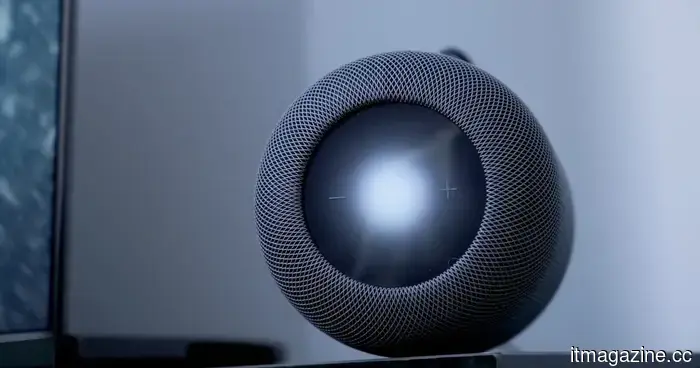 I’m already encompassed by AI. I don't require ChatGPT to be right next to my bed.
I enjoy using ChatGPT on my phone and laptop, but allowing an AI companion to have constant access to my home requires a higher level of trust.
I’m already encompassed by AI. I don't require ChatGPT to be right next to my bed.
I enjoy using ChatGPT on my phone and laptop, but allowing an AI companion to have constant access to my home requires a higher level of trust.
 Apple may be considering a circular display as it prepares for a refresh of its smartwatch.
In 2017, we discovered an Apple patent for a smartwatch featuring a round display. It appears that Apple is now contemplating a redesign.
Apple may be considering a circular display as it prepares for a refresh of its smartwatch.
In 2017, we discovered an Apple patent for a smartwatch featuring a round display. It appears that Apple is now contemplating a redesign.
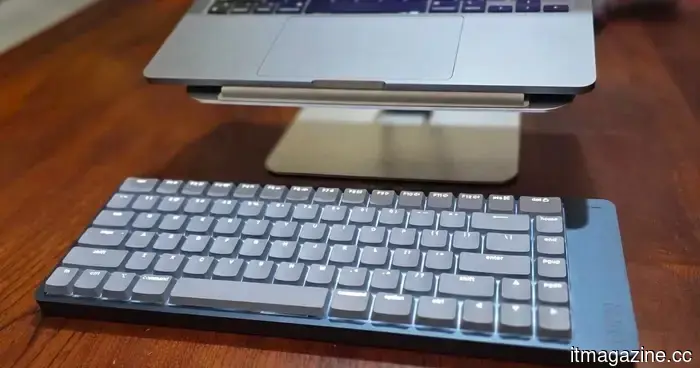 Lofree Flow 2 review: This keyboard made me feel like I was typing faster, but it also challenged my patience.
The Lofree Flow 2 excels in the most crucial aspect of a keyboard, but certain odd choices complicate the overall typing experience more than it should be.
Lofree Flow 2 review: This keyboard made me feel like I was typing faster, but it also challenged my patience.
The Lofree Flow 2 excels in the most crucial aspect of a keyboard, but certain odd choices complicate the overall typing experience more than it should be.
 This strange email vulnerability is exposing corporate secrets to anyone who acquires the correct domain.
According to a recent report, a strange email security vulnerability is leading companies to transmit sensitive information to domains that can be registered by outsiders.
This strange email vulnerability is exposing corporate secrets to anyone who acquires the correct domain.
According to a recent report, a strange email security vulnerability is leading companies to transmit sensitive information to domains that can be registered by outsiders.
I discovered three ChatGPT features that ended up being far more helpful than I anticipated.
I discovered three ChatGPT features that greatly simplified my daily workflow, and I believe you'll want to give them a try as well.