
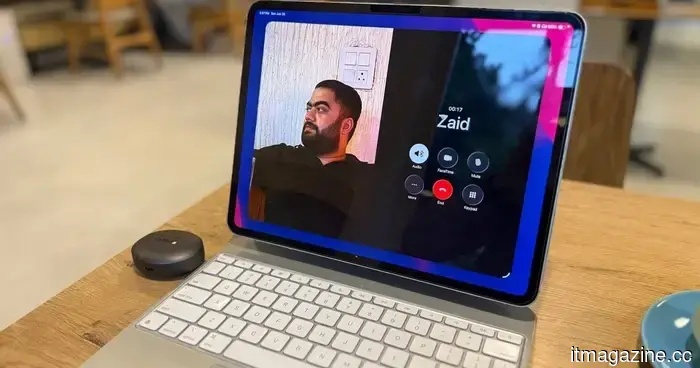
From lecture notes to design tasks, I have selected the ideal iPads that should be in your bag.
A semester's collection of notebooks, printouts, and loose assignment sheets can transform your backpack into cumbersome luggage. This is where the iPad comes in, not by reducing your reading list, but by minimizing academic clutter. Pair it with an Apple Pencil, and this versatile tablet can also accommodate handwritten lecture notes.
It's not solely about productivity, as the iPad can also serve as a portable gaming device or streaming terminal. Ultimately, the key question is, “Which model suits your needs?” With a range of options available, Apple has an iPad for everyone. Currently, the company offers four distinct iPad models and two corresponding Pencil versions, with compatibility varying by tablet.
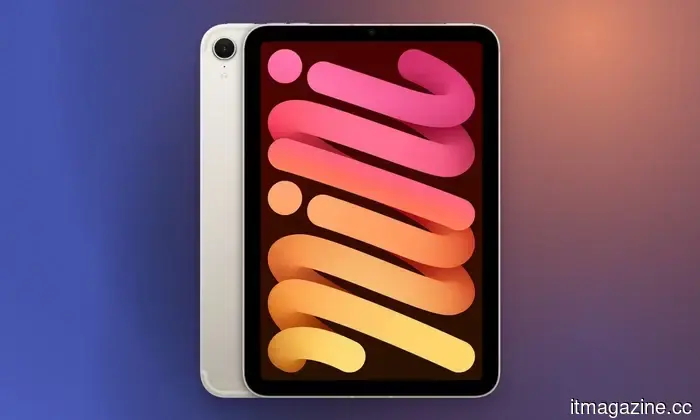
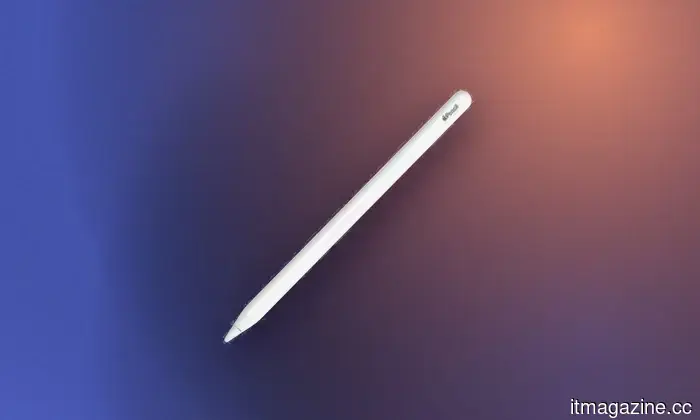
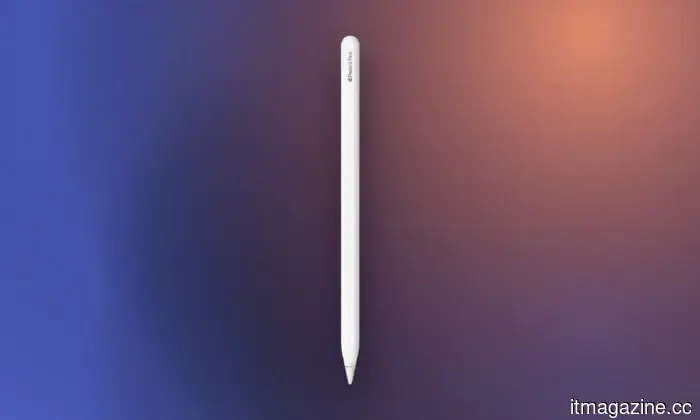
My suggestion is to opt for the least expensive iPad that adequately meets your academic requirements. Additionally, consider compatibility: while the USB-C Apple Pencil works with all the iPads mentioned below, the Apple Pencil Pro is compatible only with the M4 iPad Air, M5 iPad Pro, and A17 Pro iPad mini, excluding the standard A16 iPad. With that clarified, here are the top iPads to think about.
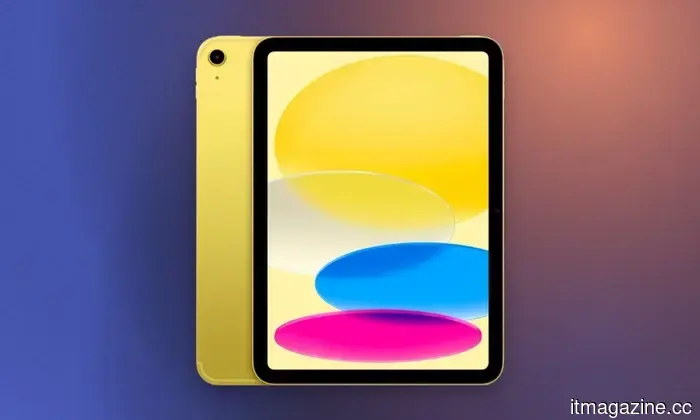
**Apple iPad 11-inch with A16**
**Pros**
- Sleek design and high-quality build
- Sharp display for the price
- Abundant A16 silicon power
- 128GB storage at the same cost
- Reliable battery life
**Cons**
- Accessories can be somewhat costly
- Lacks Apple Intelligence and Stage Manager features
- Stylus support feels outdated
- Non-laminated display
- Slow charging
The standard iPad is a practical choice for students in need of a digital notebook that can also serve as a research and entertainment device without breaking the bank. Its A16 chip can smoothly handle web browsing, video calls, photo editing, and gaming. Apple has increased the starting storage to 128GB, offering much more space for downloaded lecture recordings and offline videos.
This model is our top overall recommendation for most users. Its enhanced storage, strong battery life, and excellent performance make it a compelling option. It would have been even more appealing if Apple had included a display surpassing 60Hz and an anti-reflection coating. While it lacks Apple Intelligence, for students focused on notes, documents, and media viewing, these drawbacks aren’t significant for under $450.
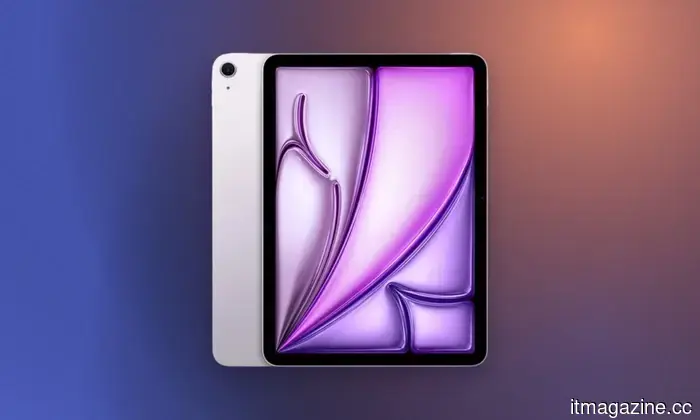
**Apple iPad Air 11-inch with M4**
**Pros**
- Robust M4 processor performance
- Upgraded 12GB RAM for better multitasking
- Front-facing camera designed for landscape orientation
- Great performance-to-price value
**Cons**
- No fluid 120Hz ProMotion display
- Lacks biometric Face ID
- Official keyboard and pencil are pricey
The newest iPad Air is ideal for students who anticipate their tablet will support them through years of more demanding coursework. Its M4 chip and 12GB of unified memory provide ample capacity for tasks like illustration, CAD work, photo editing, music production, programming, and more complex workflows. The completely laminated Liquid Retina display supports P3 wide color and has an anti-reflective coating, making it considerably better suited for drawing and visual tasks compared to the standard iPad.
This model serves as the gateway to Apple’s high-end tablet line, and I can strongly recommend it. Compatibility with the Apple Pencil Pro and Magic Keyboard allows the Air to seamlessly transition between handwriting, creative work, and laptop-style typing. Apple still reserves 120Hz ProMotion and OLED technology for the Pro models, which makes the Air’s 60Hz display more noticeable at this price point. The 128GB base storage can also fill up quickly with larger creative projects, but despite these limitations, the Air successfully balances portability and processing power more effectively than any other iPad in its category.
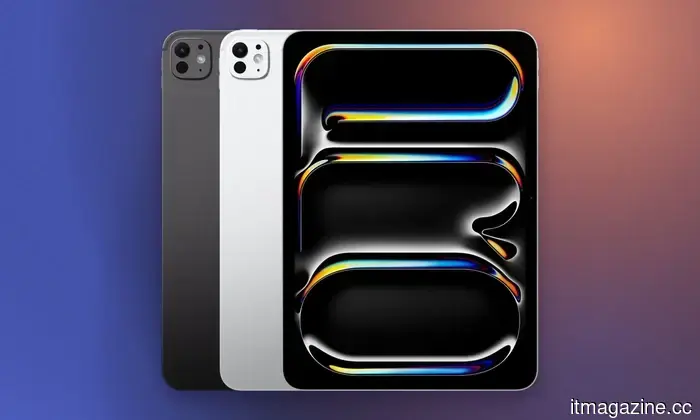
**Apple iPad Pro 11-inch with M5**
**Pros**
- Outstanding M5 chip performance
- Enhanced 12GB base RAM
- Exceptional Tandem OLED display
- Ultra-slim, lightweight design
**Cons**
- Very costly with accessories
- iPadOS still doesn’t fully replace a laptop
- No design changes from previous versions
If you're wondering who truly needs the iPad Pro, the answer is quite specific—it’s built for animators, filmmakers, architects, and design students who can truly utilize its advanced hardware. The tandem OLED Ultra Retina XDR display offers perfect blacks, a 120Hz ProMotion refresh rate, P3 color, and peak HDR brightness of up to 1,600 nits. This display alone positions it ahead of most competitors.
It excels in tasks requiring color accuracy, HDR video, detailed photo editing, and, crucially, processes heavily reliant on the Pencil. The M5 chip delivers significant processing and graphical capabilities, while Thunderbolt support allows for speedy external storage and high-resolution displays. Opt for the Wi-Fi model if you’re looking for the best value; however, you’ll need to rely on campus Wi
Other articles
 Ominimo reaches a valuation of €1.4 billion just two years after its inception.
The EBRD's investment division spearheaded a €20.1 million Series B funding round for the Budapest-based motor insurer Ominimo, which is valued at €1.4 billion. The company is currently profitable and has not yet begun underwriting.
Ominimo reaches a valuation of €1.4 billion just two years after its inception.
The EBRD's investment division spearheaded a €20.1 million Series B funding round for the Budapest-based motor insurer Ominimo, which is valued at €1.4 billion. The company is currently profitable and has not yet begun underwriting.
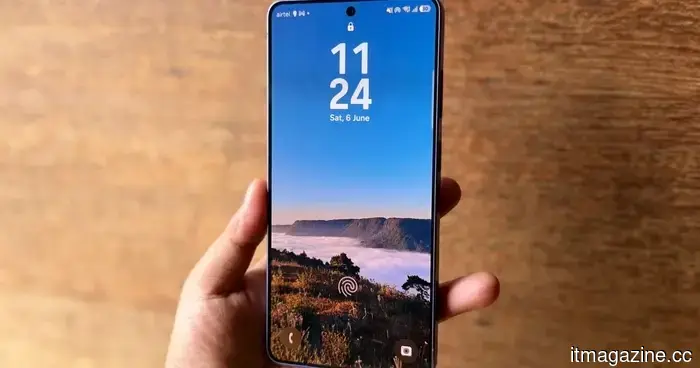 If you enter the incorrect PIN 13 times, your Galaxy phone will be permanently locked.
Galaxy devices that come with One UI 9.0 will permanently lock after 13 unsuccessful PIN entries, making a factory reset the only method to regain access.
If you enter the incorrect PIN 13 times, your Galaxy phone will be permanently locked.
Galaxy devices that come with One UI 9.0 will permanently lock after 13 unsuccessful PIN entries, making a factory reset the only method to regain access.
 Apple’s smart glasses are delayed as the company aims to avoid causing a privacy controversy.
Apple's smart glasses might not be available to consumers until late 2027, as the company is addressing the challenge of incorporating cameras without infringing on privacy.
Apple’s smart glasses are delayed as the company aims to avoid causing a privacy controversy.
Apple's smart glasses might not be available to consumers until late 2027, as the company is addressing the challenge of incorporating cameras without infringing on privacy.
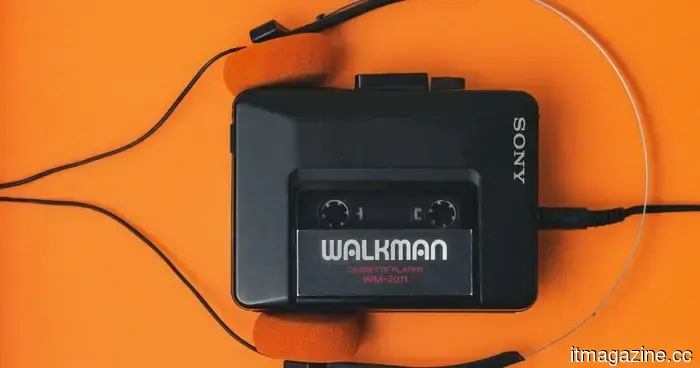 I really want a new classic Walkman, but Sony probably won't be able to provide one.
Vintage gadgets are attracting a fresh audience, but reviving Sony's iconic Walkman would necessitate reconstructing years' worth of lost components, tools, and manufacturing knowledge.
I really want a new classic Walkman, but Sony probably won't be able to provide one.
Vintage gadgets are attracting a fresh audience, but reviving Sony's iconic Walkman would necessitate reconstructing years' worth of lost components, tools, and manufacturing knowledge.
 Apple's smart glasses have been delayed due to concerns about igniting a privacy controversy.
Apple's smart glasses might not be available to consumers until late 2027, as the company is figuring out how to integrate cameras without compromising privacy.
Google verifies increased prices for the Pixel 11 due to a sixfold rise in RAM expenses.
Google VP Shakil Barkat states that the Pixel 11 series will have a higher price due to a sixfold increase in RAM costs, and the company is modifying Android to utilize less memory.
Apple's smart glasses have been delayed due to concerns about igniting a privacy controversy.
Apple's smart glasses might not be available to consumers until late 2027, as the company is figuring out how to integrate cameras without compromising privacy.
Google verifies increased prices for the Pixel 11 due to a sixfold rise in RAM expenses.
Google VP Shakil Barkat states that the Pixel 11 series will have a higher price due to a sixfold increase in RAM costs, and the company is modifying Android to utilize less memory.
From lecture notes to design tasks, I have selected the ideal iPads that should be in your bag.
Whether you're seeking a digital notebook or a portable creative workstation, Apple's current iPad range offers a student-friendly choice for almost every type of workload and budget.