
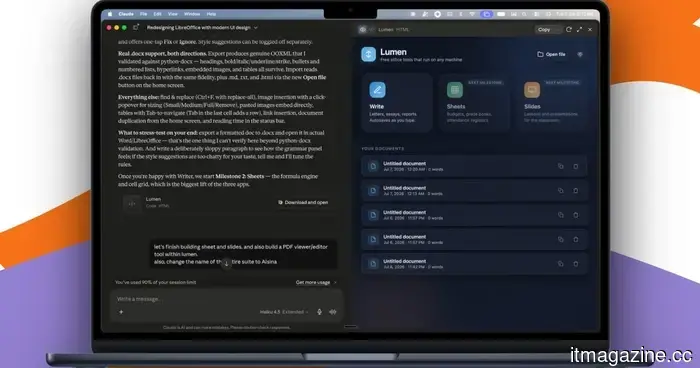
Claude transformed my relationship with Macs. I'm creating my own apps, and it's a delight.
A few days back, a colleague asked me for a favor to create mockup images of some iOS and macOS screenshots displayed on an iPhone and a MacBook. The issue was that it was 3 a.m. PST, making it impractical to reach out to anyone on my design team.
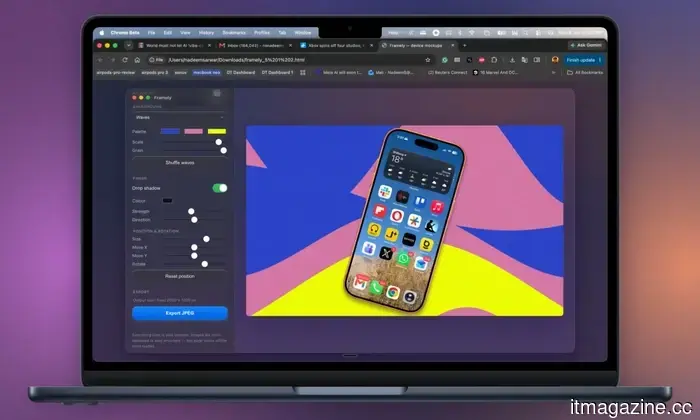
While many online tools exist for this purpose, most either require a subscription (like Canva) or involve signing up for usage credits after a few free trials. Additionally, these editors often restrict you to a limited set of design templates. Instead, I decided to use Anthropic’s Claude, and within thirty minutes, I had a screenshot-to-mockup editor ready for the entire team. Check it out:
I named it Framely, naturally. It operates in a browser tab and doesn’t require an internet connection. Nothing is uploaded to a cloud server, so privacy concerns are not an issue. Framely creates unique backgrounds and functions beautifully. All I need to do is drag a screenshot, choose the device, and export it as a JPEG.
I never viewed the code, and the entire editing software is just 8MB in size. Even when it came to bug fixes or updates, I simply described the desired changes, and Claude handled everything behind the scenes. I even managed to give the editing tool a native macOS feel by implementing Apple’s Liquid Glass design language, which includes a toggle for dark/light mode.
The process of building is addictive.
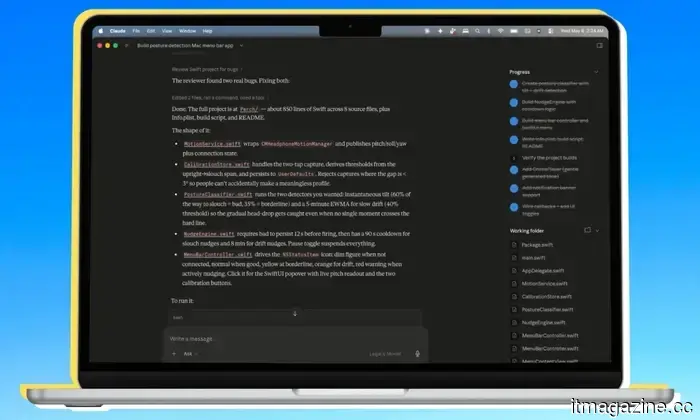
This isn’t my first web tool or app created with Claude. To date, I've developed Chrome extensions, a Mac app that replaced Grammarly for me, a utility for monitoring my posture with AirPods, and more. I have additional ideas in the works and look forward to sharing them.
I wouldn’t label myself a builder. I don’t know how to code, nor do I grasp the details of UI design. All I know is what I want to create, and with nothing but voice commands, I can have Claude generate these tools and utilities for me.
This marks a transformative era in how we engage with technology.
I’m speaking more and typing less. There are numerous arguments I could present to persuade you to embrace this new way of using computers and creating your software. First, when you develop an app for personal use, you maintain full control over the features you desire, while bypassing any jargon you’d prefer to avoid. No unnecessary features; you have total control over the user experience design.
For instance, I recently created a fully offline Grammarly editor, designing it as a menu bar utility. The concept blends elements from Antinote, one of my favorite applications, with Grammarly. I provided Claude with the design parameters, and it suggested using the Harper engine for grammar and spell checking. By doing this, I not only avoided paying for yet another app but also gained complete control over my writing and data.
When I create an app for myself, I entirely manage the privacy aspects. There are no worries about data harvesting. I no longer have to be concerned about hidden trackers or activity loggers. It’s well-known that in today’s world, free software usually comes with privacy trade-offs. As the tech saying goes, if it’s free, you’re probably the product.
Another significant advantage is that you don’t have to wait for updates to resolve bugs or introduce new features. It’s remarkably simple with a tool like Claude. The code resides on your device, and all it takes is a voice command (or a natural language text instruction) for Claude to spring into action, implementing the necessary changes and displaying the updates in real-time.
Numerous reasons exist for creating for oneself.
Earlier today, I built a minimalist word processor tailored to my newsroom tasks in just a couple of hours, eliminating all the unnecessary tools I never use. The original idea featured an entirely minimalist UI, and the prototype consumed less than 200MB of memory on an aging Intel Core i3 processor while running in a browser tab. The complete package size was under 20MB, which is impressive.
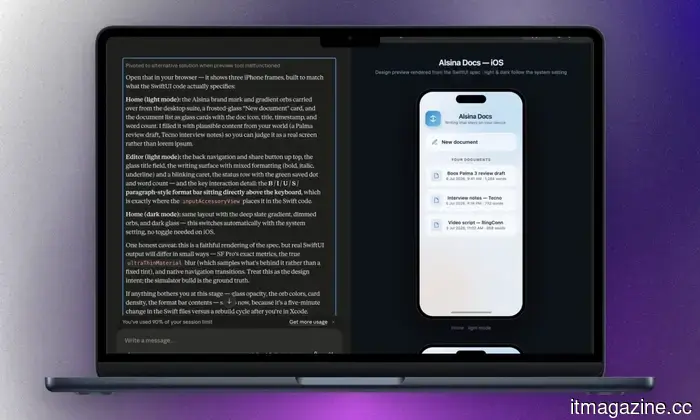
After some initial testing, I asked Claude to enhance the UI to match macOS 27 Golden Gate’s Liquid Glass aesthetic, including a dark/light mode toggle. The final product boasted a beautiful gradient design with Apple’s rounded UI elements. It felt as though the word processor had been crafted by Apple’s own design team.
I accomplished all of this without ever seeing or writing a line of code. I simply instructed Claude on my desires and observed the visual editor make changes in real-time. And I didn’t even require the advanced Claude Fable 5; Anthropic’s less powerful Claude Opus model handled everything just fine. Imagine creating a word processor with all the essential features and modern design, packed into a file size of under 20MB. That’s what you can achieve with AI tools like Claude.
The convenience is so compelling that every night before I sleep, I discuss a product idea with Claude, brainstorm its feasibility, and
Other articles
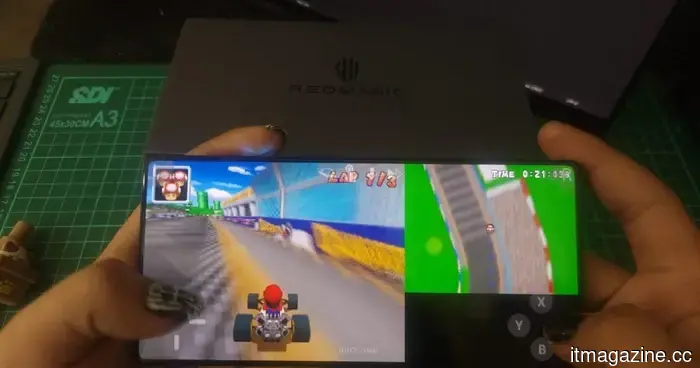 You don't require a Switch to play Mario Kart. This YouTube video allows you to participate in the race somehow.
An immensely inventive YouTube experiment allows you to navigate Rainbow Road and switch Mario Kart characters by altering the video's caption language.
You don't require a Switch to play Mario Kart. This YouTube video allows you to participate in the race somehow.
An immensely inventive YouTube experiment allows you to navigate Rainbow Road and switch Mario Kart characters by altering the video's caption language.
 Reddit's AI is on the lookout for brands that disguise their promotional content as genuine feedback.
Reddit is utilizing large language models to create artificial conversations related to brands and marketers, which may later appear as credible recommendations in ChatGPT and Gemini.
Reddit's AI is on the lookout for brands that disguise their promotional content as genuine feedback.
Reddit is utilizing large language models to create artificial conversations related to brands and marketers, which may later appear as credible recommendations in ChatGPT and Gemini.
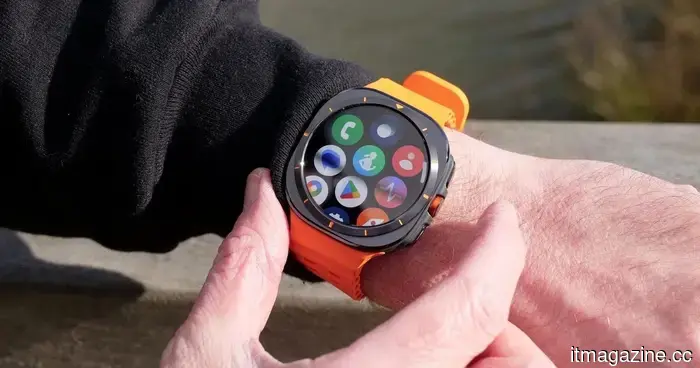 It's not limited to phones. Samsung's forthcoming Galaxy Watches are also becoming more expensive.
A recent leak regarding European pricing indicates that all configurations of the Galaxy Watch 9, along with the Galaxy Watch Ultra 2, will be priced higher than their predecessors.
It's not limited to phones. Samsung's forthcoming Galaxy Watches are also becoming more expensive.
A recent leak regarding European pricing indicates that all configurations of the Galaxy Watch 9, along with the Galaxy Watch Ultra 2, will be priced higher than their predecessors.
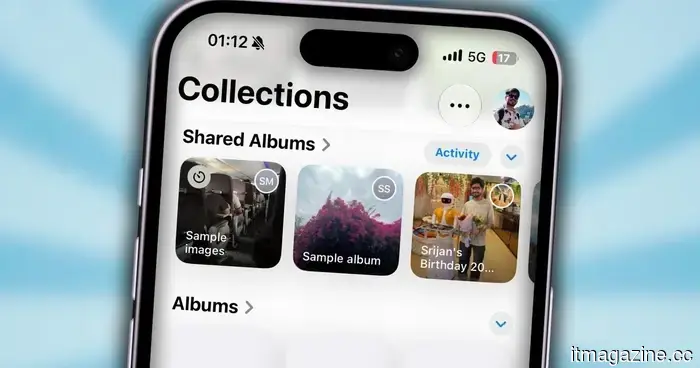 Shared Albums in iOS 27 seem like a personal social media world, and I really enjoy it.
After years of using social media, the revamped Shared Albums feature in iOS 27 is the first thing that has made me question my reasons for participating.
Shared Albums in iOS 27 seem like a personal social media world, and I really enjoy it.
After years of using social media, the revamped Shared Albums feature in iOS 27 is the first thing that has made me question my reasons for participating.
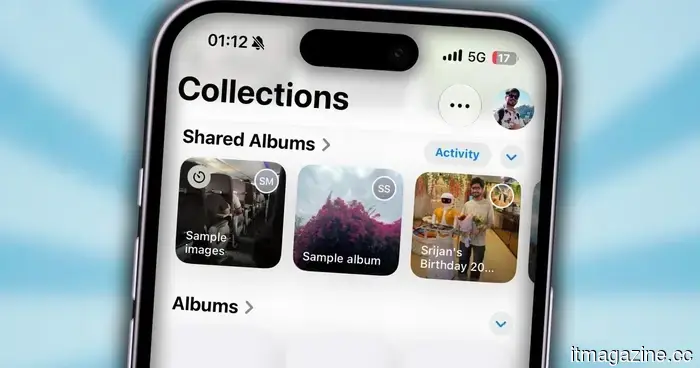 Shared Albums in iOS 27 creates a private social media experience all its own, and I'm really enjoying it.
I've been using social media for many years, and the revamped Shared Albums in iOS 27 is the first feature that has made me question why I continue to engage with it.
Shared Albums in iOS 27 creates a private social media experience all its own, and I'm really enjoying it.
I've been using social media for many years, and the revamped Shared Albums in iOS 27 is the first feature that has made me question why I continue to engage with it.
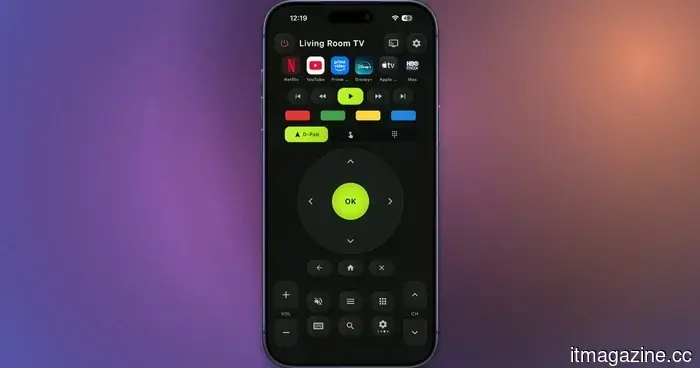 I discovered a free universal TV remote app for both iOS and Android that is ad-free.
This complimentary TV remote application for iOS and Android includes volume controls, a D-pad, a touchpad, keyboard input, voice command, and screen mirroring functionalities.
I discovered a free universal TV remote app for both iOS and Android that is ad-free.
This complimentary TV remote application for iOS and Android includes volume controls, a D-pad, a touchpad, keyboard input, voice command, and screen mirroring functionalities.
Claude transformed my relationship with Macs. I'm creating my own apps, and it's a delight.
In the last two weeks, I have created more applications and tools for my personal use than I have downloaded in software over the past few months.