
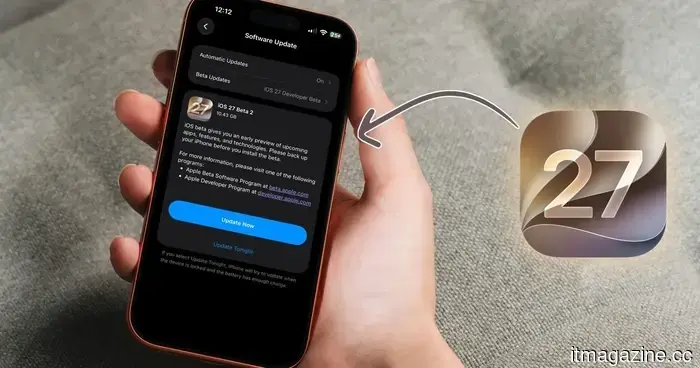
iOS 27 developer beta 2 has arrived. Below is a list of all the new features included.
Apple has introduced the second developer beta for iOS 27, merely two weeks after the release of beta 1. In conjunction, the company has also launched beta 2 for iPadOS 27, macOS 27 Golden Gate, and more.
This article will concentrate on the new features available with the iOS 27 developer beta 2 update. Although beta 2 is a smaller update compared to the first, it includes a nice blend of new features and much-appreciated bug fixes. For me, the standout improvement is how much quicker Siri responds, but there's much more to explore.
If you're using the beta, here’s a rundown of all the new features and fixes you should know about.
Siri finally feels more responsive
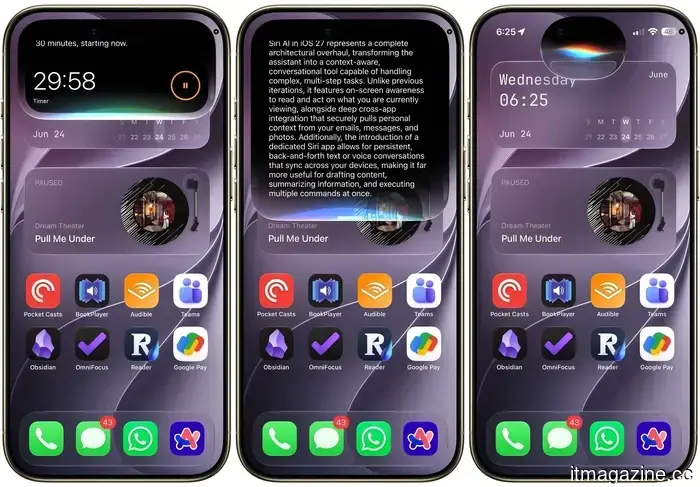
After updating, the first thing you'll notice is how much quicker Siri operates. Tasks like writing a story, setting an alarm, or sending a message happen much faster. You'll notice the difference every time you use Siri, significantly enhancing the overall user experience.
While Siri's performance was decent in developer beta 1, it was quite slow. Beta 2 resolves this issue, making using Siri on my iPhone enjoyable. Besides the speed improvement, there are also minor cosmetic tweaks, such as a slightly smaller Siri bubble appearing from the Dynamic Island and a tidier settings menu.
The cropping bug that drove me crazy is fixed
In iOS 27 developer beta 1, images cropped and saved to Photos would instead save the full screenshot. As someone who frequently takes screenshots, this bug was incredibly frustrating. Fortunately, beta 2 rectifies this, ensuring that your crops are saved exactly as intended.
Additionally, some other frustrating bugs have been addressed. The wallpaper clock no longer resets to its default when customized, and grammatically incorrect words no longer disappear when underlined. Now you can see the word, tap on it, and directly access the proofreading menu.
Writing with Siri is now just a tap away
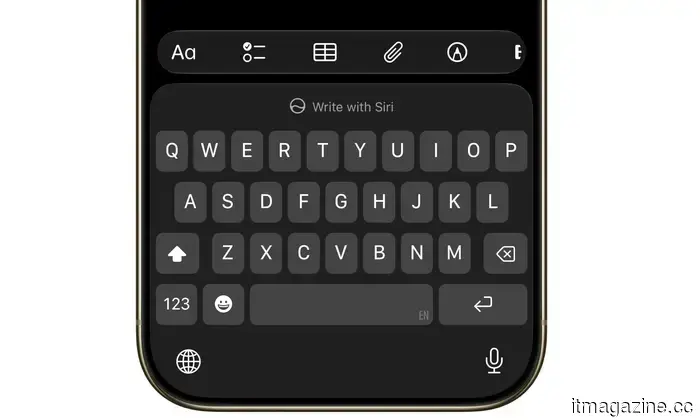
When you open the keyboard anywhere in iOS, you'll notice a new Write with Siri option in the predictive text window. This makes accessing Write with Siri easier, allowing you to start on a blank page quickly.
Visual Intelligence has gained a new feature
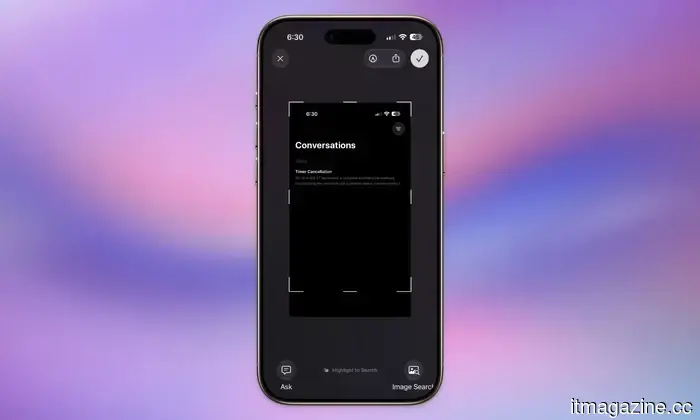
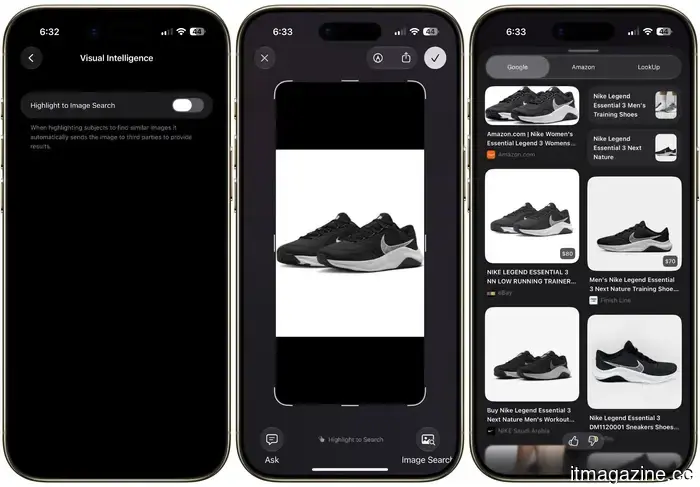
In the Siri settings, beneath the ChatGPT extension, there is a new Visual Intelligence menu. It includes a single option called Highlight to Image Search, which is turned off by default.
When activated, this feature allows you to take a screenshot and circle an item, prompting the system to perform a reverse image search to find similar images. This saves you a step when trying to trace the origin of something.
Wallet now tracks your spending
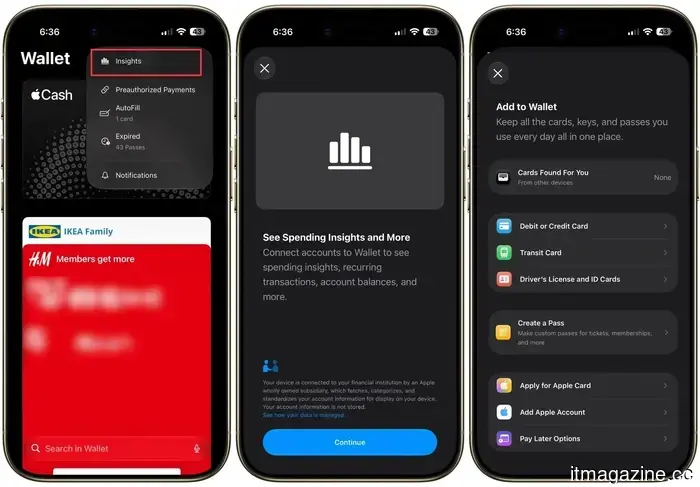
By navigating to the Wallet app and tapping the three dots in the upper corner, you'll discover a new "Insights" menu. This feature allows you to connect your accounts for spending insights, recurring transactions, account balances, and more, all within the app.
This could pose a challenge for numerous third-party apps that monitor your subscriptions and expenditures. The rollout appears to be gradual, as I couldn't get it to function on my iPhone. Nonetheless, it's a feature to keep on your radar.
Texting Android friends just got an upgrade
If you communicate with Android users, beta 2 includes a beneficial enhancement. You can now respond inline to RCS messages, and your reactions to messages will appear as the exact response to the Android user, rather than a cumbersome description. This subtle improvement makes cross-platform texting much smoother.
A few additional minor improvements to note
There are several small updates scattered throughout. You can now directly update your Apple TV from the Home app on your iPhone, a feature we've never had before. The Liquid Glass effect has also received a slight quality enhancement.
Aside from the cropping issue, iPhone Mirroring, which was completely broken in beta 1, is functioning again in beta 2. Moreover, there's a new Move To option in Photos, and the AI editing tools now support RAW images as well.
Should you install it?
In my experience with the update on my iPhone Air, performance feels improved, and it appears stable for a beta version. However, as it's still in beta, there may be bugs and changes. If you only have a single device and cannot afford any issues, it may be wise to wait for the public beta, which is expected to be released around mid-July.
On the other hand, if you can tolerate occasional glitches, beta 2 offers a notable improvement over the first release and is definitely worth checking out.
Other articles
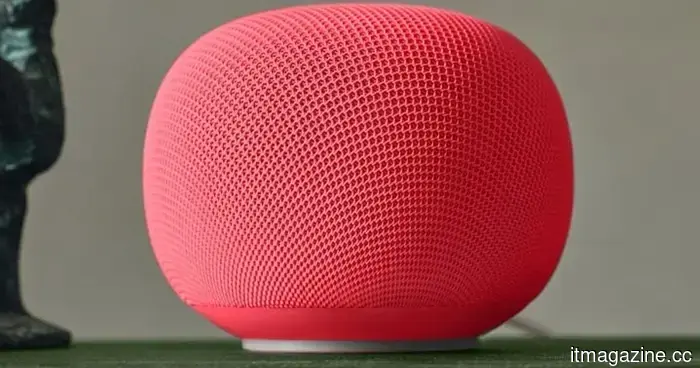 The Google Home Speaker is quite remarkable, but that is until you examine the power cable.
A buyer managed to get the new Google Home Speaker ahead of its official release and shared their initial thoughts. The sound quality is impressive, the installation process is swift, but the non-removable power cable is a significant disappointment for its repair potential.
The Google Home Speaker is quite remarkable, but that is until you examine the power cable.
A buyer managed to get the new Google Home Speaker ahead of its official release and shared their initial thoughts. The sound quality is impressive, the installation process is swift, but the non-removable power cable is a significant disappointment for its repair potential.
 Sentient Foundation initiates a $42 million initiative to support creators of open-source AGI.
The nonprofit is merging grants with investments that favor founders to support developers, researchers, and startups working on artificial general intelligence in an open manner, contending that the future of intelligence should not be dominated by a select few corporations.
Sentient Foundation initiates a $42 million initiative to support creators of open-source AGI.
The nonprofit is merging grants with investments that favor founders to support developers, researchers, and startups working on artificial general intelligence in an open manner, contending that the future of intelligence should not be dominated by a select few corporations.
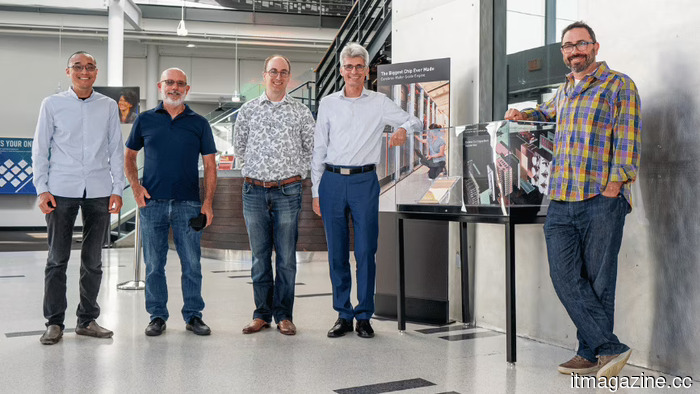 Cerebras shares decline as a shortage of buildings impacts the company.
Cerebras saw its revenue nearly double and exceeded sales projections for 2026, yet its stock dropped by 10% due to margin pressures from a shortage in the data-center sector.
Cerebras shares decline as a shortage of buildings impacts the company.
Cerebras saw its revenue nearly double and exceeded sales projections for 2026, yet its stock dropped by 10% due to margin pressures from a shortage in the data-center sector.
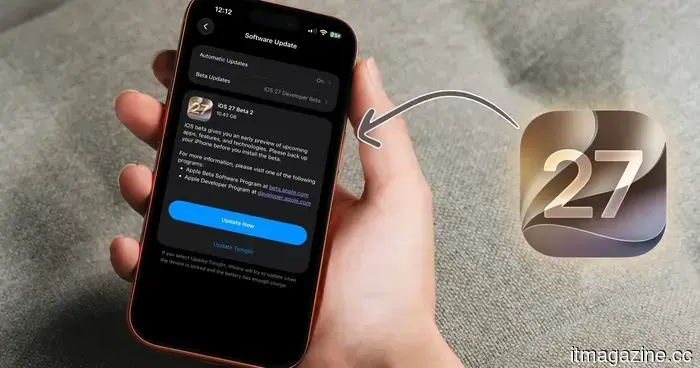 iOS 27 developer beta 2 has arrived. Here are all the new features included.
The second developer beta of Apple's iOS 27 has arrived, featuring a significantly quicker Siri, a resolved crop issue, Wallet Insight, inline RCS responses, and several other appreciated improvements. Here’s a breakdown of all the updates.
iOS 27 developer beta 2 has arrived. Here are all the new features included.
The second developer beta of Apple's iOS 27 has arrived, featuring a significantly quicker Siri, a resolved crop issue, Wallet Insight, inline RCS responses, and several other appreciated improvements. Here’s a breakdown of all the updates.
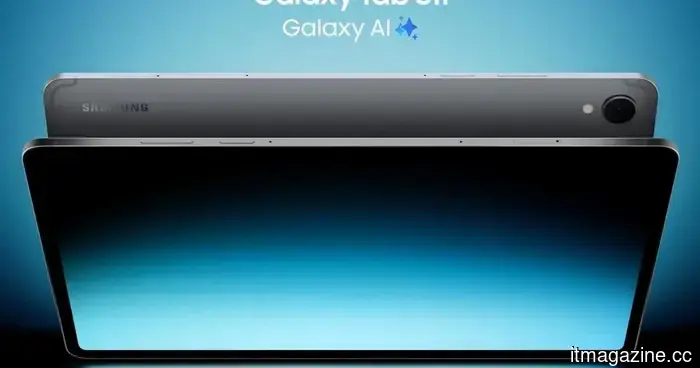 You don't have to spend extra on a high-end Android tablet thanks to this Galaxy Tab S11 offer.
Samsung’s Galaxy Tab S11 has received a price reduction for Prime Day, making its AMOLED display, sleek design, and bundled S Pen more appealing for those looking to purchase an Android tablet at this time.
You don't have to spend extra on a high-end Android tablet thanks to this Galaxy Tab S11 offer.
Samsung’s Galaxy Tab S11 has received a price reduction for Prime Day, making its AMOLED display, sleek design, and bundled S Pen more appealing for those looking to purchase an Android tablet at this time.
 Apple suppliers rush to Hong Kong: $4 billion in just one week
Apple suppliers Luxshare and Lingyi are competing to secure funding in Hong Kong, amassing billions to shift their focus from smartphone components to AI hardware and humanoid robots.
Apple suppliers rush to Hong Kong: $4 billion in just one week
Apple suppliers Luxshare and Lingyi are competing to secure funding in Hong Kong, amassing billions to shift their focus from smartphone components to AI hardware and humanoid robots.
iOS 27 developer beta 2 has arrived. Below is a list of all the new features included.
Apple has released the second developer beta of iOS 27, featuring a significantly quicker Siri, a resolved cropping issue, Wallet Insight, inline RCS responses, and several other appreciated enhancements. Here’s a summary of all the new features.