
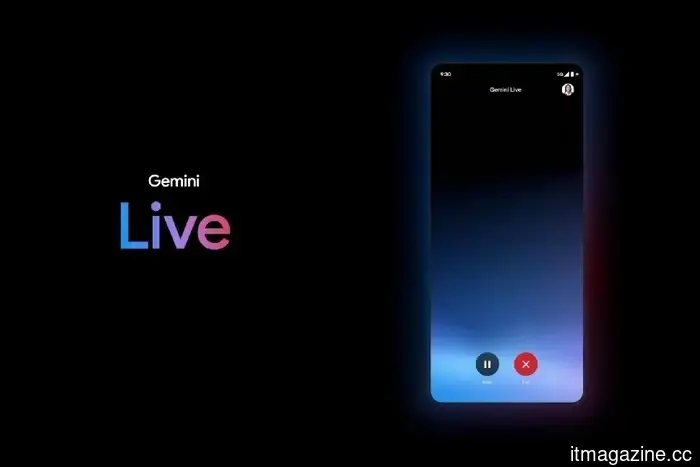
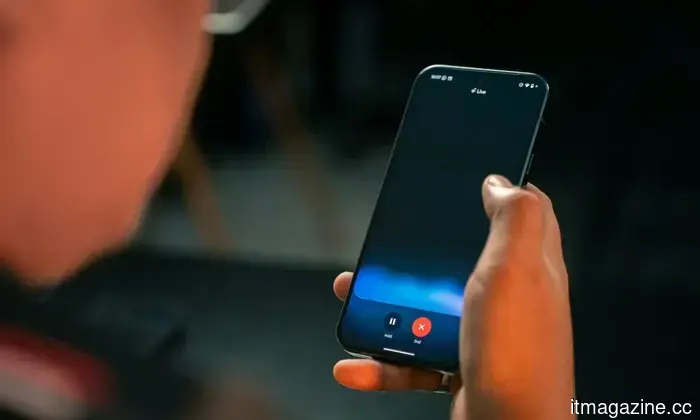
Gemini Live has undergone a minimalist app redesign, allowing for increased functionality.
Google is currently trialing a new design for its Gemini Live experience on Android, aiming to enhance interactions with its AI assistant by making them more fluid and less distracting. A report from 9To5Google reveals that the update departs from the present full-screen format, integrating Gemini Live into the main app view, indicating a shift towards a more functional, routine usage model.
A Move Away From Full-Screen AI
Previously, Gemini Live functioned in a full-screen configuration, taking over the entire display during interactions. Although this method showcased the assistant, it also restricted multitasking and complicated its use alongside other applications.
With the redesign, Gemini Live now appears on the homepage of the Gemini app. The interface alters dynamically, displaying a "Live with Gemini" header and providing quick access to features such as transcripts. This modification allows users to engage with the AI without entirely leaving their current activities.
The outcome is a cleaner, more simplistic layout that resembles a natural extension of the app rather than a standalone mode.
Why This Redesign Is Important
This update signifies a broader change in the design of AI assistants. Rather than demanding users' full attention, they are increasingly functioning as background tools that assist with ongoing tasks.
By eliminating the full-screen experience, Google is enhancing Gemini Live's suitability for multitasking. Users can now interact with the assistant while browsing, messaging, or working within other applications, which better aligns with real-life usage habits.
Additionally, this shift indicates Google’s aim to integrate Gemini as an essential part of the Android experience, rather than a distinct feature that users must intentionally access.
Implications for Users
For users, this redesign may render Gemini Live more accessible and less intrusive. The streamlined interface minimizes friction, facilitating quick inquiries, responses, or ongoing conversations without disrupting their current tasks.
Features like integrated transcripts also enhance usability, particularly for voice interactions, allowing users to revisit previous replies easily.
Moreover, the more compact design could prevent Gemini from feeling overwhelming, especially for those who previously found the full-screen interface too imposing.
What to Expect Next
The redesign is still in the testing phase and has not been broadly implemented. Nonetheless, it forms part of a series of rapid updates to the Gemini app, suggesting that Google is actively working to enhance the experience based on user feedback.
Looking forward, Gemini Live is anticipated to become more fully incorporated into Android, potentially overshadowing conventional assistant workflows. As Google continues to make adjustments, the focus seems to be on rendering AI assistance more subtle, quicker, and easier to utilize throughout the day.
In this light, this minimalist redesign may focus less on visual updates and more on redefining how AI integrates into daily smartphone interactions.
Other articles
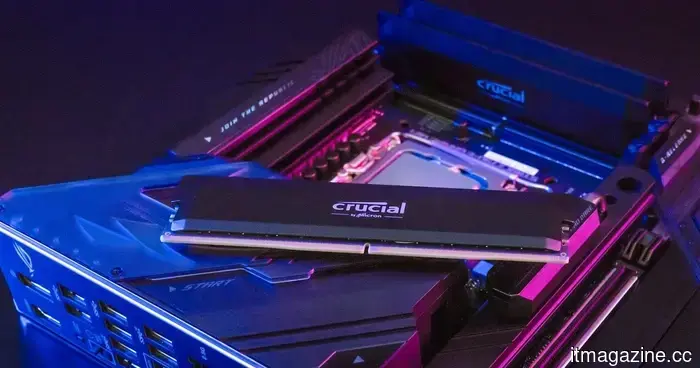 The demand for chips in AI could maintain elevated memory prices for a prolonged period.
A leading semiconductor executive has indicated that the worldwide wafer shortage might last until 2030, increasing the likelihood of sustained pressure on memory prices and the prices of the devices you purchase.
The demand for chips in AI could maintain elevated memory prices for a prolonged period.
A leading semiconductor executive has indicated that the worldwide wafer shortage might last until 2030, increasing the likelihood of sustained pressure on memory prices and the prices of the devices you purchase.
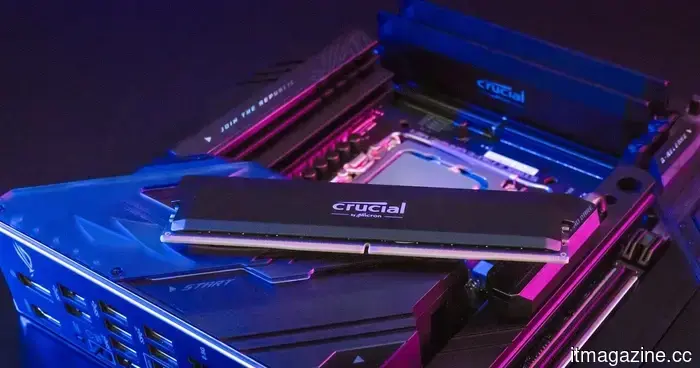 The demand for chips in AI may result in memory prices remaining excessively high for several years.
A leading semiconductor executive has indicated that the worldwide wafer shortage could continue until 2030, increasing the likelihood of ongoing pressure on memory prices and the prices of the gadgets you purchase.
The demand for chips in AI may result in memory prices remaining excessively high for several years.
A leading semiconductor executive has indicated that the worldwide wafer shortage could continue until 2030, increasing the likelihood of ongoing pressure on memory prices and the prices of the gadgets you purchase.
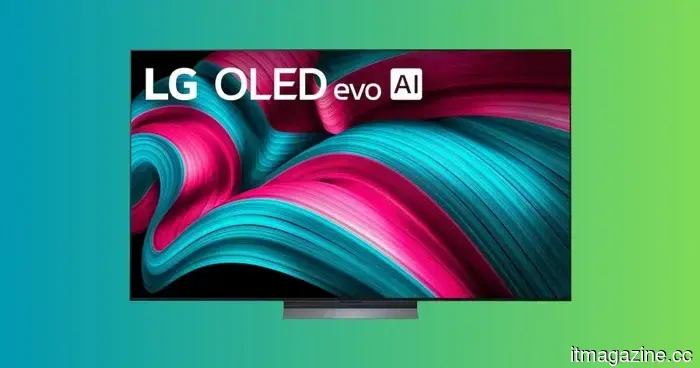 The LG 77-inch C5 OLED is priced at $1,999, and no other model at this screen size and price range matches its picture quality.
The LG C5 has set a standard for OLED TVs for good reason, and the 77-inch model is currently priced at $1,999.99, reflecting a substantial savings of $1,700 from its comparable value of $3,699.99. At this size and price point, this television transforms the appearance and ambiance of a living room, and the OLED evo panel beneath it [...]
The LG 77-inch C5 OLED is priced at $1,999, and no other model at this screen size and price range matches its picture quality.
The LG C5 has set a standard for OLED TVs for good reason, and the 77-inch model is currently priced at $1,999.99, reflecting a substantial savings of $1,700 from its comparable value of $3,699.99. At this size and price point, this television transforms the appearance and ambiance of a living room, and the OLED evo panel beneath it [...]
 The Elden Ring movie has officially received its release date, features a talented cast, and will be filmed in IMAX.
A24's adaptation of Elden Ring is currently being filmed in the UK, with Alex Garland at the helm as director. George R.R. Martin, who co-created the game's mythology, is also serving as a producer for the live-action film.
The Elden Ring movie has officially received its release date, features a talented cast, and will be filmed in IMAX.
A24's adaptation of Elden Ring is currently being filmed in the UK, with Alex Garland at the helm as director. George R.R. Martin, who co-created the game's mythology, is also serving as a producer for the live-action film.
 Tim Cook steps down as CEO of Apple; John Ternus takes over.
On September 1, Tim Cook will assume the role of executive chairman, while John Ternus, the head of Apple’s hardware engineering, will step in as CEO of the $4 trillion company.
Tim Cook steps down as CEO of Apple; John Ternus takes over.
On September 1, Tim Cook will assume the role of executive chairman, while John Ternus, the head of Apple’s hardware engineering, will step in as CEO of the $4 trillion company.
 Testing for a WhatsApp Plus subscription priced at EUR 2.49 per month has commenced, joining Instagram Plus in Meta's initiative for cross-app premium offerings.
WhatsApp is piloting a subscription model priced at EUR 2.49 per month, which includes features like chat themes, icons, and ringtones. This comes in the wake of Instagram Plus, as Meta develops paid options within its ecosystem of applications catering to 3.3 billion users.
Testing for a WhatsApp Plus subscription priced at EUR 2.49 per month has commenced, joining Instagram Plus in Meta's initiative for cross-app premium offerings.
WhatsApp is piloting a subscription model priced at EUR 2.49 per month, which includes features like chat themes, icons, and ringtones. This comes in the wake of Instagram Plus, as Meta develops paid options within its ecosystem of applications catering to 3.3 billion users.
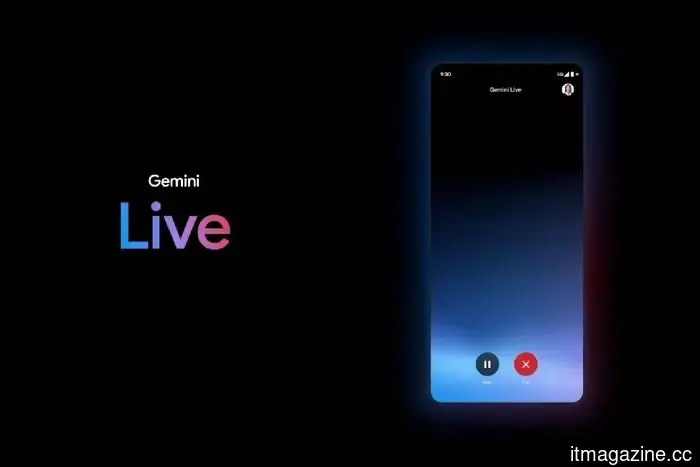
Gemini Live has undergone a minimalist app redesign, allowing for increased functionality.
Google has revamped Gemini Live with a more streamlined interface, enhancing the fluidity of AI conversations and simplifying access within the main application.