
Google Photos now saves you a valuable second with a copy feature similar to that of the iPhone.
It's a quick solution to a long-standing annoyance, and Android users of Google Photos will be amazed at how they managed without it.
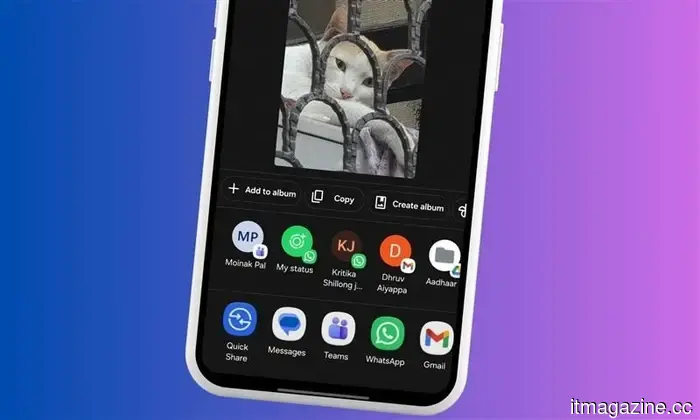
Google Photos has finally added a feature that iOS users have enjoyed for years. A new Copy button is now being rolled out within the Google Photos sharing options. This allows users to copy an image directly to the clipboard without needing to first download it to their device (according to Android Authority).
What does the new Google Photos feature do?
Until recently, sharing a photo from Google Photos was not very user-friendly. Users had to save the picture locally on their device, which meant they had to wait for it to download before sending it anywhere.
While waiting a second might not seem significant, Google Photos users had to repeat this process each time they wanted to share a photo. That adds up to a longer wait over time, based on how often photos are shared daily.
The new Copy button, spotted on multiple devices with the latest Google Photos version (7.71.0.895417930), removes this hassle. You can now simply tap Share on any image, select the new Copy button, and the image is copied to your device's clipboard, ready for pasting into a messaging app, notes app, or wherever you like.
Is there a downside to the new Google Photos feature?
Unfortunately, yes, and it’s better to be aware of it now than to find out later. The image copied is not an exact replica of the original. To ensure quickness, Google Photos copies a compressed version of the image with slightly reduced resolution.
For regular sharing, the new Copy button works well. However, it is advisable not to rely on it for professional purposes or printing, where downloading the full file would be a better option.
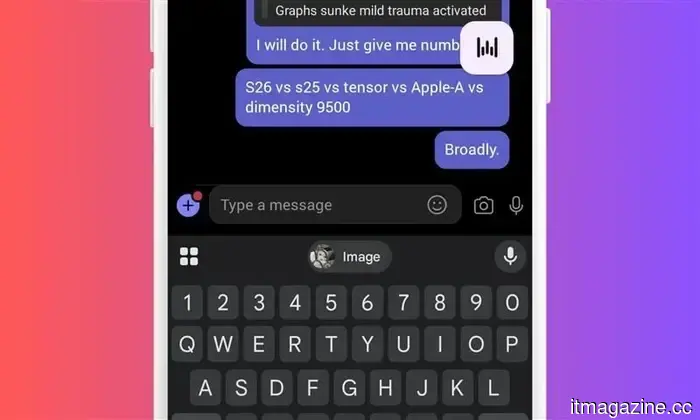
On the positive side, the new Google Photos Copy button also works for videos. Furthermore, if you're using Gboard, copied media will appear in the keyboard's clipboard and remain there even after you’ve copied something else.
For over five years, Shikhar has been dedicated to simplifying advances in consumer technology and sharing them…
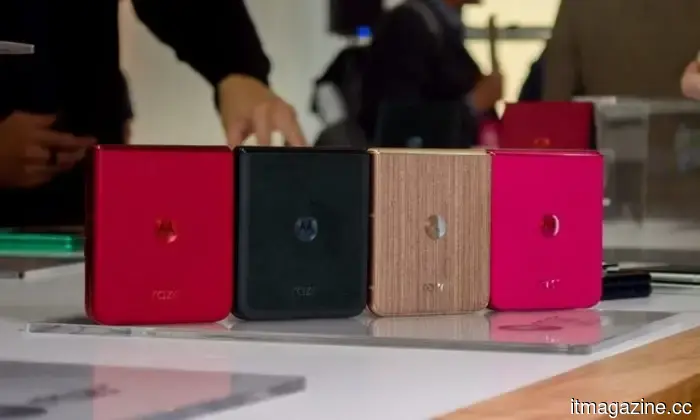
Motorola is preparing to introduce the successor to last year’s Razr 60 Ultra, with early CAD renders providing a first glimpse of the device. These suggest that the Razr 70 Ultra will maintain a similar design. However, a recent leak indicates that Motorola could emphasize unique colors and finishes to differentiate it.
What are the new color options?
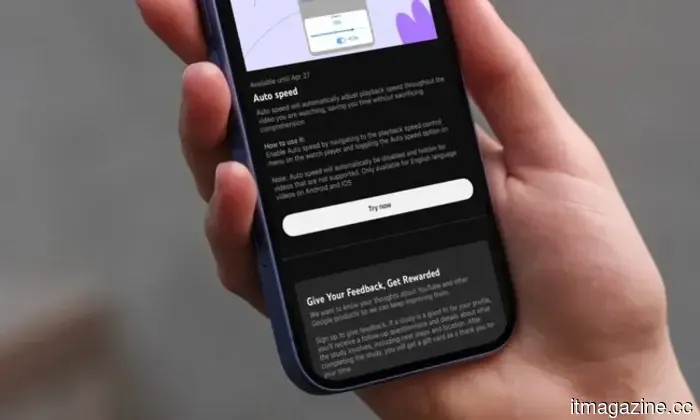
YouTube is testing a new method to help users watch videos more quickly.
YouTube's latest initiative aims to save users time through sped-up videos. YouTube Premium is one subscription I appreciate paying for. With the influx of non-skippable ads on the platform these days, I’m grateful for the availability of a paid option.
In addition to an ad-free experience, a Premium subscription offers background play and several experimental features not available to standard users. Now, YouTube is launching a new experiment for Premium subscribers that could truly alter how you consume videos.
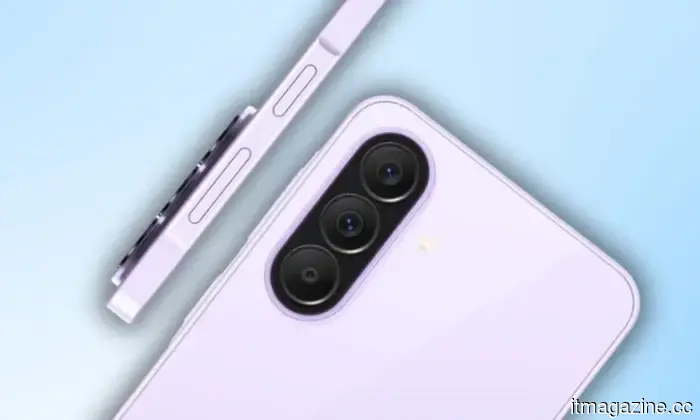
A tiny camera breakthrough has the potential to change the design of phones and wearables.
Researchers at KAIST have created an ultra-thin camera module aimed at solving one of the ongoing challenges in consumer technology: the camera bump. This innovative system provides a 140-degree field of view within a structure that is less than 1mm thick, allowing it to fit nearly flush with modern devices. Current high-performance cameras typically depend on stacked lenses, resulting in added bulk and protruding modules or thicker hardware.


Google Photos now saves you a valuable second with a copy feature similar to that of the iPhone.
The new Copy button in Google Photos eliminates the need for downloading by placing images directly onto your clipboard right away, although you should anticipate a minor reduction in resolution for the increased speed.