
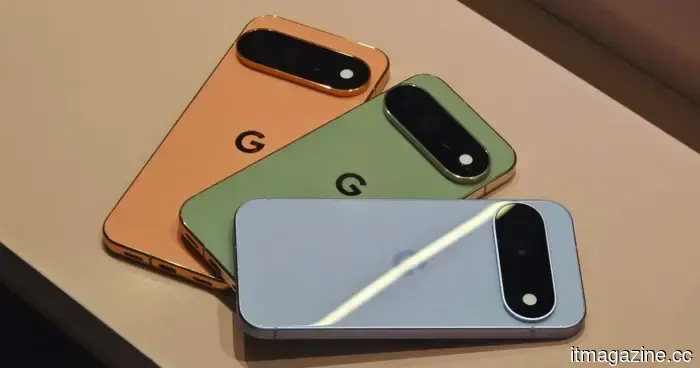
Android 17 is set to gain a feature that iPhone users have enjoyed for years.
No more inquisitive friends rummaging through your messages when you hand over your phone.
It’s a common situation. You show a meme to a friend using your Pixel phone, and suddenly they’re scrolling through your messages. The Android 17 QPR2 Beta 3 introduces a solution for Pixel users by incorporating a native App Lock feature within the system. This is a small enhancement that Pixel enthusiasts have desired for quite some time.
How does the new app lock function?
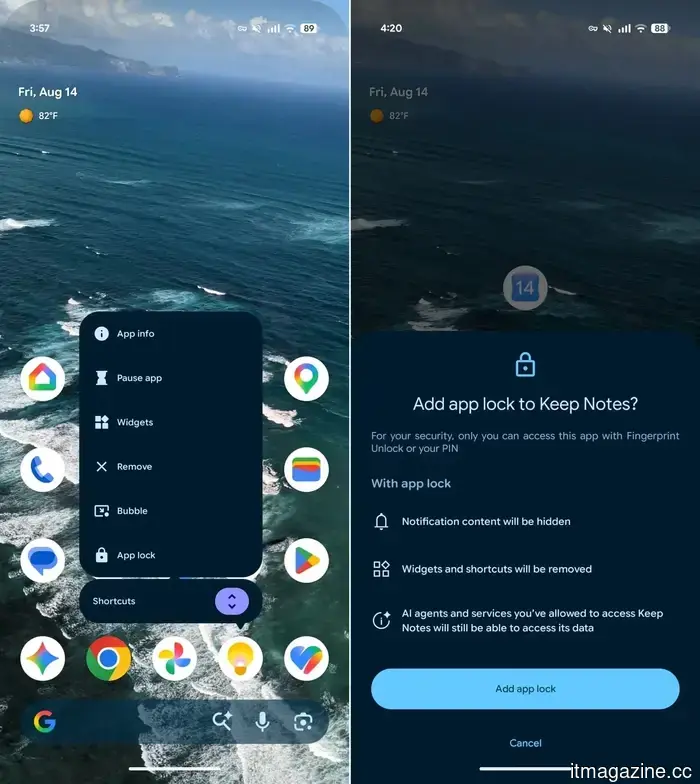
By long-pressing any app icon, you’ll discover App Lock alongside familiar options like App info, Pause app, Widgets, and others in the Actions menu. Simply tap it to secure the app. After locking the app, it will prompt for your fingerprint or PIN via the system authentication sheet before granting access. Therefore, the next time someone tries to sneak a glance at your banking app or messages, they will encounter a barrier.
What occurs once you lock an app?
Google isn’t just adding a PIN screen and calling it a day. As reported by 9to5Google, locking an app also hides its notification content, preventing sensitive previews from appearing on your lock screen. Additionally, the app’s widgets and shortcuts vanish, eliminating any alternative entry points to a locked app.
There is one important exception to note. Any AI agents or services you’ve previously authorized will still have access to the app's data. The lock is designed to deter unauthorized viewers, not trusted assistants.
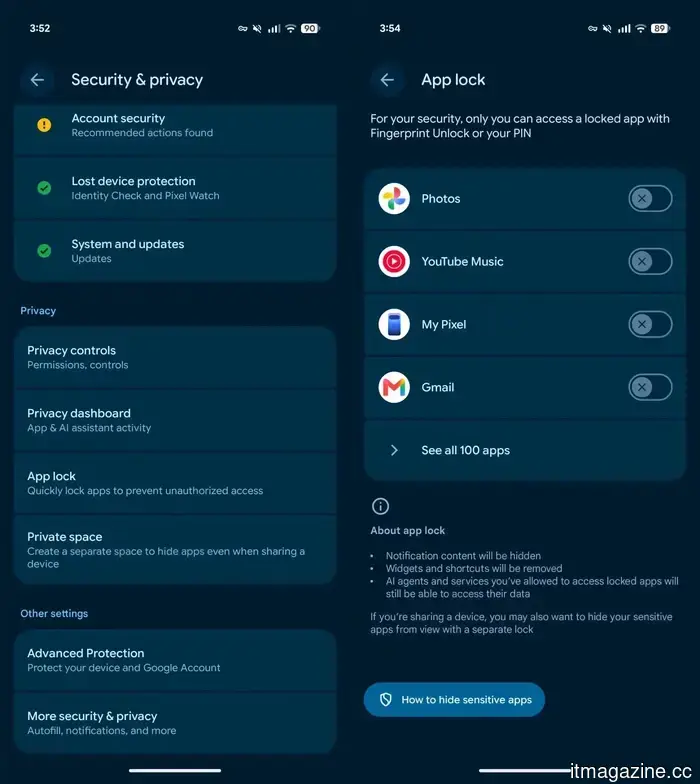
If you wish to view all your locked apps or make quick adjustments, go to Settings → Security & privacy → App lock. From there, you can easily add or remove apps.
I’ve wanted a feature like this on Android for some time now, especially for banking and messaging apps that I prefer others not access by mistake. The Android 17 QPR2 update is slated for release this December, so Pixel users won’t have to wait much longer to secure their apps.
Rachit is a seasoned tech journalist with over ten years of experience focusing on the consumer technology landscape.
Samsung may be considering a complete iOS-like Liquid Glass aesthetic in OneUI 9.5.
It seems Samsung might fully embrace the Liquid Glass design rather than the simplified version currently in use.
Samsung appears to be gearing up for a significant visual revamp for One UI, with early leaks indicating that One UI 9.5 could adopt a more glass-like appearance, featuring shinier edges, transparency, and enhanced visual depth. The rumored changes emerged soon after Samsung started rolling out One UI 9 Beta 5 for the Galaxy S26 series. According to Android Central, tipster Fahad Ali shared leaked screenshots of the forthcoming interface on X, providing a sneak peek at Samsung's potential design direction.
You don't need a document scanning app; your iPhone has built-in capabilities.
Skip the app store—your iPhone already includes a scanner.
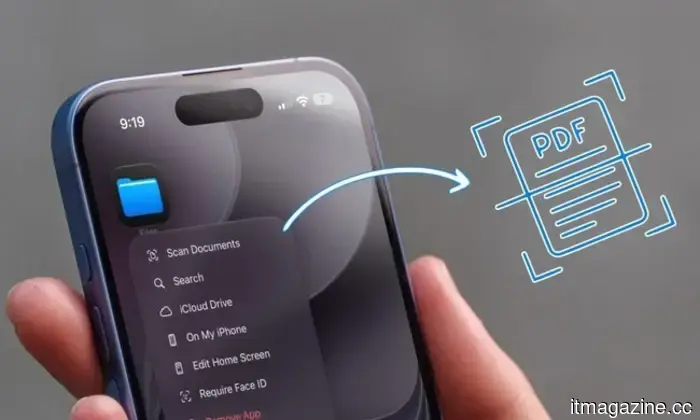
Whether you need to organize invoices for tax season or want a digital backup of important documents, scanning them on your iPhone becomes a useful habit. This is why document scanning apps have gained popularity on the App Store. However, many users are unaware that there's no need to download any third-party scanning apps. Your iPhone comes with several built-in tools that effectively handle document scanning, and I will explain how to use them.
Apple’s latest refurbished offerings feature more affordable MacBooks, iPhone 16 Plus devices, and Apple Watches.
More M5 MacBook Air and Pro models are now available through Apple’s refurbished store.
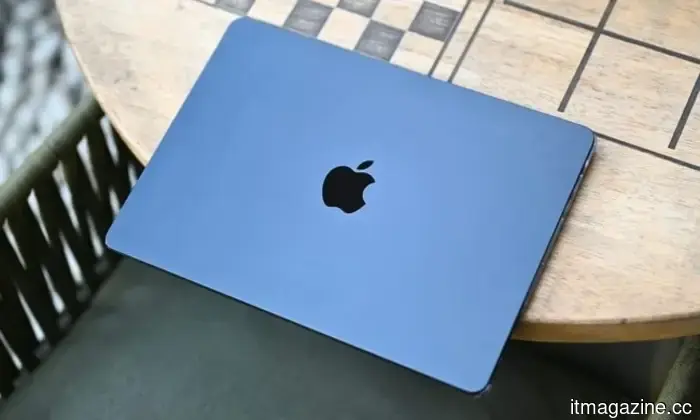
Apple has introduced several new configurations of MacBook Air and MacBook Pro in its Certified Refurbished Store, along with additional iPhone 16 Plus models and Apple Watches. The new MacBook Air models are timely, as they are currently in short supply within Apple’s retail network, with certain configurations seeing delivery estimates extending into late August or September. Apple also increased MacBook Air prices in June, meaning students shopping before the new academic year are now facing higher costs and potentially longer delivery times.


Android 17 is set to gain a feature that iPhone users have enjoyed for years.
Android 17 QPR2 Beta 3 introduces a native App Lock feature for Pixel devices, which conceals notifications and necessitates a PIN or fingerprint to access specific applications.