
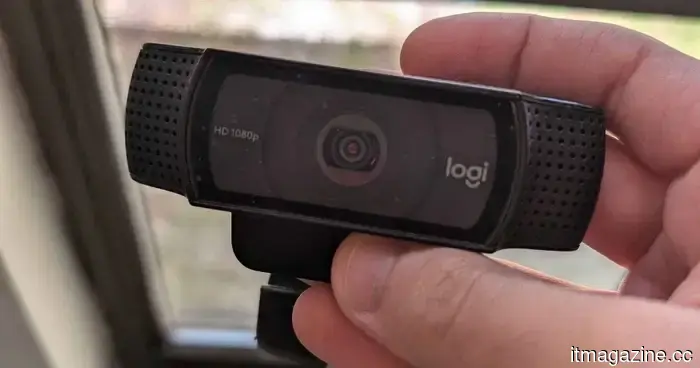
Quit participating in group projects with a fuzzy laptop webcam and invest in one of these instead.
The built-in webcam on your laptop may suffice for a quick chat with friends or family. However, its limitations can become more noticeable during a semester presentation, internship interview, or if you're planning to stream for leisure.
Laptop cameras often sit too low, particularly when placed on a desk. In contrast, a dedicated webcam allows for positioning closer to eye level, enhancing framing while providing larger sensors, improved microphones, and better low-light processing.
The ideal choice depends on how often you use a camera in your student life. A reliable 1080p model can serve for regular classes and office hours, while 4K is more advantageous for recorded presentations, content creation, and cropping without compromising image quality. Thus, I've selected five webcams, ranging from a familiar Logitech model to a premium Insta360 option for those who prioritize video quality.
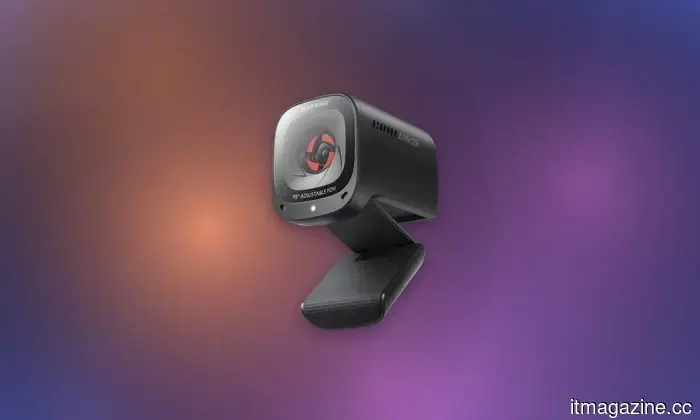
**Anker PowerConf C200**
**Anker**
**Pros**
- Sharp 2K video resolution output
- Compact, lightweight, travel-friendly design
- Adjustable field-of-view options
- Integrated privacy shutter for security
**Cons**
- Lacks motorized swiveling base
- Video may appear somewhat grainy
- Requires AnkerWork software for adjustments
The PowerConf C200 is an ideal recommendation for students seeking a substantial upgrade from their laptop camera without a hefty price tag. With its 2K resolution, it offers sufficient detail for presentations, interviews, and recorded assignments, while the adjustable field of view can conceal a messy dorm room at 65 degrees or widen to 95 degrees for group shots.
Anker also provides a physical privacy cover, offering more reassurance than relying on a small software indicator. The dual microphones can switch between directional and omnidirectional modes via the AnkerWork software, allowing the camera to focus on one speaker or capture a group around a desk.
Although video is capped at 30 fps, students recording quick movements or high-frame-rate streams may need to consider other options. For typical classes and calls, the C200 delivers a solid blend of resolution, privacy, and affordability.
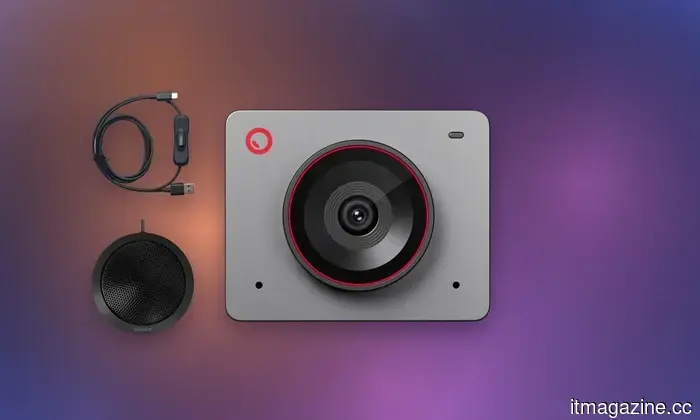
**OBSBOT Meet 2**
**OBSBOT**
**Pros**
- Ultra-compact, highly portable design
- Strong f/1.8 fast auto-focusing lens
- Versatile magnetic mount accessory included
- Comprehensive software picture controls
**Cons**
- Built-in microphone quality is underwhelming
- Default color exposure is dark out of the box
- AI tracking lacks advanced smoothness
The OBSBOT Meet 2 offers an excellent balance for students needing a single webcam for professional uses such as interviews and presentations, while also being suitable for occasional content creation. Its half-inch sensor, bright f/1.8 aperture, and HDR support should perform better in uneven dorm lighting than common laptop cameras.
You can record in 4K when detail is crucial or switch to 1080p at 60 fps for smoother video. AI auto-framing keeps you centered during presentations, and gesture controls allow you to activate framing or adjust zoom from a distance.
The magnetic privacy cover also acts as part of an automatic sleep feature. At $99, the Meet 2 is significantly more affordable than most high-end 4K webcams while maintaining many of their useful software features. This makes it a great choice for a wide range of student setups.
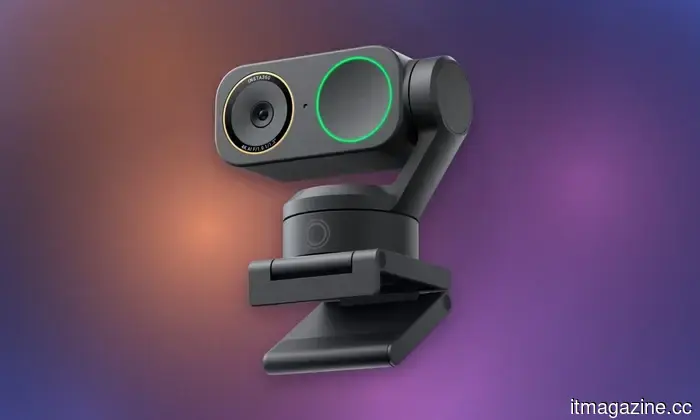
**Insta360 Link 2C Pro**
**Insta360**
**Pros**
- Dual native ISO excels in low-light conditions
- Integrated mechanical privacy shutter
- Convenient magnetic display mount included
- Robust, feature-rich companion desktop software
**Cons**
- Digital tracking results in cropped image resolution
- No motorized pan/tilt gimbal mechanism
- Background bokeh relies on software
The Link 2C Pro is designed for students involved in film, design, media, communications, and content creation. This webcam works as a valuable recording tool. Its 1/1.3-inch sensor is significantly larger than those in most webcams, with Dual Native ISO and HDR ensuring better detail is preserved in challenging lighting.
Phase-detection autofocus minimizes distracting focus hunting when you hold something close to the camera. Insta360 offers several practical modes, like DeskView to show work below the camera and Smart Whiteboard for clearer visibility for the audience.
Its dual-microphone system provides four audio modes, including voice focus and a wide pickup pattern for group discussions. The fixed design is more economical compared to Insta360’s gimbal-equipped Link 2 Pro while still featuring software-based automatic framing. Priced at $199.99, it might be excessive for regular Zoom calls, but is highly recommended for students looking to do more with their webcams.
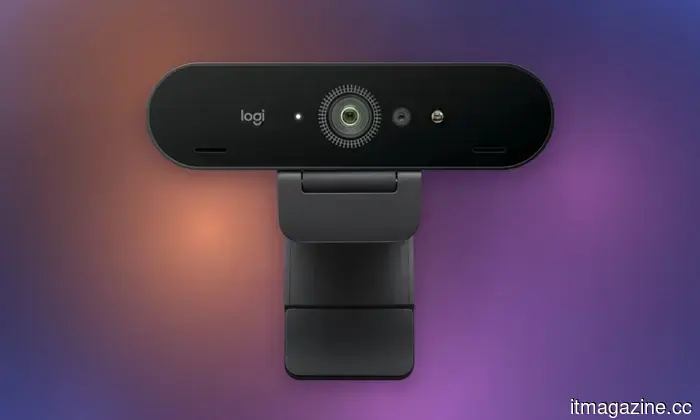
**Logitech Brio 4K**
**Logitech**
**Pros**
- Impressive ultra-crisp 4K video capture
- Fast Windows Hello facial recognition login
- RightLight 3 HDR auto-exposure adjustment
- Three adjustable field-of-view
Other articles
 Why companies are preparing for increased volatility in 2026
The initial half of 2026 witnessed drastic fluctuations in gas prices, an unexpected decrease in inflation, and a pullback in technology stocks. Here’s why it’s crucial for business leaders to remain adaptable.
Why companies are preparing for increased volatility in 2026
The initial half of 2026 witnessed drastic fluctuations in gas prices, an unexpected decrease in inflation, and a pullback in technology stocks. Here’s why it’s crucial for business leaders to remain adaptable.
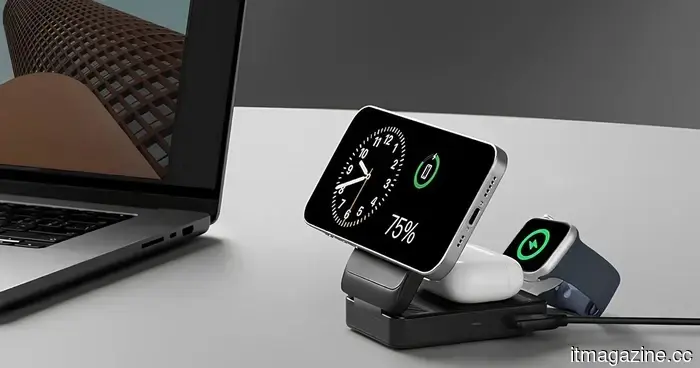 I selected four wireless chargers so you can avoid making your iPhone, AirPods, and Apple Watch compete for a single outlet in your dorm.
These wireless chargers are capable of powering anything from an individual iPhone to a complete Apple setup, all while freeing up essential space on a cluttered student desk.
I selected four wireless chargers so you can avoid making your iPhone, AirPods, and Apple Watch compete for a single outlet in your dorm.
These wireless chargers are capable of powering anything from an individual iPhone to a complete Apple setup, all while freeing up essential space on a cluttered student desk.
 Many accelerators can negatively impact startups. What distinguishes the effective ones?
An NYU study reveals that nearly 80% of accelerators leave startups at a disadvantage. The successful programs focus on teaching product-market fit as a systematic practice rather than merely a trendy term.
Many accelerators can negatively impact startups. What distinguishes the effective ones?
An NYU study reveals that nearly 80% of accelerators leave startups at a disadvantage. The successful programs focus on teaching product-market fit as a systematic practice rather than merely a trendy term.
 Looking for back-to-school shopping ideas? Here are the smartwatches I'd genuinely consider wearing to class.
I sifted through the specifications, ratings, and prices of eight of Amazon's top-selling smartwatches so you don't have to.
Looking for back-to-school shopping ideas? Here are the smartwatches I'd genuinely consider wearing to class.
I sifted through the specifications, ratings, and prices of eight of Amazon's top-selling smartwatches so you don't have to.
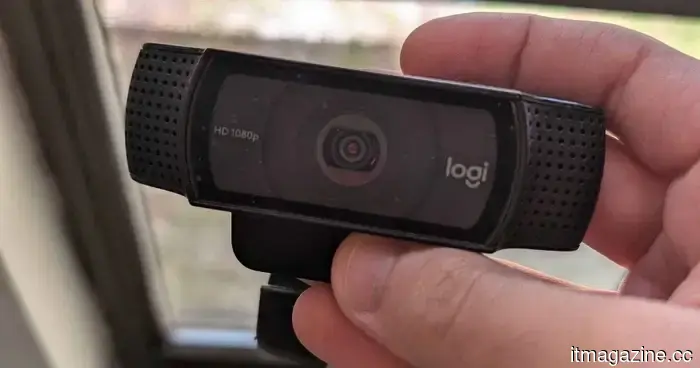 Quit participating in group projects with a fuzzy laptop webcam and invest in one of these instead.
Ranging from budget-friendly 2K cameras to advanced AI-enabled 4K models, these five webcams can enhance online classes, group collaborations, presentations, interviews, and streaming from dorm rooms.
Quit participating in group projects with a fuzzy laptop webcam and invest in one of these instead.
Ranging from budget-friendly 2K cameras to advanced AI-enabled 4K models, these five webcams can enhance online classes, group collaborations, presentations, interviews, and streaming from dorm rooms.
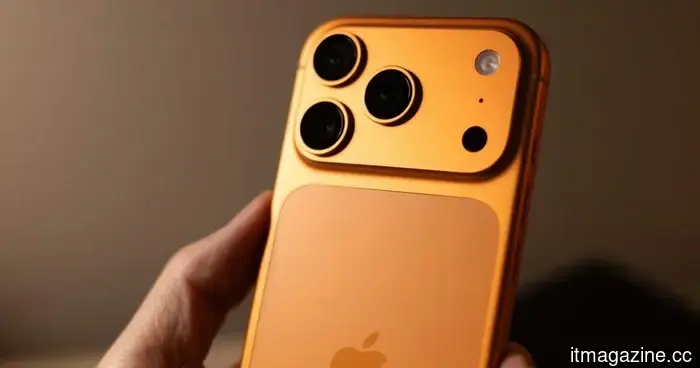 Apple's revamped Upgrade program is set to launch on Tuesday with significant updates.
Apple's new Upgrade leasing program will be available starting July 28, allowing customers to lease iPhones, Macs, iPads, and Apple Watches via Klarna.
Apple's revamped Upgrade program is set to launch on Tuesday with significant updates.
Apple's new Upgrade leasing program will be available starting July 28, allowing customers to lease iPhones, Macs, iPads, and Apple Watches via Klarna.
Quit participating in group projects with a fuzzy laptop webcam and invest in one of these instead.
Ranging from budget-friendly 2K cameras to AI-enhanced 4K models, these five webcams can enhance online classes, collaborative projects, presentations, interviews, and streaming from dorm rooms.