
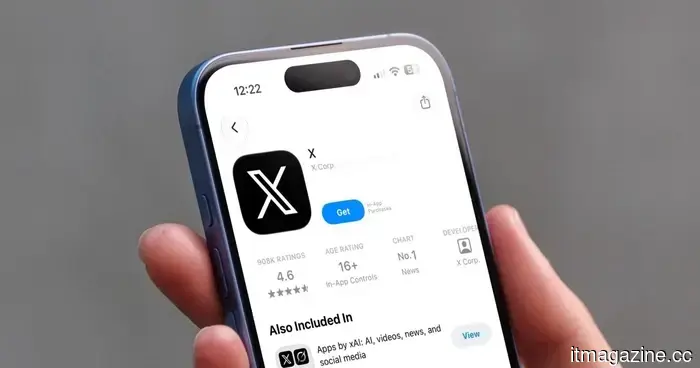
A new phishing scam on X is utilizing false login notifications to capture your account information.
Scammers are imitating X's security emails almost exactly, leading people to fall victim to their tricks.
You check your email and find a notification stating that someone accessed your X account from an unknown device. Your instinct is to click the link and secure your account right away. This response is precisely what a new phishing scam relies on.
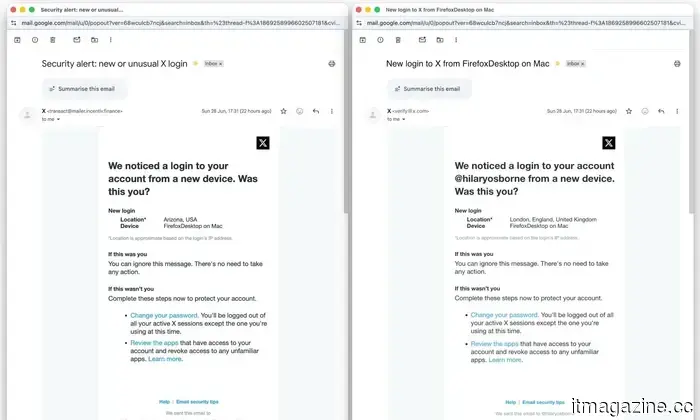
As reported by The Guardian, there is a surge of fraudulent X security emails circulating. These emails claim that a new device has logged into your account and prompt you to click a link to reset your password or check app permissions.
The advice seems genuine since it reflects the guidance X provides to its users. The problem is that the links do not lead to X; instead, they direct you to a site designed to steal your password or trick you into giving a scammer's app full access to your account.
What makes these fake emails so believable?
The scam closely mimics X’s branding, colors, and layout, achieving a high level of accuracy, including proper grammar and spelling. Jake Moore, a global cybersecurity advisor at ESET, notes that the most telling signs are often overlooked unless you know where to look.
According to him, the most significant indicators are the sender’s email address and the destination of the links once clicked. X’s help center indicates that they only send emails from @X.com or @e.X.com, and they will never request your password through email, direct messages, or replies.
What should you do if you receive one?
Stay calm and do not click any links in the email. Instead, access the X app directly. If there is a legitimate security issue, it will also be visible there. Additionally, always verify the sender’s email. If it does not come from the addresses X specifies on its support page, treat it as a scam.
If you have already entered your password or a one-time code on an unverified site, change your password immediately and enable two-factor authentication. This will help protect your account from scammers who might have your current password.
Rachit is an experienced tech journalist with over ten years of expertise in covering the consumer technology sector.
Following YouTube, TikTok is trialing its own AI likeness detection tool.
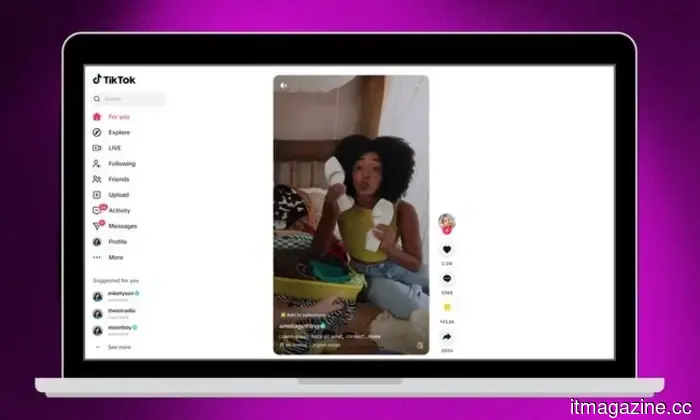
TikTok's new feature allows creators to flag AI deepfakes of themselves directly.
AI deepfakes have posed challenges for creators, and TikTok is taking steps to address this issue. Social media consultant Matt Navarra discovered that the platform is quietly testing a new opt-in tool that identifies AI-generated content imitating a creator's image, allowing them to flag it directly.
You can now create songs in your iMessage chats.
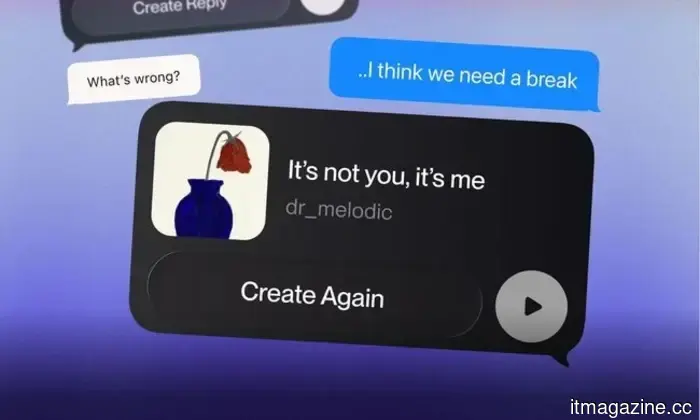
iMessage users can transform conversations into short AI-generated songs.
Suno has launched an iMessage extension for its iOS app, enabling users to produce 30-second songs from voice recordings or text prompts within a Messages conversation. This feature is available in the most recent version of the Suno app and requires both participants in the chat to have it installed. Users can access Suno from the plus menu in Messages, create a track, and share it without needing to open the standalone app.
The UK has proposed a midnight social media curfew for teens that they can bypass easily.
The government intends to restrict social media access for 16- and 17-year-olds on apps like Instagram, TikTok, and YouTube from midnight to 6 AM, but the restriction includes a built-in workaround.
The UK has proposed a social media curfew for teens starting at midnight, but there is an easy way to circumvent it. According to the BBC, the UK government aims to limit social media usage for 16- and 17-year-olds between midnight and 6 AM. However, getting around this restriction would require merely a few taps.



Other articles
 The 'synthetic insider': AI-generated deepfakes posing as fictitious employees.
AI deepfakes enable hackers to impersonate employees, creating a "synthetic insider" threat. However, the majority of insider leaks continue to be unintentional, and AI agents represent the next potential hazard.
The 'synthetic insider': AI-generated deepfakes posing as fictitious employees.
AI deepfakes enable hackers to impersonate employees, creating a "synthetic insider" threat. However, the majority of insider leaks continue to be unintentional, and AI agents represent the next potential hazard.
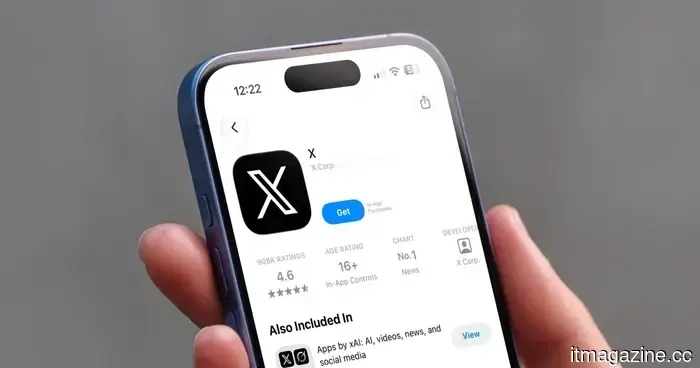 A new phishing scam on X employs counterfeit login notifications to hijack your account.
A phishing email that imitates genuine login alerts from X is circulating, and its purpose is to steal your password rather than safeguard your account. Here’s how to identify the fraudulent message and what steps to take if you’ve clicked on it.
A new phishing scam on X employs counterfeit login notifications to hijack your account.
A phishing email that imitates genuine login alerts from X is circulating, and its purpose is to steal your password rather than safeguard your account. Here’s how to identify the fraudulent message and what steps to take if you’ve clicked on it.
 AliExpress faces a significant fine: the EU has imposed a record €550 million penalty under the DSA.
The EU has imposed a €550 million fine on AliExpress, marking its largest penalty under the DSA so far, for not preventing the sale of counterfeit, unsafe, and illegal items.
AliExpress faces a significant fine: the EU has imposed a record €550 million penalty under the DSA.
The EU has imposed a €550 million fine on AliExpress, marking its largest penalty under the DSA so far, for not preventing the sale of counterfeit, unsafe, and illegal items.
 Decart's Lucy 2.5 introduces new live video effects, but the true champion is physical AI.
Decart's Lucy 2.5 delivers real-time visual effects to live video, enabling everything from explosions to virtual try-ons. However, the more significant narrative revolves around how its enhanced physics engine boosts Oasis 3 world model simulations for robotics and autonomous vehicles.
Decart's Lucy 2.5 introduces new live video effects, but the true champion is physical AI.
Decart's Lucy 2.5 delivers real-time visual effects to live video, enabling everything from explosions to virtual try-ons. However, the more significant narrative revolves around how its enhanced physics engine boosts Oasis 3 world model simulations for robotics and autonomous vehicles.
 China's automobile market is on track for its worst performance since 2021, with sales declining by 20% in the first half of the year.
In the first half of 2026, passenger car sales in China decreased by 20.2%. Sales of internal combustion engine (ICE) vehicles plummeted by 39% in June. Meanwhile, exports saw a significant increase of 82%. Analysts predict that only 7 to 8 car manufacturers will manage to endure.
China's automobile market is on track for its worst performance since 2021, with sales declining by 20% in the first half of the year.
In the first half of 2026, passenger car sales in China decreased by 20.2%. Sales of internal combustion engine (ICE) vehicles plummeted by 39% in June. Meanwhile, exports saw a significant increase of 82%. Analysts predict that only 7 to 8 car manufacturers will manage to endure.
 Vivo X300 FE review: The unexpected compact flagship that impressed me surprisingly.
The Vivo X300 FE was released at the same time as the X300 Ultra. The FE has been available for a while and might currently be the top compact Android flagship.
Vivo X300 FE review: The unexpected compact flagship that impressed me surprisingly.
The Vivo X300 FE was released at the same time as the X300 Ultra. The FE has been available for a while and might currently be the top compact Android flagship.
A new phishing scam on X is utilizing false login notifications to capture your account information.
A phishing email that imitates X's genuine login notifications is circulating, aimed at stealing your password rather than safeguarding your account. Here’s how to identify the counterfeit and what steps to take if you inadvertently clicked on it.