
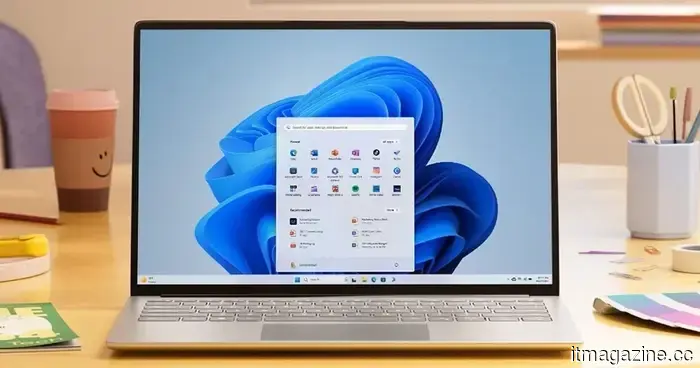
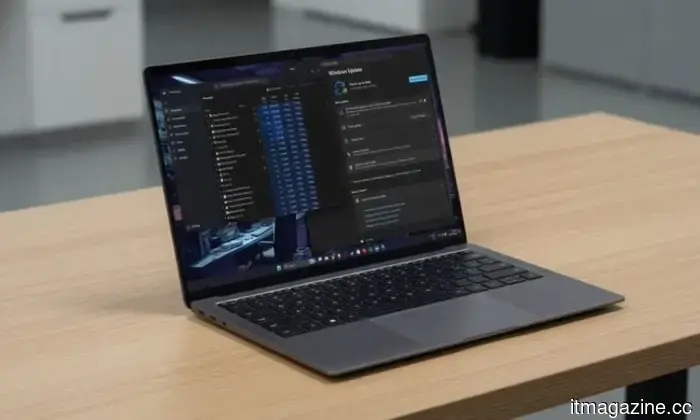
The June update for Windows 11 enhances the responsiveness of your Start menu and Search, making them feel significantly quicker.
The Low Latency Profile is the initial specific solution Microsoft has delivered for enhancing shell responsiveness, and the June update extends it to all eligible PCs rather than being limited to Insider preview testers.
If you've ever pressed the Start button and noticed a delay before the menu appears, you understand the challenge Microsoft aims to address with its June 2026 update for Windows 11.
The update (KB5094126) was released on June 9, 2026, for Windows 11 versions 24H2 and 25H2, and it targets the shell responsiveness problems that have quietly annoyed users since the OS's debut in 2021. The primary highlight of this update is the widespread implementation of the Low Latency Profile.
Microsoft initially tested the Low Latency Profile in the May 26 preview build (with limited availability) before rolling it out to the stable channel (with broader access) this month.
This feature works by temporarily increasing the CPU frequency to its maximum for one to three seconds, delivering a performance boost when interacting with key system features such as the Start menu, Search, Action Center, and taskbar flyouts.
The surge in performance is brief enough not to significantly affect battery life or temperature but substantial enough to ensure immediate shell responsiveness instead of a half-second delay, enhancing the feeling of responsiveness for those core system elements.
With the introduction of the Low Latency Profile, system flyouts can be displayed up to 70% faster, and essential apps can open up to 40% more quickly compared to the previous build on the same hardware. The performance enhancements are particularly noticeable on older or lower-spec systems that just barely met the hardware requirements for Windows 11 and have felt slow since.
In addition to the Low Latency Profile, what new features does the June update bring?
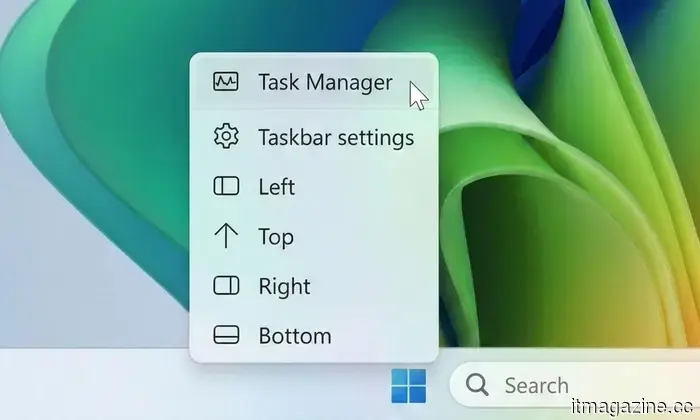
Shared Audio now allows two users to listen to audio from a single Windows 11 PC at the same time via Bluetooth LE Audio. The Windows Task Manager has introduced new columns for NPU usage, simplifying the monitoring of neural processing unit activity during on-device AI tasks.
Multiple applications can now simultaneously access the same camera stream. Furthermore, Windows Search has been enhanced to locate local files with as few as two characters, improving the experience for everyday users.
During the initial installation, Windows Setup now allows the selection of a custom user folder name. Windows Hello has also been improved to reliably revert to face or fingerprint sign-in after trying other methods.
It is advisable to install this update, as it includes the June 2026 Patch Tuesday fixes for over 200 security vulnerabilities.
For more than five years, Shikhar has continuously clarified developments in consumer technology and shared insights…
Now, your Windows 11 PC can natively handle AI workloads, even if it doesn’t possess the Copilot+ designation.
For nearly a year, Microsoft has indicated that the future of AI on Windows is reserved for Copilot+ PCs. To access Microsoft's most advanced local AI capabilities, a machine with a dedicated Neural Processing Unit (NPU) was required. However, Microsoft seems to be changing that narrative.
As per revised documentation, the local Language Model APIs of Windows 11 can now operate on non-Copilot+ PCs as long as they are equipped with an Nvidia GeForce RTX 30-series GPU (or newer) featuring at least 6GB of VRAM. At first glance, this update appears to target developers. In reality, it could represent one of the most significant alterations in Microsoft's AI PC strategy since the introduction of Copilot+ PCs last year. More crucially, it raises the long-standing question: Was an NPU truly necessary for all of this?
OpenAI collaborates with Visa to facilitate secure payments using AI agents.
Imagine instructing ChatGPT to reorder your paper towels or find the best wireless headphones within your budget, and it handles the transaction for you. This is the vision behind OpenAI's new partnership with Visa.
The two companies announced a strategic alliance during the Visa Payments Forum, aiming to integrate Visa's global payment infrastructure directly into OpenAI's AI agent experiences, such as ChatGPT and the Atlas browser.
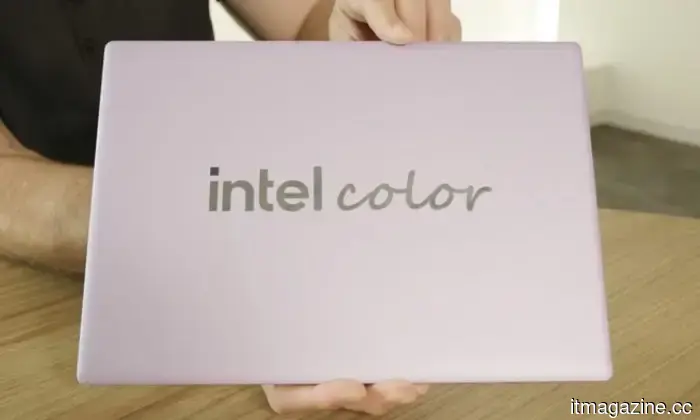
Intel reveals Project Firefly and its strategy to promote affordable laptops that can rival the MacBook Neo.
The stagnation of the Windows budget-laptop market has been apparent for years, as premium devices continued to evolve into thinner, lighter, and more powerful variants, while affordable laptops have been mired in outdated technology with minimal upgrades.
Intel seems poised to change this situation. In a recent interview with Talking Tech, the company outlined how Project Firefly plans to fundamentally transform the budget laptop category by developing a completely new ecosystem of devices.


Другие статьи
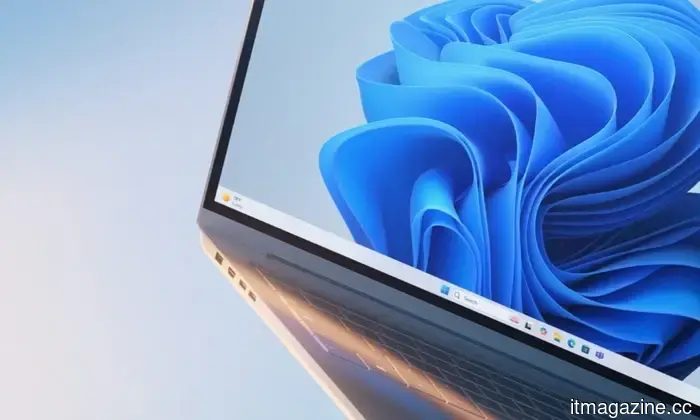
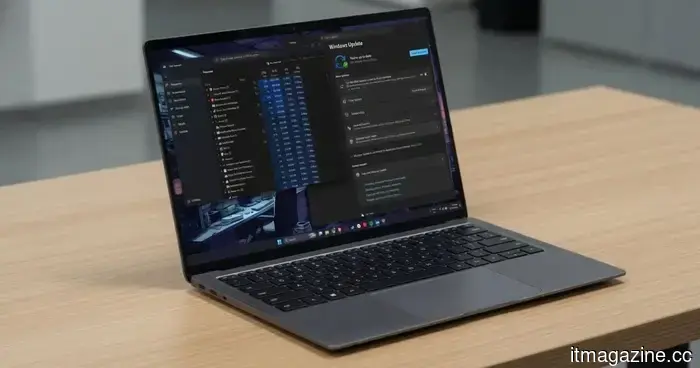 Your Windows 11 PC can now natively execute AI tasks, even if it doesn't have the Copilot+ designation.
Microsoft's recent AI move may render millions of current Windows PCs much more significant than previously anticipated.
Your Windows 11 PC can now natively execute AI tasks, even if it doesn't have the Copilot+ designation.
Microsoft's recent AI move may render millions of current Windows PCs much more significant than previously anticipated.
 Google developed an AI capable of predicting football plays before they occur.
Google DeepMind has introduced TacticAI, an AI system created in collaboration with Liverpool FC, capable of anticipating football player movements up to eight seconds ahead and offering tactical suggestions for set pieces.
Google developed an AI capable of predicting football plays before they occur.
Google DeepMind has introduced TacticAI, an AI system created in collaboration with Liverpool FC, capable of anticipating football player movements up to eight seconds ahead and offering tactical suggestions for set pieces.
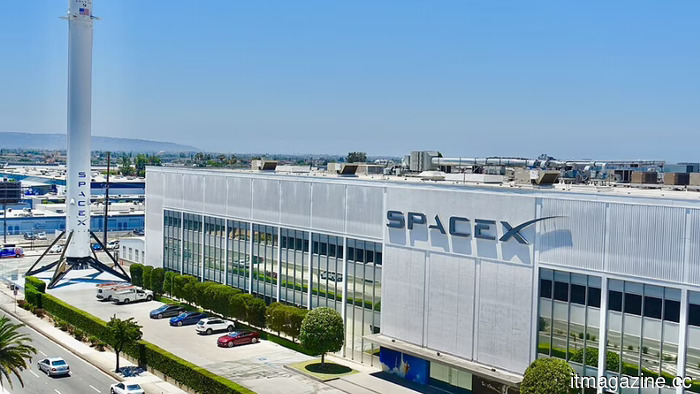 BlackRock purchased $5 billion in SpaceX shares as demand for the IPO reached $250 billion, nearly four times oversubscribed.
BlackRock made a $5 billion order for SpaceX shares before the company's debut on Friday. Overall demand reached $250 billion. According to Morningstar, the stock is valued at only half of the $135 price being requested.
BlackRock purchased $5 billion in SpaceX shares as demand for the IPO reached $250 billion, nearly four times oversubscribed.
BlackRock made a $5 billion order for SpaceX shares before the company's debut on Friday. Overall demand reached $250 billion. According to Morningstar, the stock is valued at only half of the $135 price being requested.
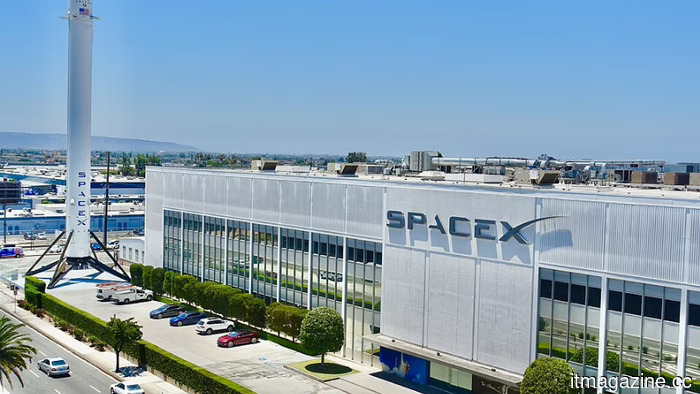 BlackRock purchased $5 billion in SpaceX shares as the demand for the IPO reached $250 billion, which is nearly four times oversubscribed.
BlackRock has made a $5 billion purchase order for SpaceX shares in anticipation of Friday's market debut. Overall demand reached $250 billion. According to Morningstar, the stock is valued at only half of the $135 asking price.
ShinyHunters compromised over 100 companies via an unpatched zero-day vulnerability in Oracle PeopleSoft.
ShinyHunters took advantage of CVE-2026-35273 (CVSS 9.8) to compromise over 100 organizations utilizing Oracle PeopleSoft, with two-thirds of them being universities. There is currently no available patch.
BlackRock purchased $5 billion in SpaceX shares as the demand for the IPO reached $250 billion, which is nearly four times oversubscribed.
BlackRock has made a $5 billion purchase order for SpaceX shares in anticipation of Friday's market debut. Overall demand reached $250 billion. According to Morningstar, the stock is valued at only half of the $135 asking price.
ShinyHunters compromised over 100 companies via an unpatched zero-day vulnerability in Oracle PeopleSoft.
ShinyHunters took advantage of CVE-2026-35273 (CVSS 9.8) to compromise over 100 organizations utilizing Oracle PeopleSoft, with two-thirds of them being universities. There is currently no available patch.
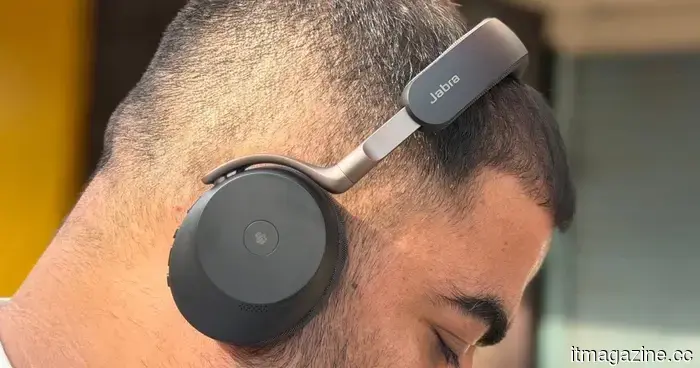 Jabra Evolve3 75 review: After wearing this work headset for several weeks, I found it to be quite impressive.
The Jabra Evolve3 75 is a high-end product that, despite its elevated price, provides an excellent microphone, an elegant design, impressive battery life, wireless charging capability, and a powerful experience for music listening.
Jabra Evolve3 75 review: After wearing this work headset for several weeks, I found it to be quite impressive.
The Jabra Evolve3 75 is a high-end product that, despite its elevated price, provides an excellent microphone, an elegant design, impressive battery life, wireless charging capability, and a powerful experience for music listening.
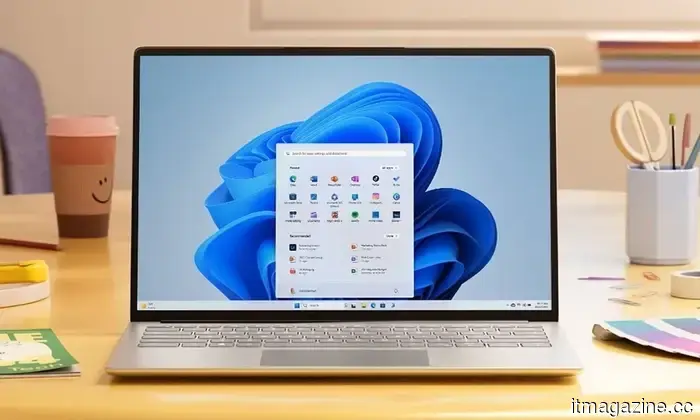
The June update for Windows 11 enhances the responsiveness of your Start menu and Search, making them feel significantly quicker.
The June update for Windows 11 introduces the Low Latency Profile for all users of 24H2 and 25H2, a CPU enhancement method that significantly improves the speed of Start, Search, and Action Center.