
Android 17 introduces system-wide remapping for controllers, which is quite a relief.
**Android 17 Remapping**
If you've ever connected a controller to your Android phone, launched a game, and instantly fumbled with a button due to an awkward layout, you're certainly not the only one. Android has supported various gamepads for many years, offering flexibility but not always delivering consistency. Muscle memory can be quite stubborn. With Android 17, Google is finally addressing this issue.
Your thumb finally has a voice in the decision
Android 17 brings system-level controller remapping, which is exactly as it sounds. You can now adjust your controller layout at the system level, meaning your customizations will apply across all games. The new Game Controller settings menu allows you to reassign buttons, triggers, and even thumbsticks. So if pushing a thumbstick down feels uncomfortable (as it often does), you can transfer that action to a face button that's easier to access. And the best part? Your settings are saved on the device.
This isn't just about convenience; it's a significant advancement for accessibility as well. People interact with controllers in various ways, and the option to remap inputs can make gaming much more comfortable, or even playable, for some. Additionally, it alleviates the typical confusion when switching between different platforms. Moving between consoles, PCs, and mobile devices usually requires retraining your fingers for different layouts. With remapping, you can maintain a sense of familiarity wherever you game.
Where to find it (and who can access it)
Before you rush to try this feature, there is a minor catch. It's currently available only in the Android 17 Beta, specifically Beta 2 and later. You'll need a supported device enrolled in the beta program to use it. Once you're in, here’s where to find it:
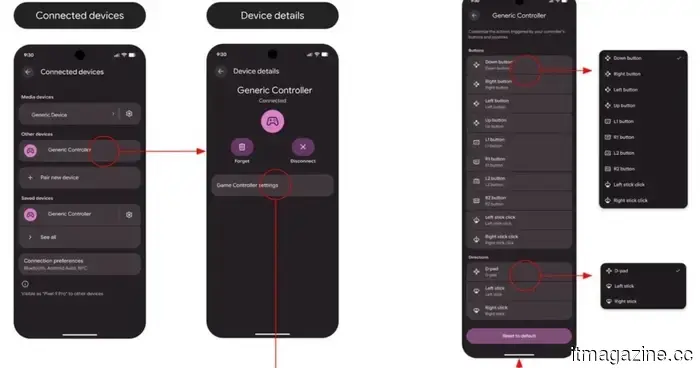
- For wired controllers: Navigate to Settings > System > Game Controller, and select your connected device.
- For Bluetooth controllers: Go to Settings > Connected devices, tap the menu next to your controller, and open Game Controller settings.
Inside, you’ll encounter two main sections: one for button inputs like face buttons and triggers, and the other for directional controls like sticks and the D-pad. You can rearrange functions however you wish, whether it's reassigning a jump button in a platformer or adjusting camera controls in a 3D game. Since this is still beta software, you may encounter a few rough edges. For instance, the on-screen button icons (glyphs) may not always correspond to your controller. Fortunately, the remapping functionality itself operates as intended, even if the visuals are somewhat mismatched. Of course, changes may occur before the final release.
While it might not be the flashiest new feature for Android, this update truly enhances the experience as soon as you use it. It reduces friction, grants you control, and elevates mobile gaming to feel a bit more refined. It’s certainly a feature that makes one wonder why it wasn't introduced sooner.
Shimul is a contributor at Digital Trends with over five years of experience in the tech industry.
---
**This PS3 Emulator has Official PC Requirements That are Easy to Meet**
RPCS3 has now released official system specifications, and the good news is that most PCs from the last several years can handle PlayStation 3 emulation with relative ease. The team has categorized the requirements into four hardware tiers, from minimum to maximum performance, providing a clearer understanding of what’s actually needed. After years of consistent optimization, the entry barrier appears significantly lower than many anticipated.
---
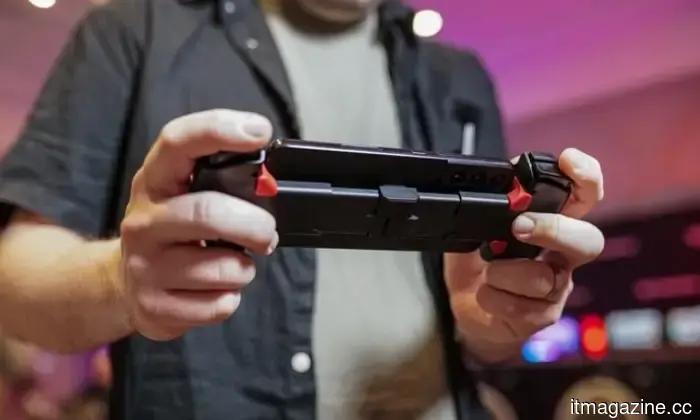
**This Might Be Our First Look at OnePlus’ Upcoming Gaming Handheld**
OnePlus has been making headlines recently, not always for the most peaceful reasons. Reports have suggested the brand is scaling back in several key markets, shortly following the departure of its India CEO—a significant move given India’s importance to the company. Yet, here it is, taking the opposite approach by continuing to push forward. Just this month, OnePlus launched the Nord 6, and now new reports indicate it is also venturing into the handheld gaming market. It's an intriguing shift, especially in a year that seems pivotal for the brand. This new direction clearly shows that OnePlus is not retreating; instead, it is reorganizing and trying something audacious.
---
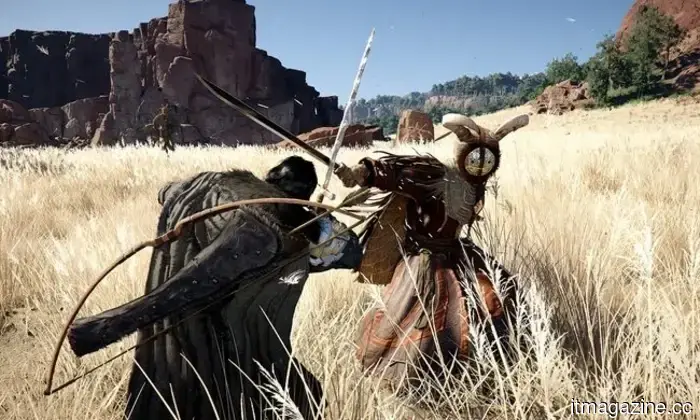
**Crimson Desert Players are Facing a Bizarre Problem Related to Peacefulness**
Players of Crimson Desert have encountered a new issue late in the game, and it's rather amusing. The dedicated warriors among them are expressing frustration with the peaceful environment following game completion. Some players, who have invested hundreds of hours into Pearl Abyss’ expansive open-world RPG, are starting to voice concerns that the world has become "too peaceful" due to their efforts in eliminating most enemies in specific areas. One player mentioned to IGN that even after over 100 hours, some regions had become too tranquil to effectively test endgame builds and upgraded gear.


Other articles
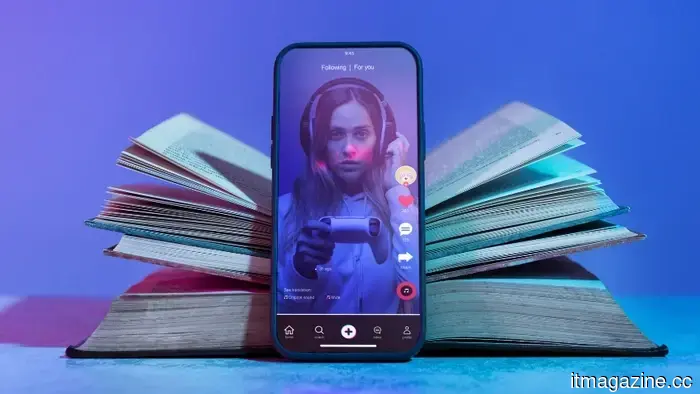 TikTok is investing €1 billion in a second data center in Finland.
TikTok is allocating €1 billion for a second data centre in Lahti, Finland, as a component of Project Clover, which is its €12 billion initiative for data sovereignty in Europe.
TikTok is investing €1 billion in a second data center in Finland.
TikTok is allocating €1 billion for a second data centre in Lahti, Finland, as a component of Project Clover, which is its €12 billion initiative for data sovereignty in Europe.
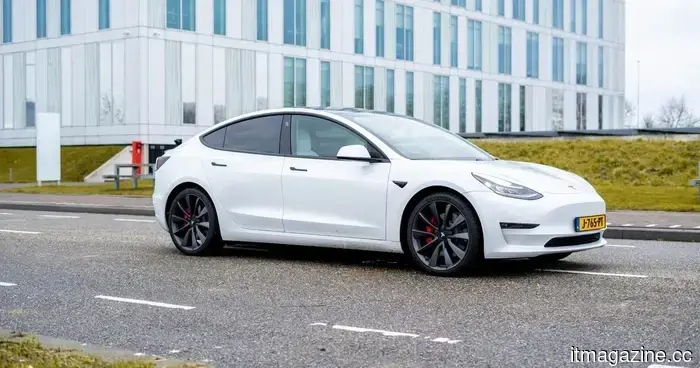 Tesla introduces FSD v14.3 update featuring faster response times and additional enhancements.
From addressing yellow light logic to navigating potholes on the roadway, FSD v14.3 represents Tesla's most ambitious supervised driving update in quite some time, and initial reactions are already capturing attention.
Tesla introduces FSD v14.3 update featuring faster response times and additional enhancements.
From addressing yellow light logic to navigating potholes on the roadway, FSD v14.3 represents Tesla's most ambitious supervised driving update in quite some time, and initial reactions are already capturing attention.
 TikTok is investing €1 billion in a new data center in Finland.
TikTok is putting €1 billion into a new data center in Lahti, Finland, as a part of Project Clover, which is its €12 billion initiative for data sovereignty in Europe.
TikTok is investing €1 billion in a new data center in Finland.
TikTok is putting €1 billion into a new data center in Lahti, Finland, as a part of Project Clover, which is its €12 billion initiative for data sovereignty in Europe.
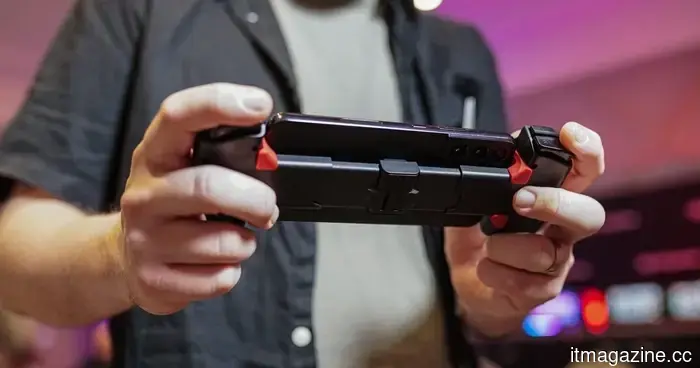 This might be our initial glimpse of OnePlus’ forthcoming gaming handheld.
You would be doing yourself a great disservice if you allow this to pass by without noticing it.
This might be our initial glimpse of OnePlus’ forthcoming gaming handheld.
You would be doing yourself a great disservice if you allow this to pass by without noticing it.
 TikTok is investing €1 billion in a new data center in Finland.
As part of Project Clover, TikTok is committing €1 billion to establish a second data centre in Lahti, Finland, as part of its €12 billion initiative for European data sovereignty.
TikTok is investing €1 billion in a new data center in Finland.
As part of Project Clover, TikTok is committing €1 billion to establish a second data centre in Lahti, Finland, as part of its €12 billion initiative for European data sovereignty.
 The ASUS Zenbook S14 and S16 have recently received a significant AI enhancement — here’s what’s been added.
ASUS Zenbooks have taken their intelligence to the next level.
The ASUS Zenbook S14 and S16 have recently received a significant AI enhancement — here’s what’s been added.
ASUS Zenbooks have taken their intelligence to the next level.
Android 17 introduces system-wide remapping for controllers, which is quite a relief.
It sure took a while, didn't it?