
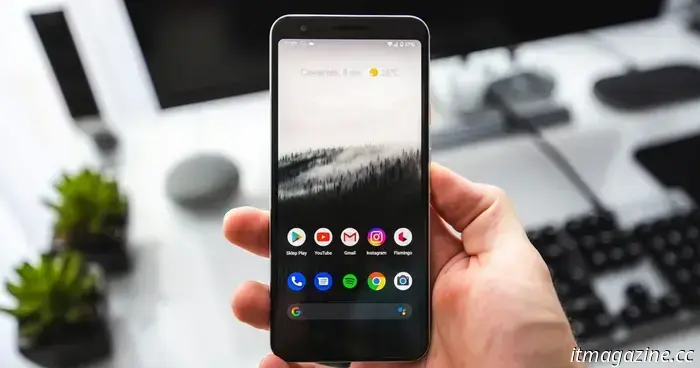
Android smartphones can alert you when you access financial applications while on a scam call.
What’s happening? Google is enhancing its in-call scam protection on Android to assist users during crucial calls related to financial or payment applications.
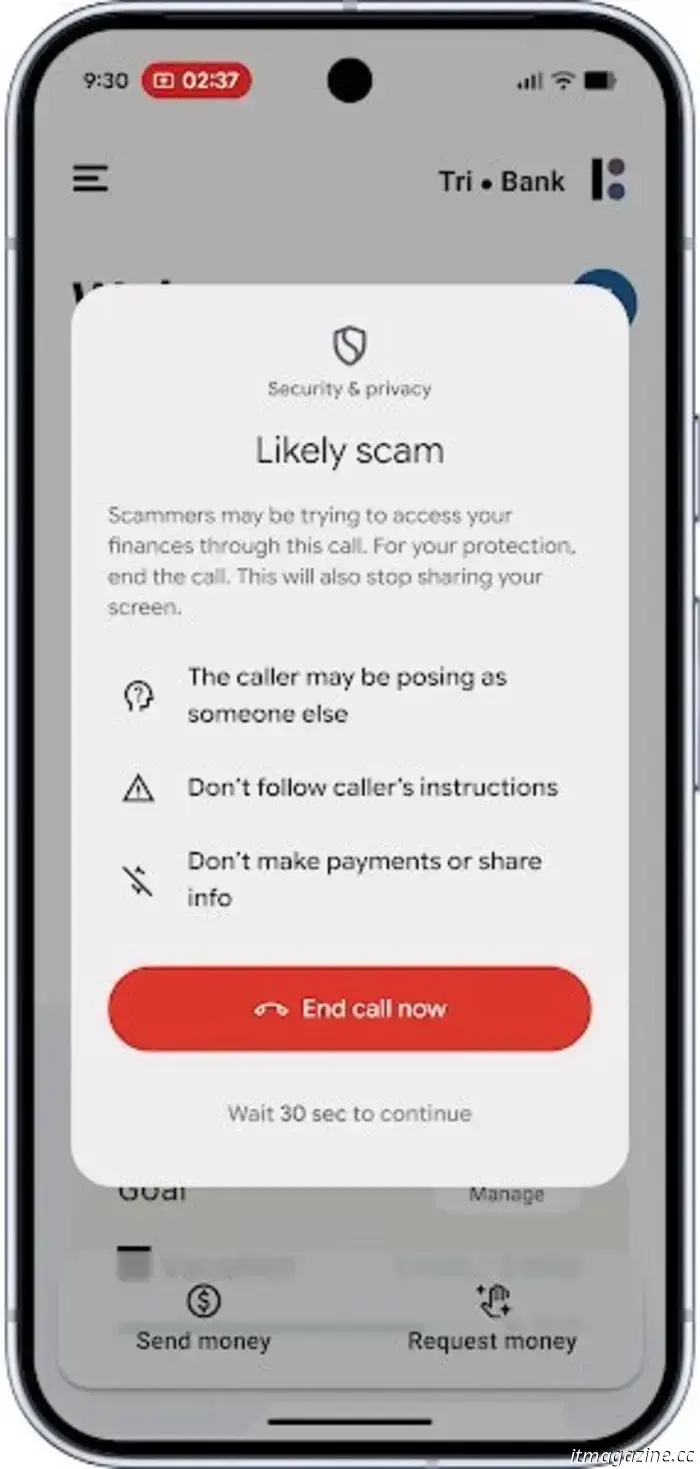
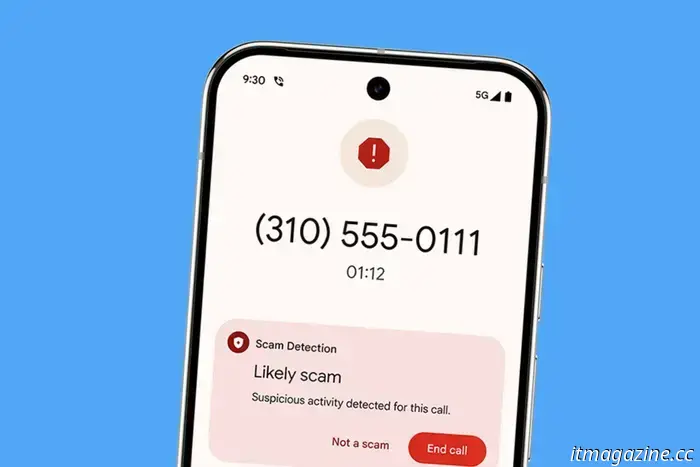
When Android identifies that you are on a call with a number not saved in your contacts and you access a compatible financial app, it will generate a protective notification.
You will have the option to end the call or halt screen sharing with a simple tap.
This feature is available on devices using Android 11 or later.
Google
Why is this significant? Android’s in-call scam protection aims to safeguard against fraud involving criminals posing as representatives of banks or financial institutions.
The interface alerts you and provides immediate options to conclude the call or cease screen sharing.
If you decide not to act right away, the system imposes a 30-second delay before allowing you to continue.
This 30-second window helps mitigate the pressure tactics commonly used by scammers, giving you a moment to think.
Google
Why is this relevant? Scammers frequently call, pretending to be bank officials, and pressuring you into sharing screens or transferring funds.
This Android protective feature helps identify suspicious calls before you potentially fall victim, providing a clear alert rather than a moment of regret.
If you utilize banking or payment applications and receive calls from unknown numbers, this feature could spare you significant hassle.
Google points out that Android users experience fewer successful scams compared to iPhone users, highlighting the importance of in-call protection.
What’s coming next? The in-call protection feature initially began as a pilot program in the UK earlier this year. Google has reported that this system has already assisted thousands of users in avoiding potentially expensive scam calls.
Additionally, Google has incorporated scam prevention tools into its messaging app to help you steer clear of phishing and spam messages.
In-call scam protection is currently being rolled out in the US, starting with widely used fintech applications and major banks such as Cash App and JPMorgan Chase.
We need bulkier phones, not the iPhone Air… and you know why
Apple was hoping this time around would be successful after the disappointing sales of both the iPhone mini and iPhone Plus. So far, reports of the iPhone Air’s lack of popularity have triggered a strong sense of déjà vu. Nikkei indicates there’s “virtually no demand” for this model, and analyst Ming-Chi Kuo expects production to be reduced by 80%.
Read more
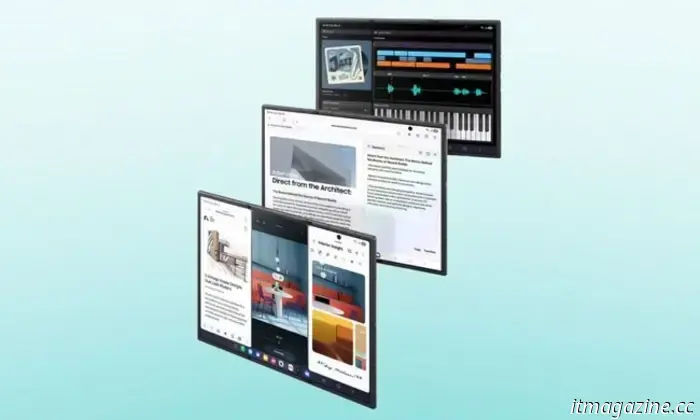
Samsung Galaxy Z Trifold introduces a unique hinge system and shock-absorbing screen
What’s happening? Samsung has just launched the Galaxy Z TriFold, its first phone featuring two hinges and a design that unfolds into a 10-inch tablet. Samsung claims it possesses the most advanced hinge and display technology to date, engineered to bend twice without appearing fragile or bulky. A dual-rail 'Armor FlexHinge' with two sizes of hinges works together to effectively support the uneven weight across the three panels.
Read more
You can use Samsung Galaxy Z Trifold as a desktop without an external monitor
What’s happening? Samsung has just introduced the Galaxy Z TriFold, which is the first Galaxy device capable of running Samsung DeX directly on its 10-inch internal screen. For those unfamiliar, DeX is Samsung’s desktop-style interface that transforms your phone’s applications into resizable windows, providing a computer-like workspace. It essentially allows your phone to function like a PC when you require a larger display and enhanced multitasking capabilities.
This is important because: Until now, DeX on phones generally required an external display (monitor or TV) to create a “desktop” experience. The TriFold completely changes that, with a 10-inch screen that can run DeX directly, transforming the device into a tablet-like workspace that still fits into your pocket.
Read more

Other articles
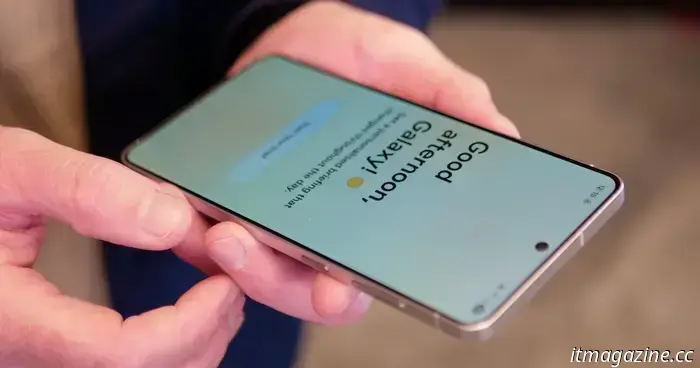 What One UI 8 reveals about the Galaxy S26 – including an aspect I hadn't thought of before.
Samsung's One UI 8 provides a preview of what’s to come for the Galaxy phone series, and version 8.5 may reveal even more.
What One UI 8 reveals about the Galaxy S26 – including an aspect I hadn't thought of before.
Samsung's One UI 8 provides a preview of what’s to come for the Galaxy phone series, and version 8.5 may reveal even more.
 Logitech has just shared some positive news for your wallet.
Recently, Logitech's CEO mentioned that the company doesn't plan to implement any further price increases and is avoiding extravagant AI devices. This may make your next purchase of a PC accessory more budget-friendly.
Logitech has just shared some positive news for your wallet.
Recently, Logitech's CEO mentioned that the company doesn't plan to implement any further price increases and is avoiding extravagant AI devices. This may make your next purchase of a PC accessory more budget-friendly.
 Blue Yeti USB microphone available for $84.97 in early streaming equipment promotion.
If your audio still appears to be coming from a laptop microphone, this is your cue to improve it. The Logitech for Creators Blue Yeti USB Microphone is now available for $84.97 on Amazon, which is a 39% reduction from its regular price of $139.99. This is ideal for streamers, podcasters, and anyone who frequently uses Zoom or Discord.
Blue Yeti USB microphone available for $84.97 in early streaming equipment promotion.
If your audio still appears to be coming from a laptop microphone, this is your cue to improve it. The Logitech for Creators Blue Yeti USB Microphone is now available for $84.97 on Amazon, which is a 39% reduction from its regular price of $139.99. This is ideal for streamers, podcasters, and anyone who frequently uses Zoom or Discord.
Android smartphones can alert you when you access financial applications while on a scam call.
Android's in-call protection feature now activates during potentially suspicious calls related to financial applications. If you access a banking or payment app while speaking with an unknown number, your device will issue a warning, temporarily pause actions for 30 seconds, and provide quick safety options.