
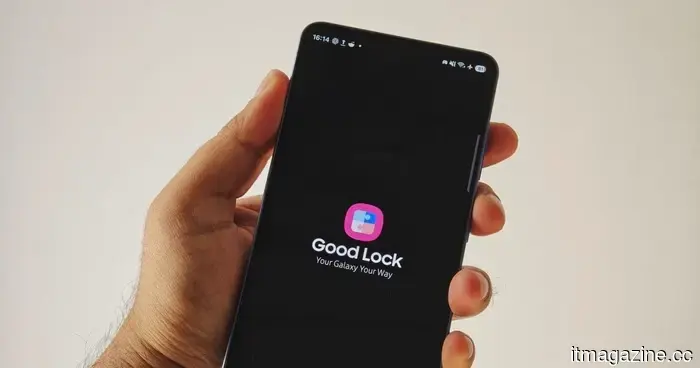
Good Lock is the reason I continue to return to the Galaxy S26.
In my review of the Galaxy S26, I briefly noted that Good Lock is a journey every Samsung user should explore. One UI is overflowing with features that can sometimes feel disjointed, yet the overall design appears intentional. Samsung's custom interface has become one of my favorites due to its distinct identity, and one of its best-kept secrets is Good Lock.
Good Lock is one of those Samsung features that can easily go unnoticed. There’s no flashy demonstration at the beginning of the setup process, as it exists as a separate app that requires downloading. However, it is precisely this feature that gives One UI an advantage over many other Android interfaces.
Samsung characterizes Good Lock as a collection of customization apps for Galaxy devices, allowing users to personalize their interface, enhance productivity, and install only the tools they genuinely need. This may not sound particularly exciting until you give it a try.
Good Lock gives your phone a unique feel
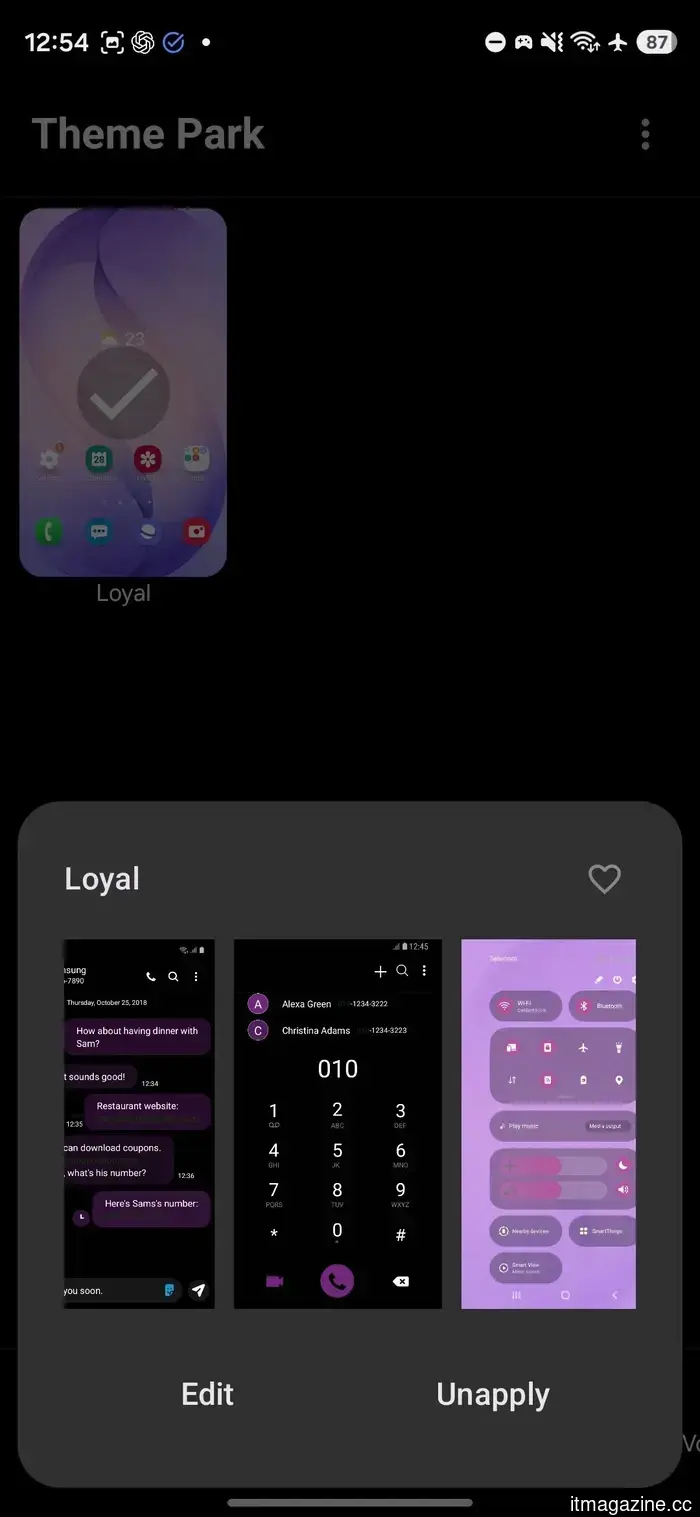
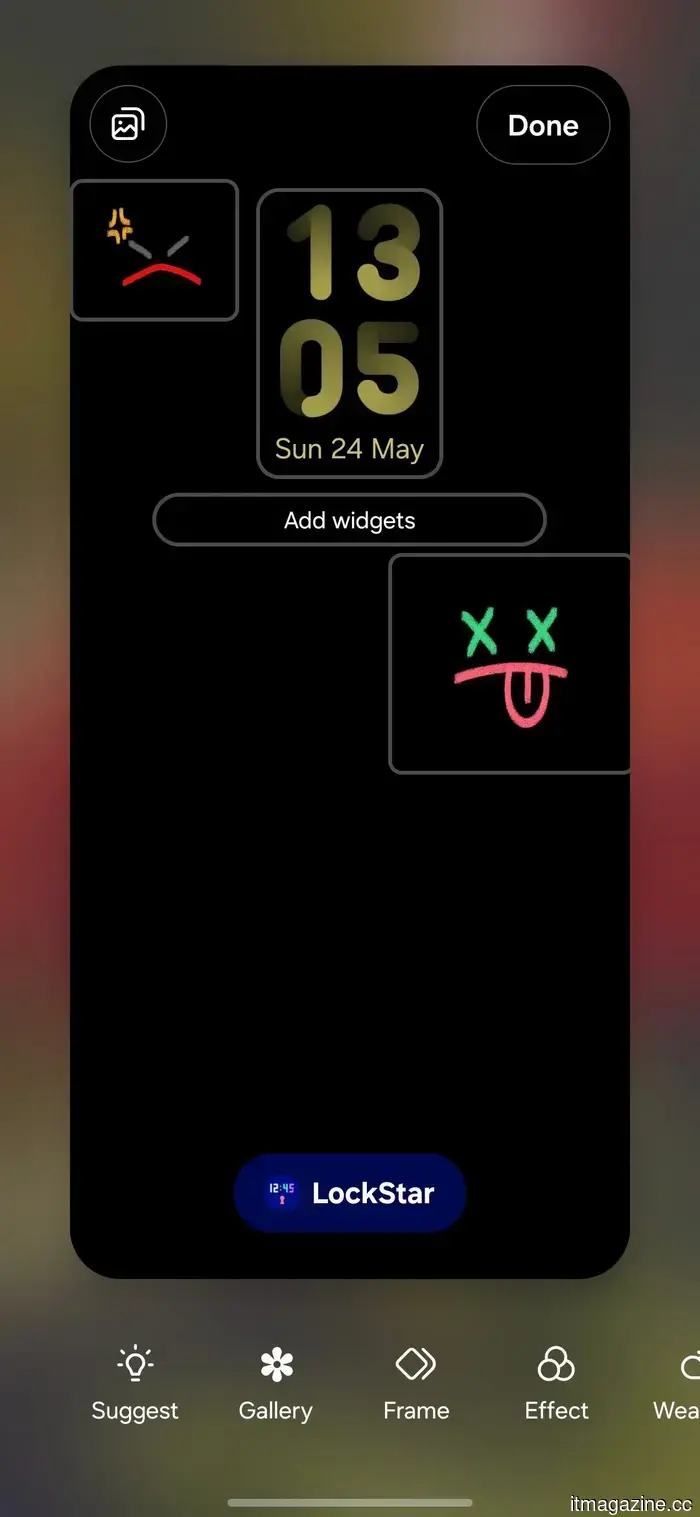
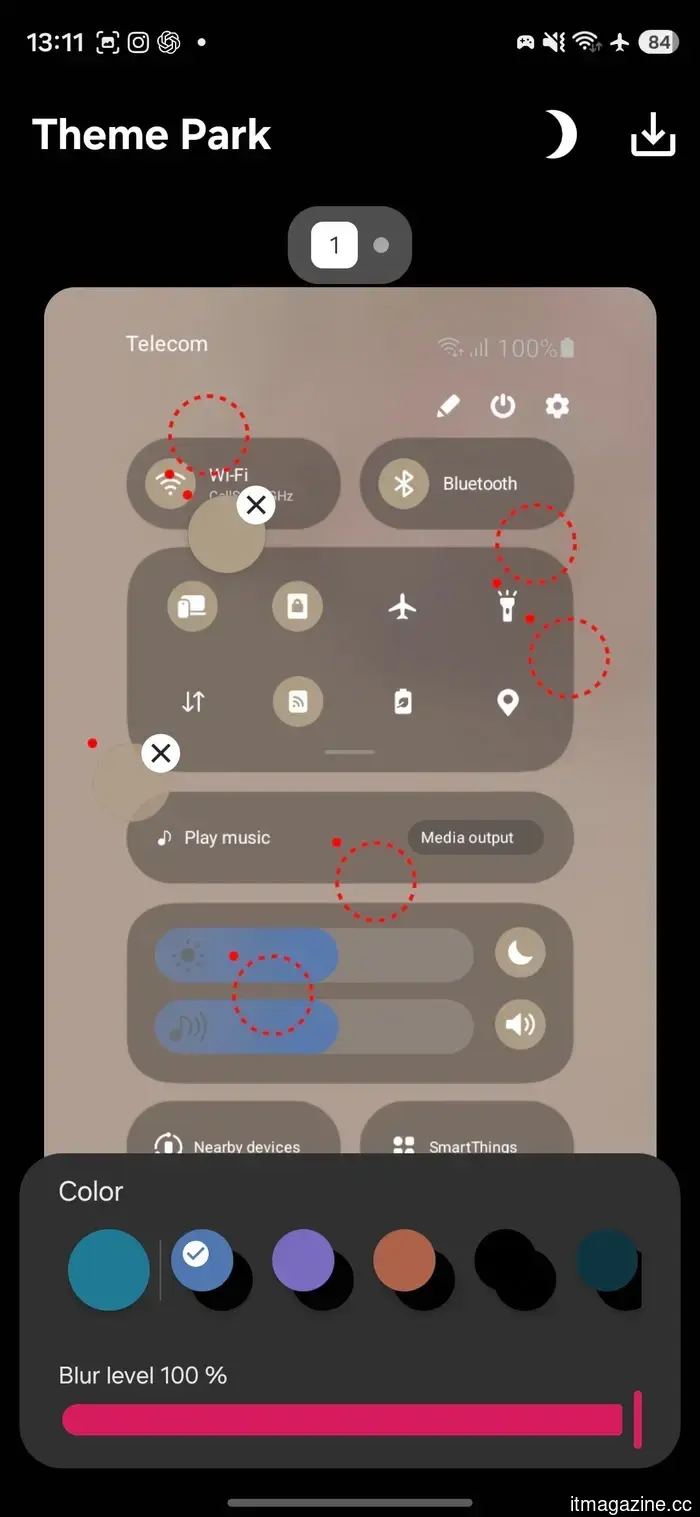
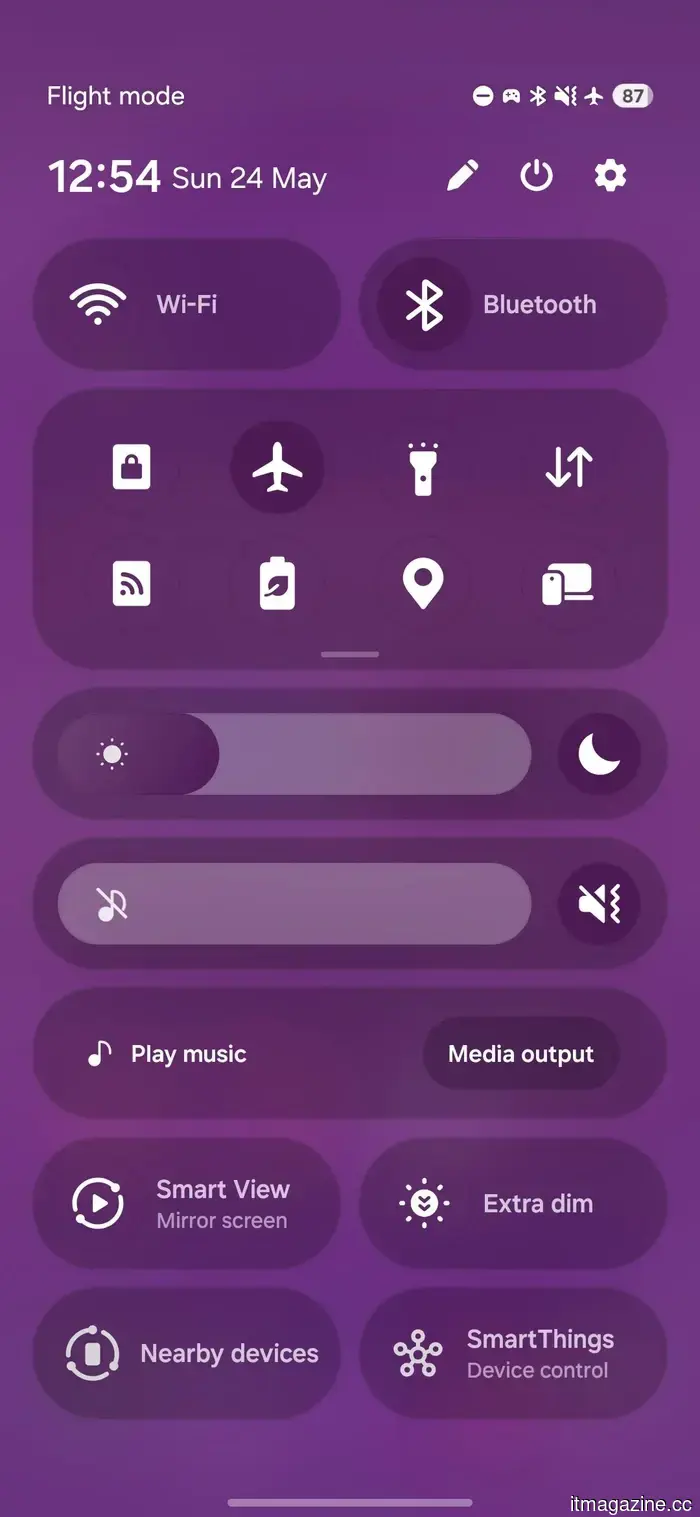
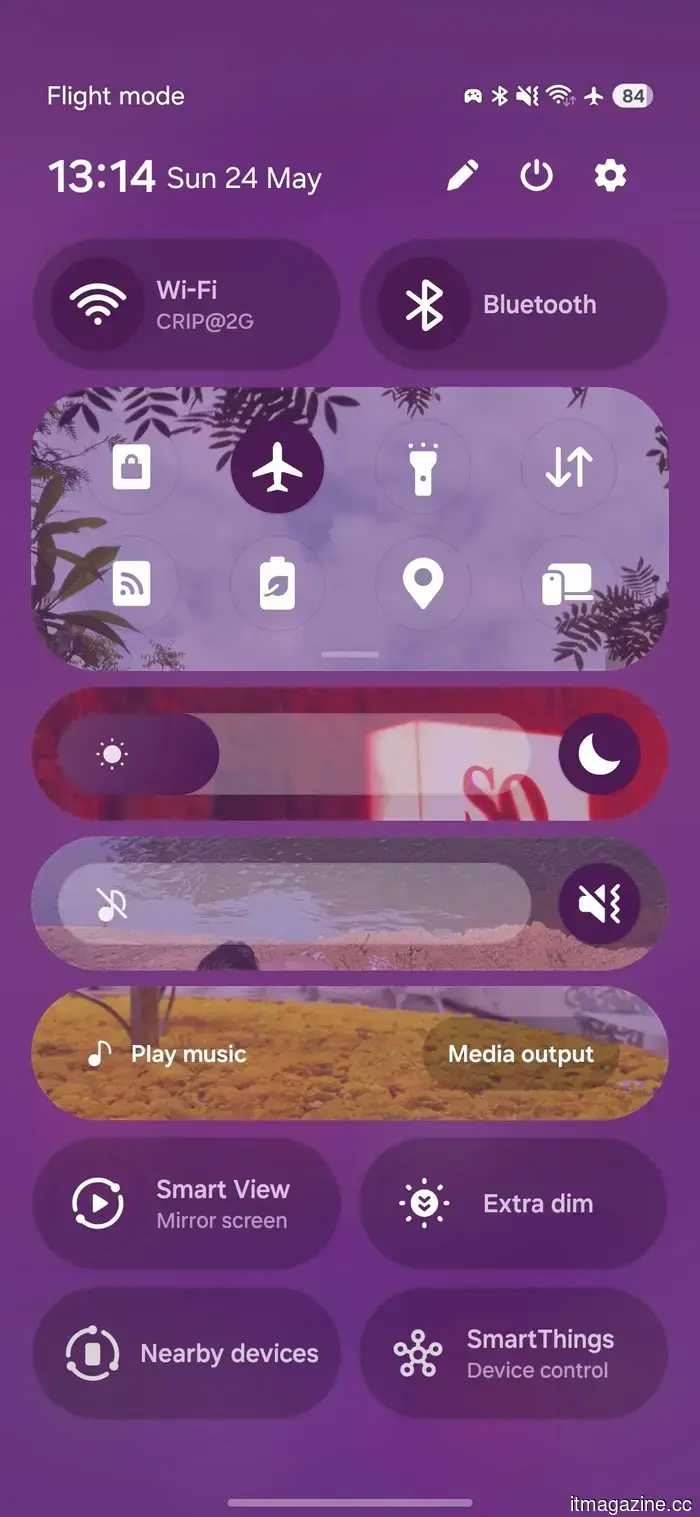
The module that clearly showcases its appeal is Theme Park. I used it to transform my Galaxy S26 with deep purple hues throughout the interface, including the Quick Settings panel. This isn’t your standard wallpaper-matching technique; it offers extensive options. With QuickStar, you can redesign segments of the Quick Panel, while LockStar allows for more flexibility with the lock screen and Always On Display. I even added stickers to the AOD, including little line faces, just for fun!
It’s certainly not for everyone. However, the mere fact that Samsung permits these modifications is significant.
Most smartphones allow you to select a wallpaper, opt for a color palette, and perhaps change icons if the launcher allows it. Good Lock goes much deeper than that, making the Galaxy S26 feel less like a generic Samsung device and more like a personal one.
There’s a lot of playful features
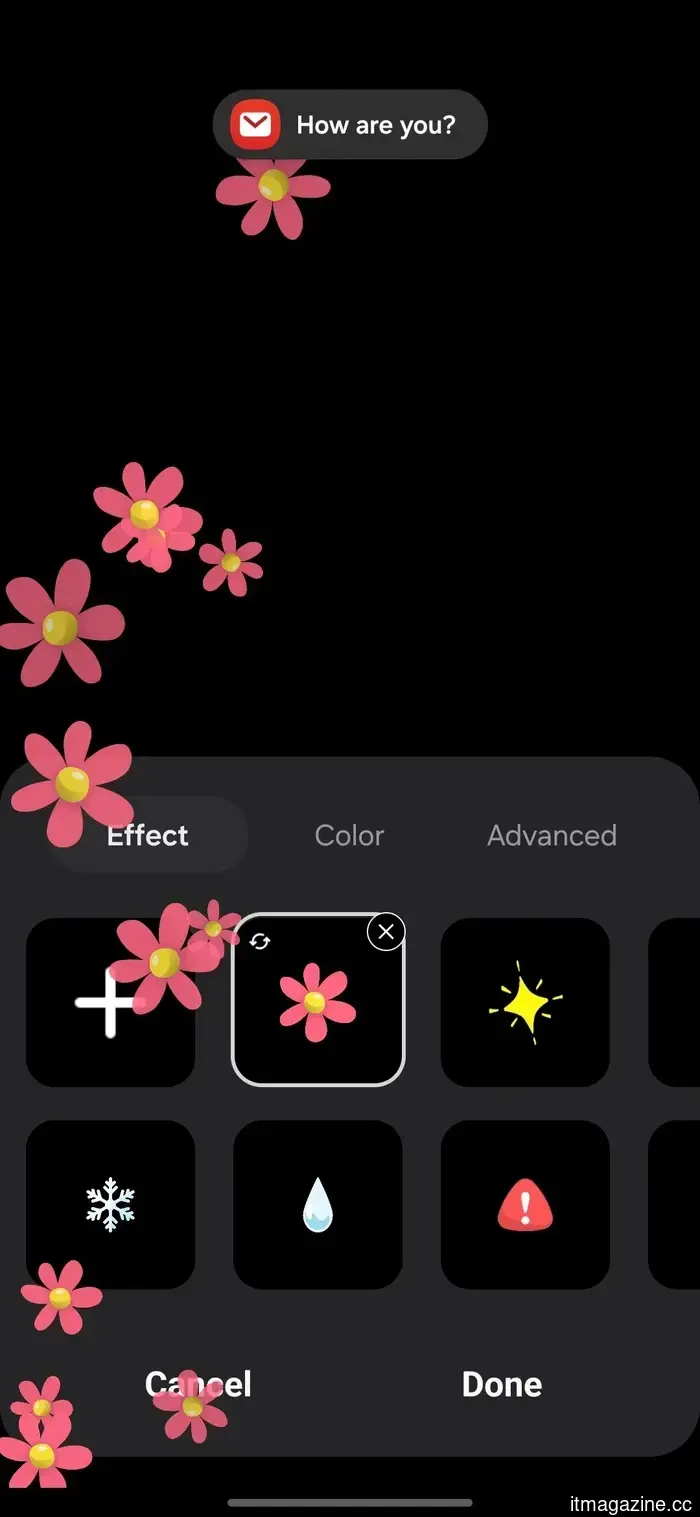
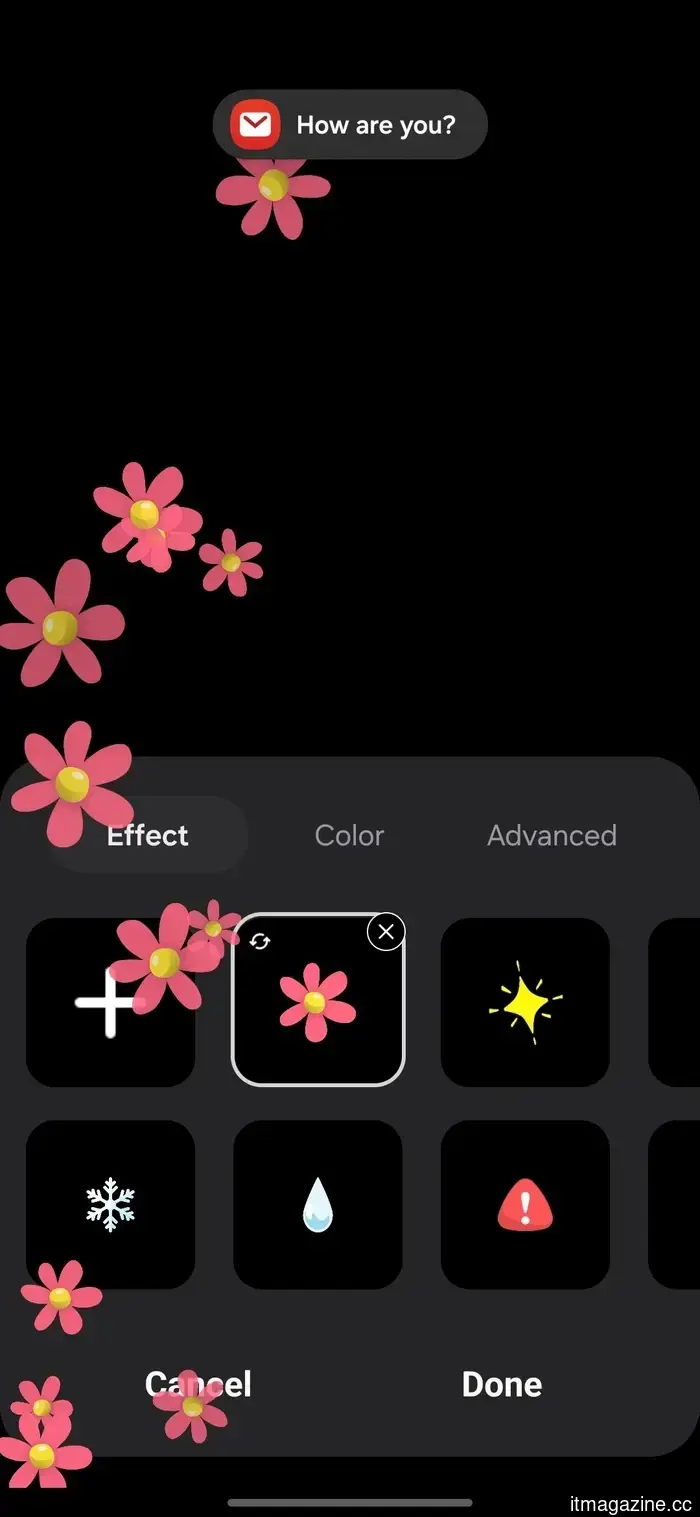
The most enjoyable feature for me was Edge Lighting+. I created a floral effect that appears when I receive a notification. Once again, this isn’t essential and is somewhat absurd. It makes notifications even more distracting, yet somehow my phone felt more vibrant. There are more practical lighting effects available, which won't make your phone feel overly spring-like, but it's genuinely fun to experiment with.
Chinese smartphones are recognized for their extensive customization options, and it’s great to see Samsung keeping pace. While the Galaxy S26 hardware seems conventional in some aspects, Good Lock helps add uniqueness to the software.
Utility is impressive as well
Good Lock is not solely about aesthetics. It offers numerous modules that are subtly beneficial. I previously mentioned NotiStar as my favorite in the Galaxy S26 review, and I still believe it is one of the best Good Lock tools since managing notifications is an area where Android can always improve. Sound Assistant ranks closely behind for me, as it provides greater control over audio behavior than the standard settings menu.
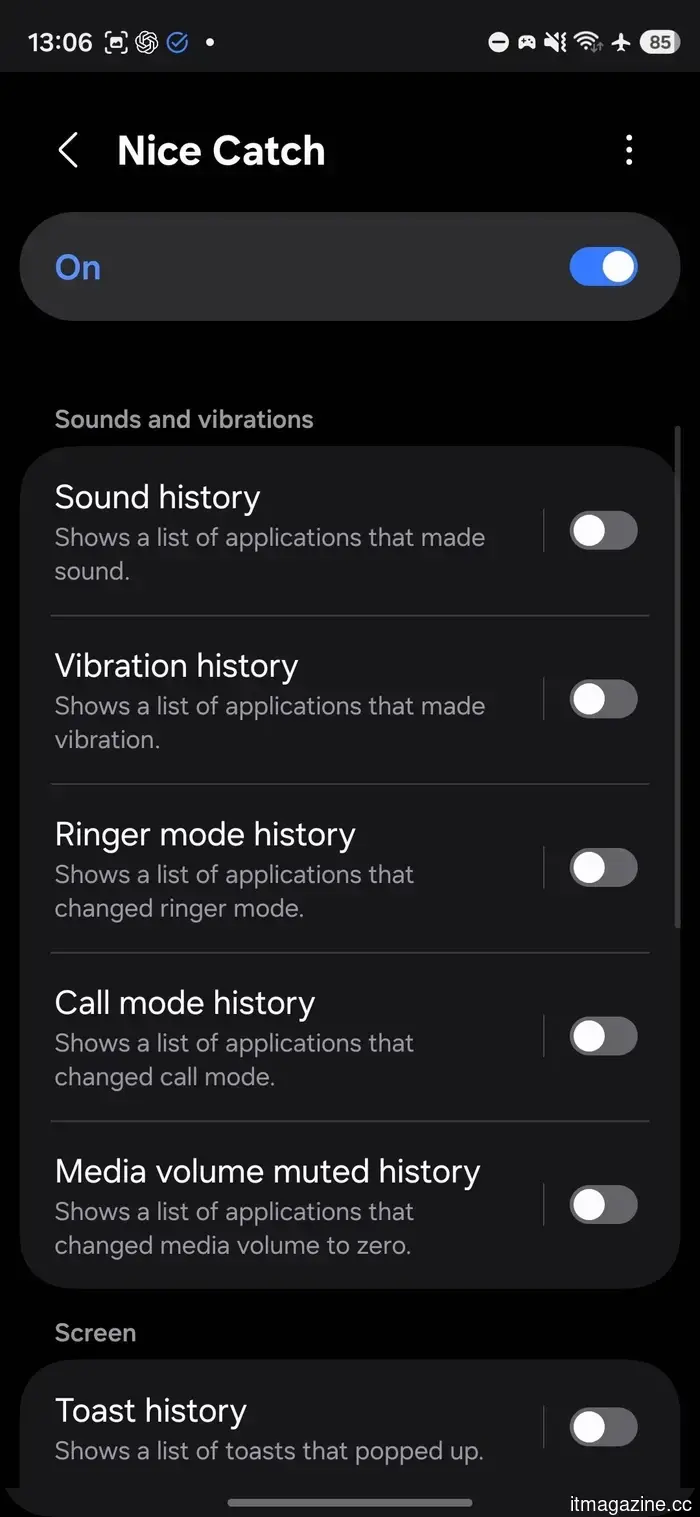
Then there's Nice Catch, which monitors unexplained actions like vibrations, sounds, changes in ringer mode, call mode alterations, and toast notifications. If you've ever been puzzled by random buzzing from your phone, this tool ensures that no software slips by unnoticed.
Camera Assistant is another noteworthy module. Samsung’s own Good Lock description highlights camera customization among its plugin tools, and this module introduces the kind of camera behavior adjustments that power users often wish were inherent in the default camera application.
The beauty of Good Lock lies in the fact that you don’t have to utilize all its features. Samsung has developed a modular app that allows you to decide how extensively you want to engage. You can easily bypass any elements that don't pique your interest.
Samsung should promote this more
Good Lock isn’t entirely obscure; at this point, it’s more of a well-kept secret. However, it can be somewhat confusing for newcomers. A casual user might open it, glance at the list, and promptly exit. But if you take the time to explore, you’ll understand why the flexibility offered by Android is a key reason many users don’t switch to Apple’s polished but restrictive ecosystem. After fully utilizing it on the Galaxy S26, returning to a basic Android phone feels oddly constraining.
Other articles
 The Apple Watch is now 11 years old and is starting to lose its appeal. Competitors without screens are gaining traction in the next phase of the market.
Whoop, Oura, and Google's Fitbit Air are transforming wearables with a focus on AI coaching and passive tracking. Meanwhile, Apple's Health app seems to lack momentum.
The Apple Watch is now 11 years old and is starting to lose its appeal. Competitors without screens are gaining traction in the next phase of the market.
Whoop, Oura, and Google's Fitbit Air are transforming wearables with a focus on AI coaching and passive tracking. Meanwhile, Apple's Health app seems to lack momentum.
 A billionaire from the cryptocurrency world will guide humanity to Mars aboard Musk's Starship.
The inaugural human journey to Mars by SpaceX might be commanded by Chun Wang, a cryptocurrency billionaire who has already completed one private astronaut mission.
A billionaire from the cryptocurrency world will guide humanity to Mars aboard Musk's Starship.
The inaugural human journey to Mars by SpaceX might be commanded by Chun Wang, a cryptocurrency billionaire who has already completed one private astronaut mission.
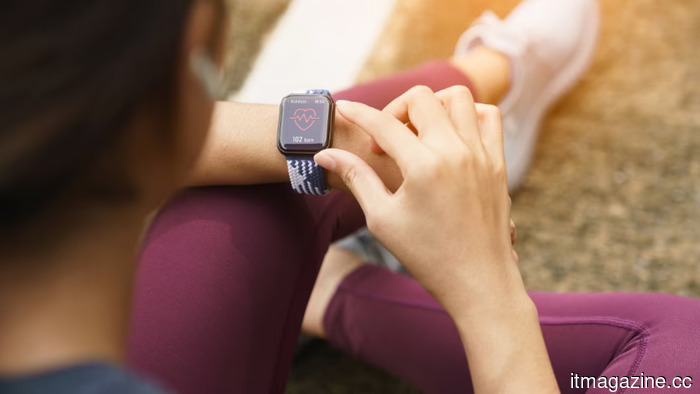 The Apple Watch is now 11 years old and is losing its edge. Competitors without screens are taking the lead in the upcoming phase.
Whoop, Oura, and Google's Fitbit Air are transforming wearables through AI coaching and passive tracking, while Apple's Health app seems to be in a state of limbo.
The Apple Watch is now 11 years old and is losing its edge. Competitors without screens are taking the lead in the upcoming phase.
Whoop, Oura, and Google's Fitbit Air are transforming wearables through AI coaching and passive tracking, while Apple's Health app seems to be in a state of limbo.
 From humidity to energy: Researchers demonstrate how kitchen objects can generate power for wearables and smart home gadgets.
A novel biodegradable gadget composed of gelatin, table salt, and activated charcoal has the ability to produce electricity from the moisture in the air, paving the way for innovative battery-free wearable technology.
From humidity to energy: Researchers demonstrate how kitchen objects can generate power for wearables and smart home gadgets.
A novel biodegradable gadget composed of gelatin, table salt, and activated charcoal has the ability to produce electricity from the moisture in the air, paving the way for innovative battery-free wearable technology.
 The AI security gap that no one is willing to acknowledge is already present.
The leak of the Anthropic Claude Code source code uncovered more than just a packaging mistake; it highlighted the significant lead attackers have with AI compared to the challenges defenders face in keeping up.
The AI security gap that no one is willing to acknowledge is already present.
The leak of the Anthropic Claude Code source code uncovered more than just a packaging mistake; it highlighted the significant lead attackers have with AI compared to the challenges defenders face in keeping up.
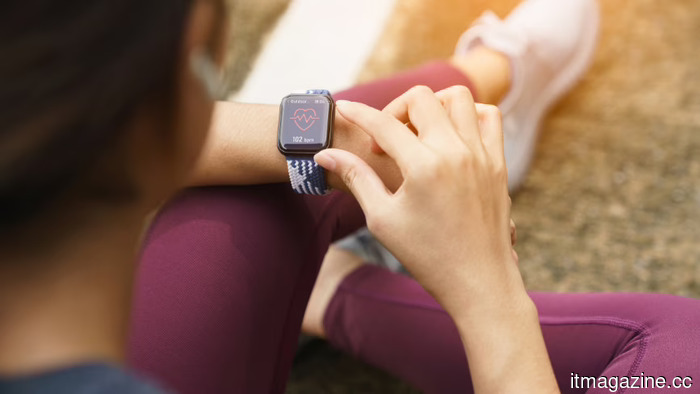 The Apple Watch is now 11 years old and is beginning to lose its impact. Competitors without screens are gaining traction in the upcoming phase.
Whoop, Oura, and Google's Fitbit Air are transforming wearables through AI coaching and passive tracking. In contrast, Apple's Health app still seems to be in a state of limbo.
The Apple Watch is now 11 years old and is beginning to lose its impact. Competitors without screens are gaining traction in the upcoming phase.
Whoop, Oura, and Google's Fitbit Air are transforming wearables through AI coaching and passive tracking. In contrast, Apple's Health app still seems to be in a state of limbo.
Good Lock is the reason I continue to return to the Galaxy S26.
After using Good Lock on my Galaxy S26, Samsung's software transitioned from feeling like a static interface to something that I could genuinely customize to match my personal preferences.