

Canva and Adobe are joining Gemini, aiming to make everything conversational.
Canva and Adobe are enhancing their integration with Google Gemini, allowing the assistant to play a more significant role even before users access a design application.
Adobe has announced that its “Adobe for creativity” connector will be available in Gemini in the coming weeks, providing users with a way to articulate tasks and transmit them through Adobe's tools for imaging, design, and video. Meanwhile, Canva is in the process of launching its Connected App for Gemini within select English-speaking markets, with full rollout expected soon.
This change is designed with practicality in mind for users. Tasks such as campaigns, mockups, social media posts, or image edits can initiate in Gemini and then transition to Canva or Adobe when branding, editing, or a more polished appearance is required.
The extent of design integration within chat
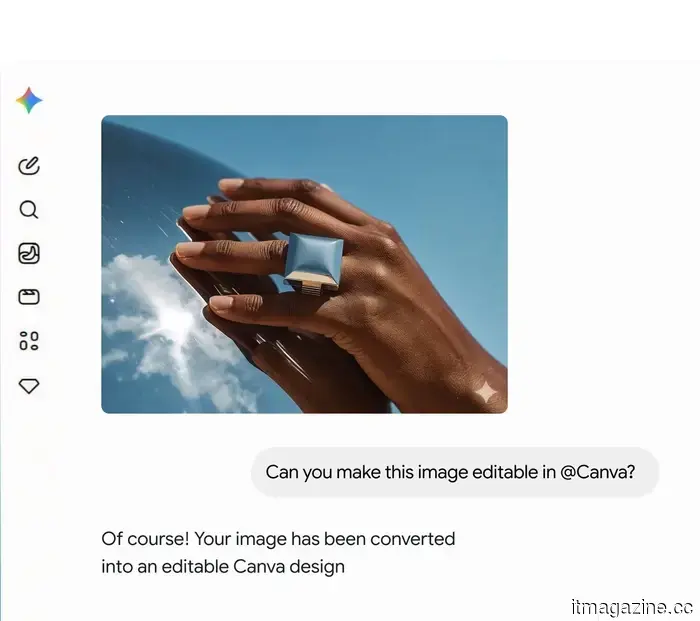
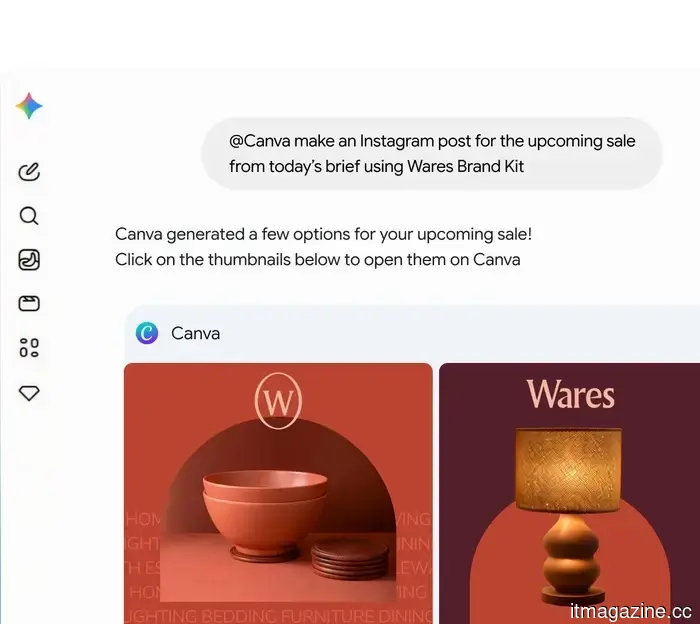
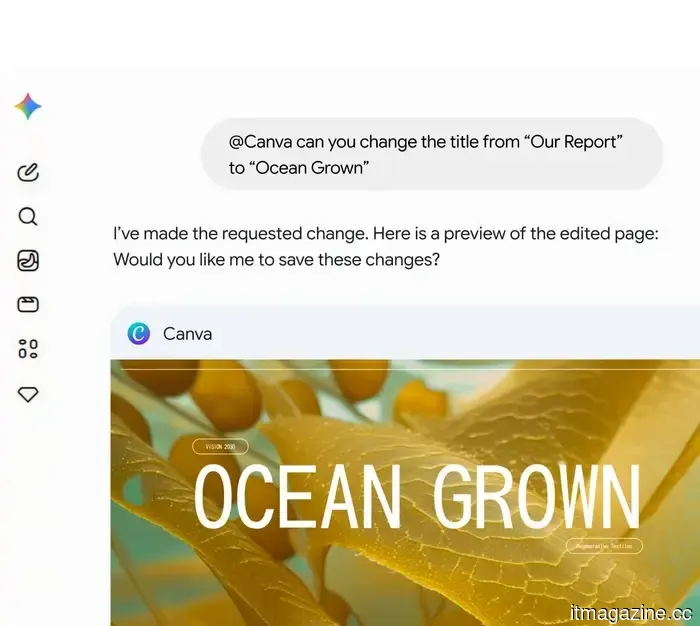
Canva’s Gemini app represents the immediate step forward, allowing users to create and modify Canva designs, search existing content, and import AI-generated images into Canva as editable, layered projects.
This approach allows Canva to address a common issue with AI-generated images. While a generated image might appear refined initially, adjustments like moving a logo, resizing a product, changing a background, or collaborating with others can complicate things. Canva’s Magic Layers feature is intended to deconstruct these images into elements that users can modify.
Adobe is pursuing a more comprehensive, professional tool approach. Its upcoming Gemini connector will allow users to articulate their needs, which Adobe’s tools for image, design, and video will then execute, with transitions into Firefly Boards and Creative Cloud applications.
Where Adobe maintains an advantage
Canva excels when quick, branded outputs are required, making it ideal for social media posts, campaign materials, and team assets that need a polished look with minimal setup.
In contrast, Adobe is better positioned when initial prompts are just the starting point. Its connector is tailored for more extensive revisions, encompassing early ideation in Firefly Boards to detailed editing in Creative Cloud, providing professionals with a clearer route to refine working files.
These initial decisions may occur prior to opening either company's app. While beneficial for users, this poses a challenge for software makers who prefer to manage the entire creative process.
What follows the initial prompt
There is a risk that Gemini may become a gatekeeper for the design path that seems easiest. If users begin projects in Google’s assistant and complete them using Canva or Adobe tools, Google could gain an advantage in influencing the initial choice.
For Google, this represents a significant opportunity. Gemini will become more beneficial once it starts providing users with working files rather than just answering questions. For the two competing design platforms, the challenge lies in maintaining visibility once the work transitions outside their applications.
The next aspect to monitor is availability. Canva’s Gemini app is being introduced first in certain English-language markets, while Adobe’s connector is anticipated soon. The real test will be whether starting in chat actually saves time as the edits progress.
Other articles
 Canva and Adobe are joining Gemini, aiming to introduce more conversational elements.
Adobe and Canva are integrating with Google Gemini, transforming the assistant into a launching pad for design projects and prompting larger discussions about control over the creative process.
Canva and Adobe are joining Gemini, aiming to introduce more conversational elements.
Adobe and Canva are integrating with Google Gemini, transforming the assistant into a launching pad for design projects and prompting larger discussions about control over the creative process.
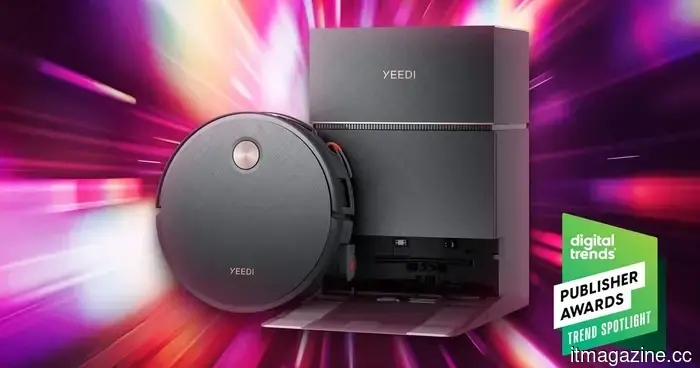 YEEDI S20 Infinity Ultra: transforming the standards of robot vacuum cleaning.
Robot vacuums have perfected navigation, but their cleaning capabilities still reveal shortcomings in real-world scenarios. The YEEDI S20 Infinity Ultra tackles this issue with a pre-treatment spray feature and a design intended to manage tough, daily messes in just one pass.
YEEDI S20 Infinity Ultra: transforming the standards of robot vacuum cleaning.
Robot vacuums have perfected navigation, but their cleaning capabilities still reveal shortcomings in real-world scenarios. The YEEDI S20 Infinity Ultra tackles this issue with a pre-treatment spray feature and a design intended to manage tough, daily messes in just one pass.
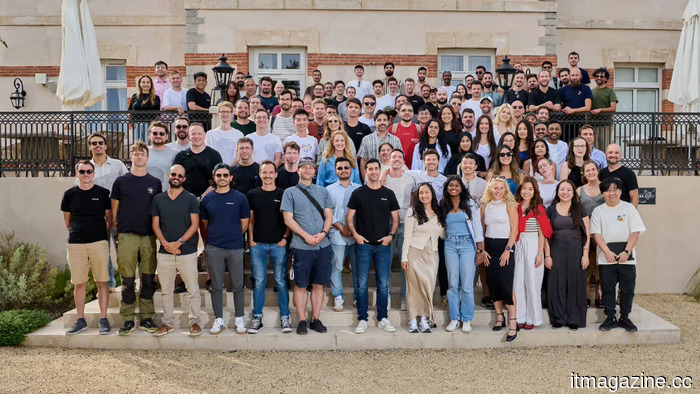 Primer has obtained $100 million in Series C funding to support its expansion in the U.S. and to advance its autonomous AI payment solutions.
Primer, a payment startup located in London, has revealed a Series C funding round of €86.2 million to enhance its AI payments and finance platform.
Primer has obtained $100 million in Series C funding to support its expansion in the U.S. and to advance its autonomous AI payment solutions.
Primer, a payment startup located in London, has revealed a Series C funding round of €86.2 million to enhance its AI payments and finance platform.
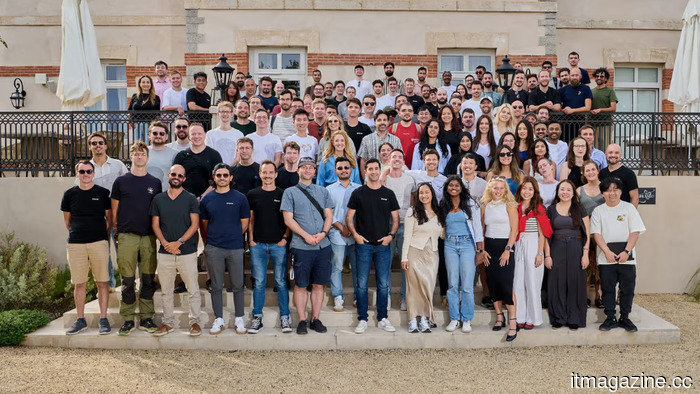 Primer raises $100 million in Series C funding to support US expansion and autonomous AI payment solutions.
Primer, a payment startup located in London, has revealed a Series C funding round of €86.2 million to enhance its AI-driven payments and finance platform.
Primer raises $100 million in Series C funding to support US expansion and autonomous AI payment solutions.
Primer, a payment startup located in London, has revealed a Series C funding round of €86.2 million to enhance its AI-driven payments and finance platform.
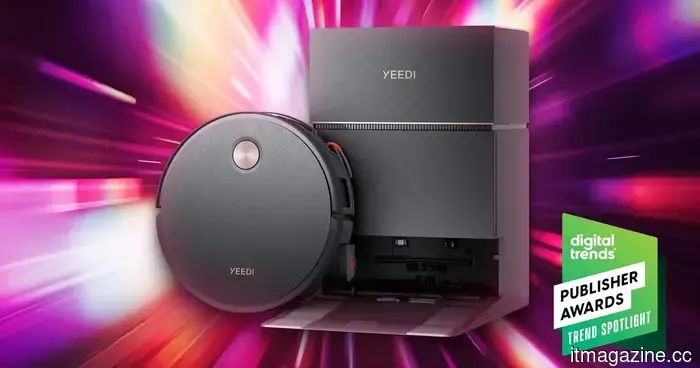 YEEDI S20 Infinity Ultra: transforming the standards of robot vacuum cleaning.
Robot vacuums have excelled in navigation, yet actual cleaning still reveals shortcomings. The YEEDI S20 Infinity Ultra tackles this issue with a pre-treatment spray followed by cleaning, along with a system designed to manage tough, daily dirt in one go.
YEEDI S20 Infinity Ultra: transforming the standards of robot vacuum cleaning.
Robot vacuums have excelled in navigation, yet actual cleaning still reveals shortcomings. The YEEDI S20 Infinity Ultra tackles this issue with a pre-treatment spray followed by cleaning, along with a system designed to manage tough, daily dirt in one go.
 A leak regarding the Samsung Galaxy Z Fold 8 suggests a disappointing set of absent features.
Samsung's upcoming foldable device appears to be focusing on refinement once more, indicating that significant upgrades may not arrive for some time. A recent leak from a reputable source, Ice Universe, suggests that the Galaxy Z Fold 8 series will lack three important enhancements that could have made Samsung's next flagship foldable much more thrilling. This could result in […]
A leak regarding the Samsung Galaxy Z Fold 8 suggests a disappointing set of absent features.
Samsung's upcoming foldable device appears to be focusing on refinement once more, indicating that significant upgrades may not arrive for some time. A recent leak from a reputable source, Ice Universe, suggests that the Galaxy Z Fold 8 series will lack three important enhancements that could have made Samsung's next flagship foldable much more thrilling. This could result in […]
Canva and Adobe are joining Gemini, aiming to make everything conversational.
Adobe and Canva are integrating with Google Gemini, transforming the assistant into a launching pad for design tasks and prompting larger inquiries regarding the control of the creative process.